

Glassware 2.0 servers can be used for schools, small/medium business or enterprise to delivery PC applications to almost anywhere, anytime and any devices, without having to sacrifice features.
They are clustered to support public cloud storage and enterprise storage, manage users and user applications, monitor the server performances, etc.
For more information about Glassware technology, please visit http://sphere3d.com/glassware-2-0-technology/
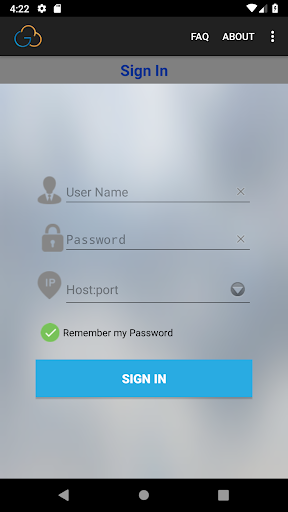
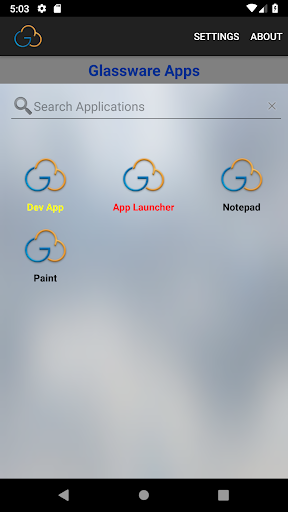
With Glassware for Android, you can connect to Sphere3D Glassware 2.0 servers, where your PC applications are ready for you anywhere and anytime.
To get started, you should get Glassware sign-info from your IT administrator.
Features Overview
- Pure Java/kotlin client, work on any Android CPU Architecture
- Small package size
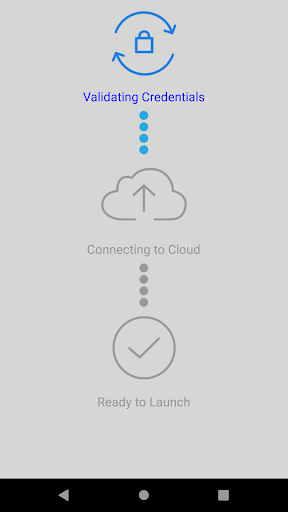
- Secure connection to your data and applications with Network Level Authentication (NLA) technology
- Support remote desktop protocols from version 4.x to version 10.x
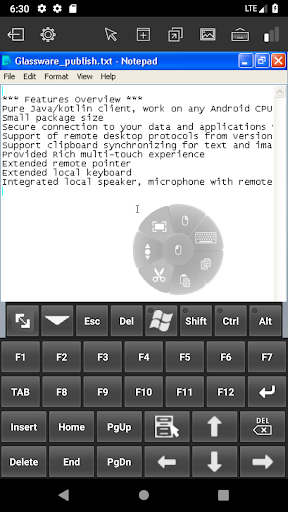
- Support clipboard synchronizing for text and image
- Rich multi-touch experience
- Extended remote pointer
- Extended onscreen keyboard
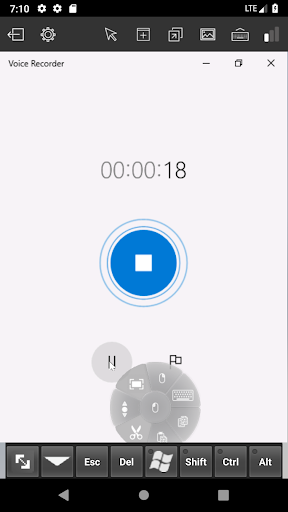
- Local speaker, microphone and local storage integrated with remote session
Added the support for the old versions of Glassware Server;
Supported "App Launcher" if tls handshakes successfully;
Removed the limitations for non-glassware users;
Commented audio recording implementation.




9Apps 4.9














