
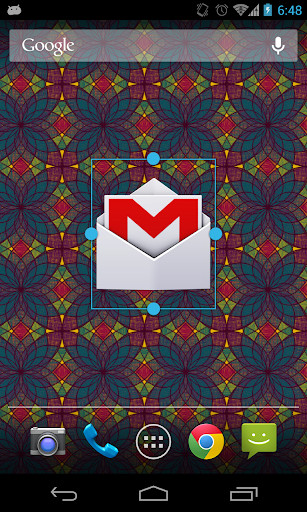
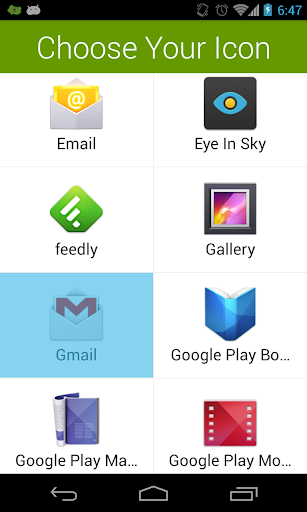
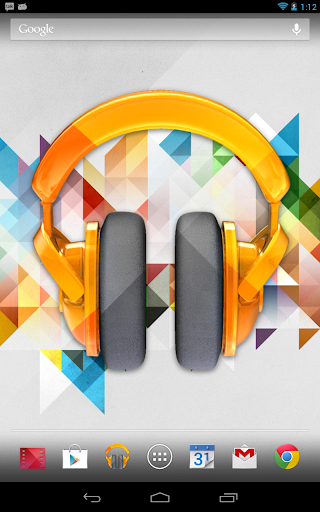
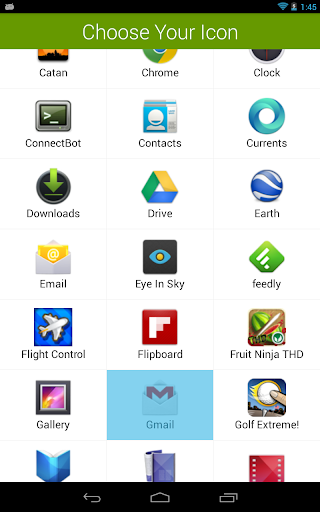
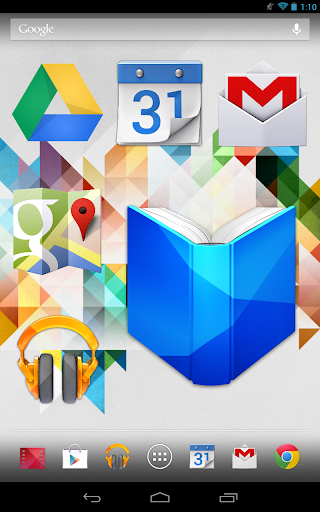
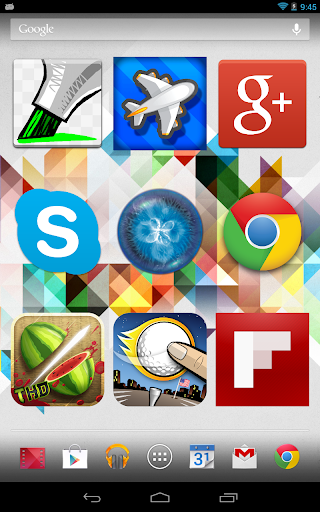
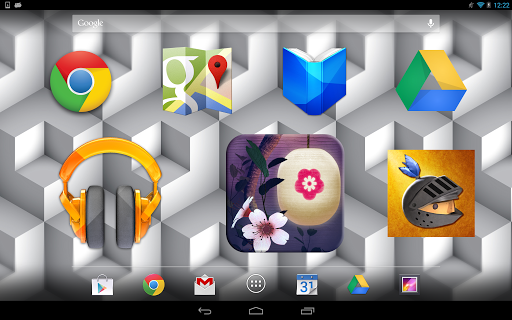
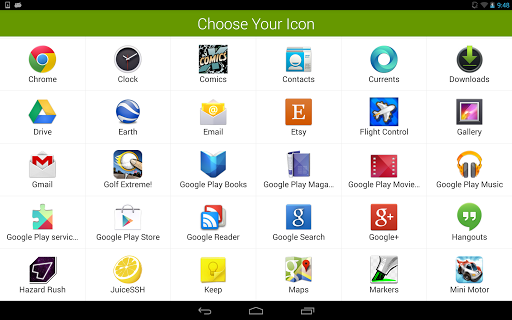
Do you crave bigger icons on your home screen? Are your icons too small to see or touch? Giganticon allows you to personalize your home screen with big huge gigantic giant icons for any app you like.
Just add the Giganticon widget to your home screen and choose your app. You can resize the icon to be tiny, gigantic, or anything in between. Icons for apps available on Google Play will even be in HD!
Giganticon is optimized for phones and tablets running any version of Android.
You can have up to two icons totally free, and then the app will ask you to upgrade. However, there is a secret way to unlock a third free icon. See if you can find it!
For apps that aren't on the play store, Giganticon allows you to substitute any image from your device.
Giganticon is great for kids to make the homescreen simpler, and great at increasing accessibility for people who have poor vision or trouble touching small icons. Kids and grand parents will rejoice! Giganticon supports TalkBack for those who have it enabled.
If you enjoy Giganticon, or want to be a part of the Beta release program, join the Giganticon G community here:
https://plus.google.com/communities/116280044610527086296
Special Features for New Versions of Android!
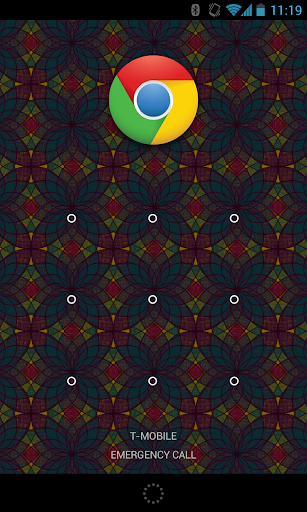
- Giganticon also supports Android 4.2's Lock Screen widget functionality. Access your favorite app straight from your lock screen! (See screenshot)
- A special Giganticon Daydream which allows bouncing icons around your screen while your tablet is idle.
This Release:
1. Fix a bug where Giganticon wouldn't recognize when users had already purchased it.
Previous Release:
1. Add support for pulling the local icon from apps that use Adaptive Icons. This was preventing Giganticon from falling back to local icons.
2. Fix parsing of the Play Store HTML. This was preventing Giganticon from acquiring high res icons.
3. Switch to new in-app billing library.
4. Set target SDK appropriately.
5. Properly request storage permission to store large icons.







9Apps 4.9