

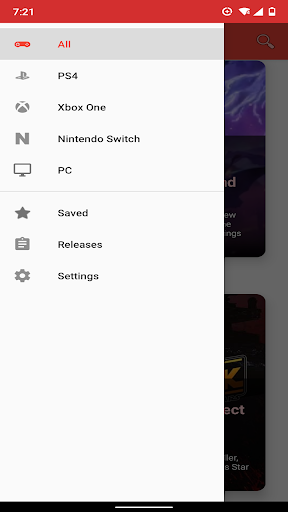



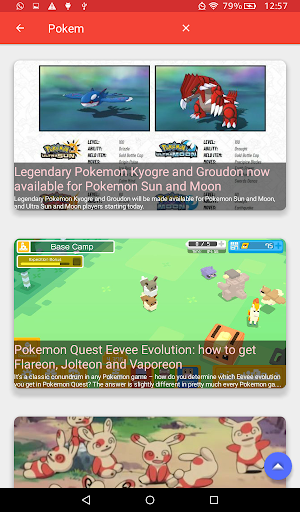
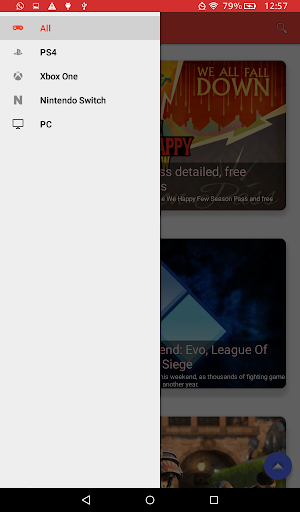

With Gaming News, you have no longer have to worry about going to you internet browser and look for different websites for reading the news about your favorite game or your favorite console!
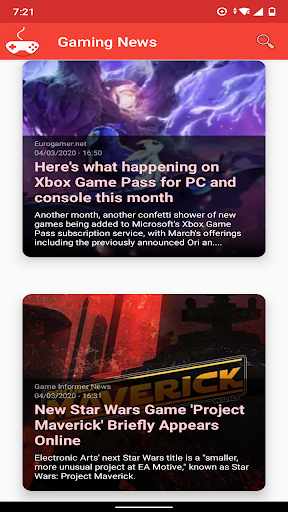
Gaming News fetch a list of news with is thumbnail (if available) and a description, so you can see the most important about details about an article without entering to it. But also, if you want to read more, you can go to the website's news without leaving the app.
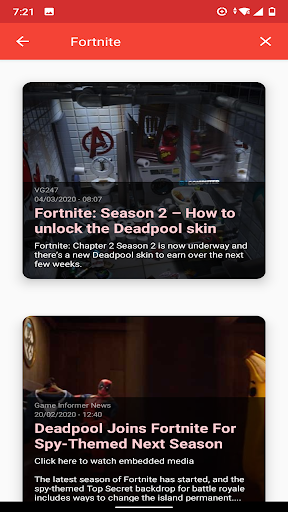
You could also search about your favorite topic's lastest news.
You don't have to worry about having tons of articles saved on your device. Gaming News only fetch the lastest articles from selected websites.
Activate notifications for daily reminders or for an alert whenever there's a new article of you preferred topic (or both!)
Native languages available: English and Spanish.
Feature Photo by Ben Neale on Unsplash.
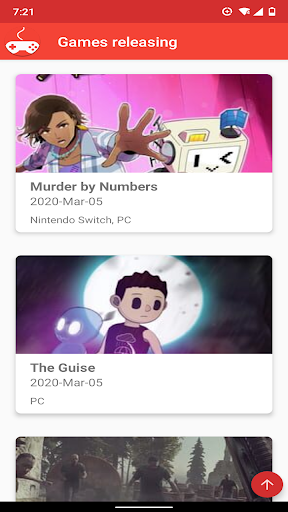
- Releases tab is disable temporary.
- Articles are now open with the default browser of your device by default. You can disable this and keep it the old way on settings.








9Apps 4.9













