
Free and secured download of Android apps on 9Apps. 30,000+ users downloaded Gallery Lock latest version on 9Apps for free every week! It works great even on 2G. This hot app was released on 2018-06-01. If you still need more information collecting extra factors, read below.
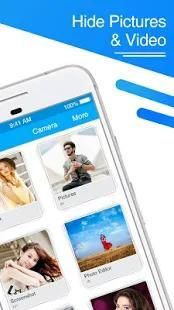
Gallery Lock : Hide pictures and videos
Sometimes you just have to hide some pictures, videos and applications on your phone from other people that might use it. Photo-Video locker makes this easy.
Keep your photos / videos secure and private with photo & video Locker. Photo & video Locker is the easiest and safest way to create a secure location on your device to store and protect your personal/important photos and videos. photo & video Locker is your personal gallery where you can keep your most memorable photos and videos and ensure that friends who use your phone don’t see your personal photos/videos if they browse through your gallery.
Gallery Lock : Hide pictures and videos App is completely free to hide unlimited photos and videos. Do you want your personal life really personal? Keep Secret your gallery and No need to worry when giving your smart phone to friends and family when Photo Lock app installed in your phone.
Gallery Lock is a great privacy protection tool for Android. Lock Your Messages, Mail, Album Gallery, Contacts, Browsers, SMS etc, behind a PIN or pattern. One-tap to lock apps.
Features:
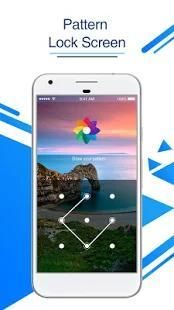
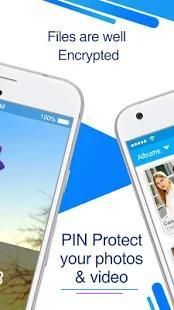
- Gallery Lock secures personal photos and videos by locking them down with PIN and pattern protection.
- Lock apps with password lock, pattern lock
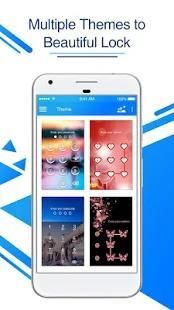
- Well designed classic and color themes
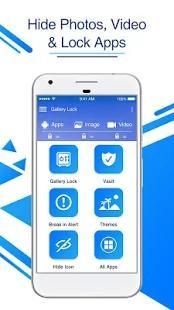
- Hide photos, hide videos and app lock
- Easy and fast, One-tap to lock apps, Very easy and convenient to use
- Gallery Lock is lightweight than other applocker
- You can hide Gallery Lock icon
- Lock system settings to prevent a mess by kids
- Lock App Store to prevent buy games
- Prevent uninstalling apps
- Lock new apps
- User friendly Interface with Beautiful Color Themes
- If you Forget Password you can always Recover Password by your registered e-mail id and regain access app.
- In order to Change PIN or Pattern quickly go to Settings tab and click on Change Password / Pattern.
- Use Theme icon to make the Gallery Lock Screen colorful so you don’t get bored.
how it works:
- Generate PIN with Email ID
- Press add button in the app to add and manage photos/videos.
- Import / export photos and videos from your phone / SD Card.
- Select the photos/videos you want to lock. (Multiple selections allowed)
- Press the Lock icon and there.
PASSWORD RECOVERY:
- In case if you forget your passwords then click on forget password
- Enter your email id and generate new PIN
If you like this app then rate it with 5 stars.
Thanks...




9Apps 4.9















