GV-Eye icon

GV-Eye

3.0.0 for Android
2.8 | 100,000+ Installs | Reviews

Geovision Inc.

Description of GV-Eye

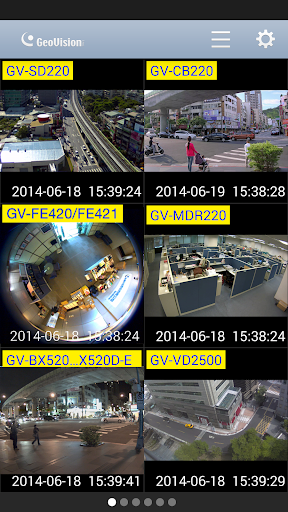
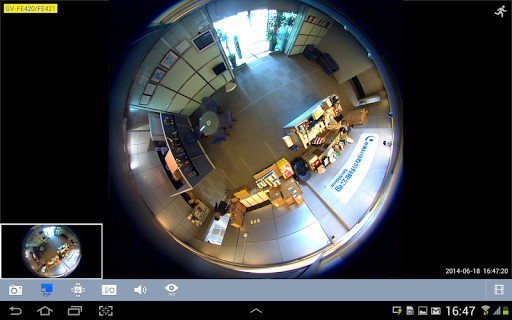
GV-Eye is a free remote view application, allowing you to access GV-IP devices using Android version 9 or later.
For questions or suggestions, contact GeoVision Support at support@geovision.com.tw
Features
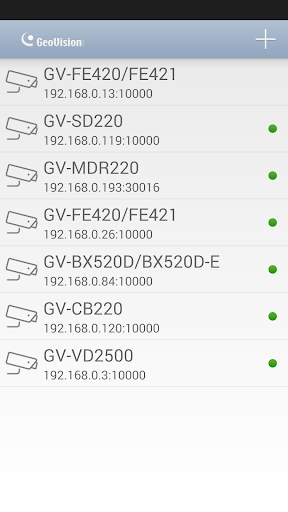
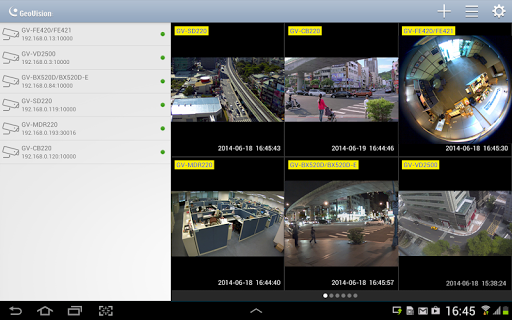
- Connection settings can be added to the address book for quick and direct access. The previous connection settings are saved by default.
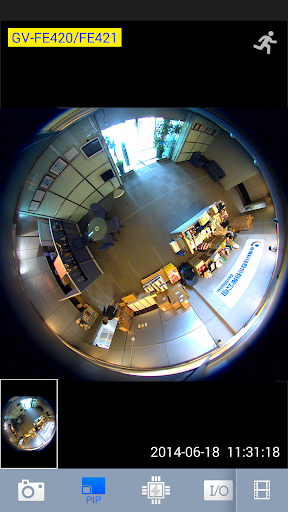
- Support for MJPEG/H.264/H265 codec up to 4000 x 3000 resolution
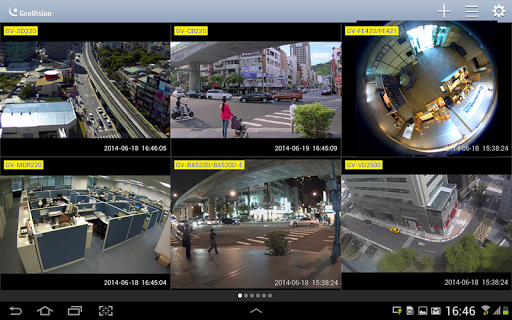
- Display of multiple layouts & channels
- Clicking any channel to access its single view
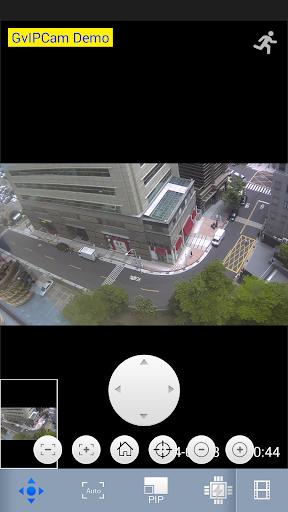
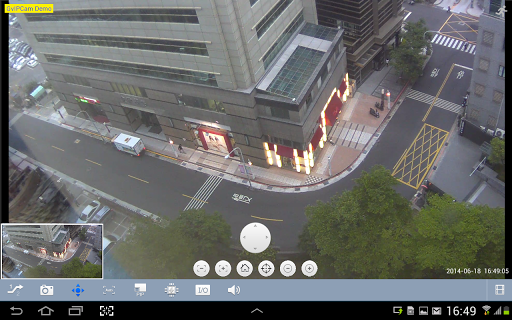
- Support for PTZ functions, e.g, presets, focus and zoom
- Forcing output devices to send alarms
- Taking a snapshot to save live images
- Two-way audio communication
- Recording playback

What's New with GV-Eye 3.0.0

New:
- Support for GV-SNVR models: GV-SNVR3203 / GV-SNVR6403
- Support for UA-HD DVR model: UA-XVR1620
- Support for Easy Mode for a quick access to the real-time images of all channels for individual hosts
Fixed
- Microphone function failure (RTSP Authentication required to be set to “Basic” on the camera’s Web interface, refer to GV-Eye version history for the applicable IP camera models)
Improved:
- Support for H.265 playback export
- Append and Replace options added for camera list import


Information

  • Category:
    Tools
  • Latest Version:
    3.0.0
  • Updated:
    2022-12-22
  • File size:
    38.0MB
  • Requirements:
    Android 8.0 or later
  • Developer:
    Geovision Inc.
  • ID:
    tw.com.geovision.gveye
  • Available on:
Reviews
  • avatar
    App is terrible. Constantly locks me out of my security system and when I try to relog back in it tells me I'm putting in the incorrect password. (EDIT) IM NOT TALKING ABOUT THE APP ITSELF. Im talk about when I go to add my cameras after putting in the ip, port, etc. I know the user name and password are correct so I don't know whats wrong with your app.
    2020-10-23 12:13
  • avatar
    Doesn't work like app is set up.crashes off & on. Doesn't really control camera as well as intended.
    2020-08-16 01:21
  • avatar
    Great 👍 to use pictures are great i don't know what I would do with out it. Pictures and videos are clear as a bell. Never have to think about what to do it tells you so you can kno
    2020-08-09 02:46
  • avatar
    This app does not work well at all with my Android device. I have 19 cameras (soon to be 24) and this app takes 5-7 minutes to load the images. Then when you swipe to another page, you sit there waiting for it to load all over again. I have used other apps and did not have this problem. My camera installer said I had to go to this app to support the new cameras (geovision) but I cannot use this app if that is how long it takes.
    2020-07-27 03:23
  • avatar
    We need a desktop computer app to. We can operate very easily.
    2020-07-07 11:58
  • avatar
    As described when able to connect. 75% of the time it will not connect to server, when it does it works as described
    2020-04-20 10:39