
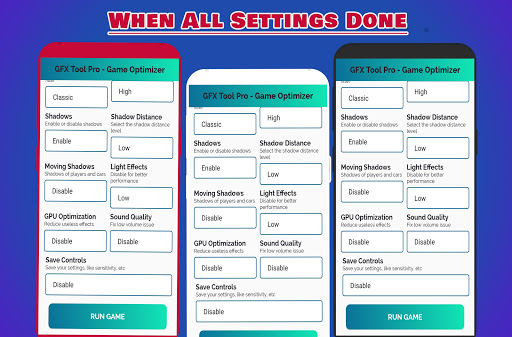
This is the best gfx tool for adjusting game graphics this gfx tool gives you maximum fps in just two clicks. It is specially designed for low-end devices which has less ram it works on those devices very great but this gfx tool also works on high-end devices that have more ram. This gfx tool has many advanced features which others give you paid This gfx tool is working on every device this gfx tool is checked on many devices this gfx tool is great and recommended because this gfx tool is easy to use and also this gfx tool has less in size.
How this works:
step 1: open gfx tool pro app
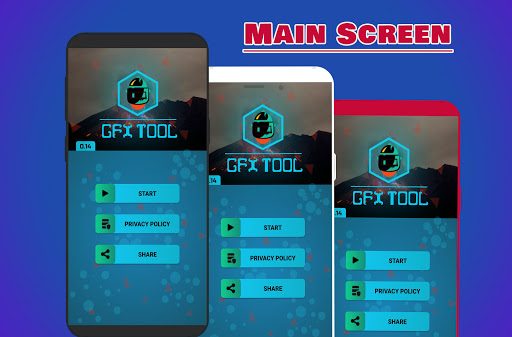
step 2: Gfx tool pro: Click On Start
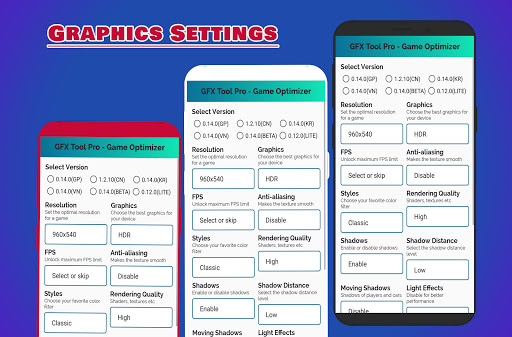
step 3: Gfx tool pro: Adjust Your Graphics and Press Accept
step 4: Gfx tool pro: Click On Run Game
step 5: Gfx tool pro: Enjoy!
Note: If you have any queries drop me a message I will answer your queries ASAP.
Icons By: icon8.com
Updated 0.18.0




9Apps 4.9














