

Advanced Search (or simply GAS) is a powerful tool that allows you to make better use of Google search, filtering the results according to the criteria entered by the user. All this from your smartphone!
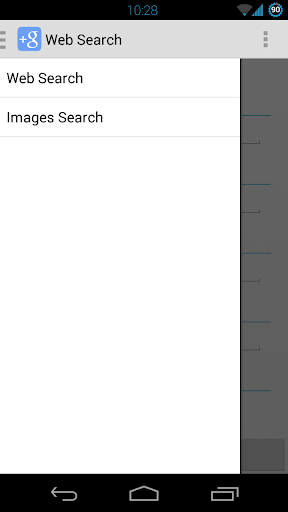
You can perform an advanced search of
Web Page
and
Images
, as well as you can do thanks to the advanced search tools from Google.
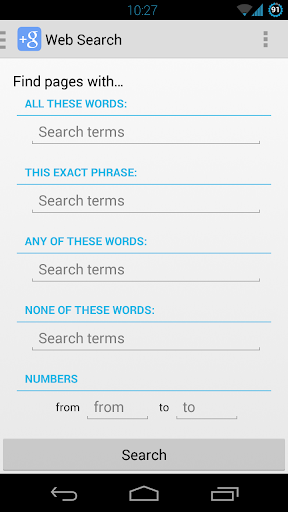
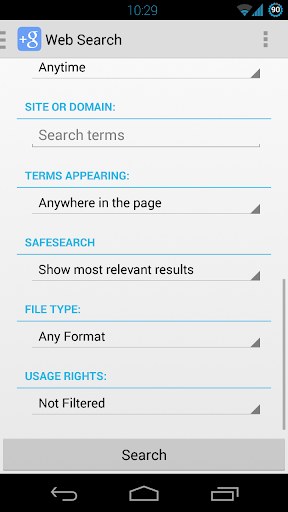
You can filter Web searches using the following criteria:
- Words on the page (all words)
- Exact phrase contained in the page
- Words on the page (any)
- Words NOT on the page
- Consecutive numbers
- Language
- Date of last update
- Web Site or Domain
- Location of the page to be searched
- Security (Google SafeSearch)
- File Format
- Terms of use
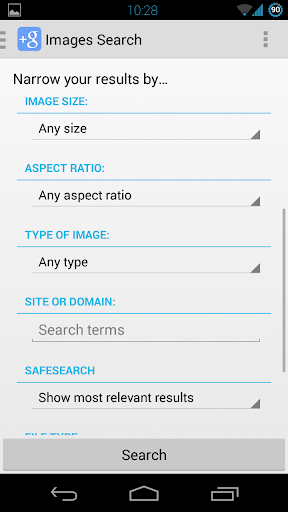
You can also customize Images search according to these criteria:
- Words on the page (all words)
- Exact phrase contained in the page
- Words on the page (any)
- Words NOT on the page
- Image Size
- Image Aspect Ratio
- Type of image (face, drawing, animation, etc.)
- Web Site or Domain
- Security (Google SafeSearch)
- File format (jpg, png, gif, etc.)
- Terms of use
Improvements in layout









9Apps 4.9















