
👍NO Advertising, NO Root required, no PC connection needed for BASIC and PRO mode. Just FREE for the basic features!
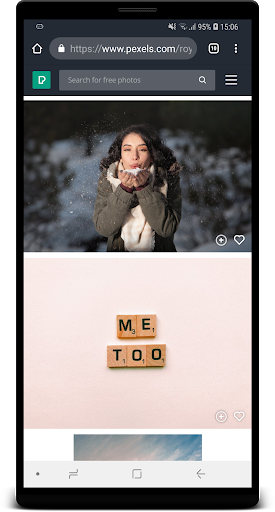
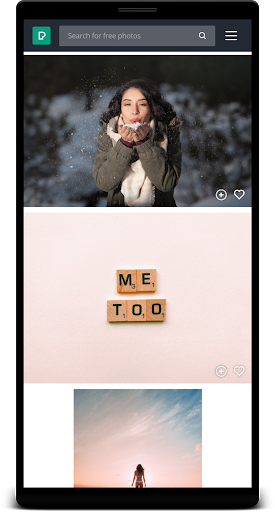
The application lets you use every pixel on the screen to provide better experience for reading books, watching videos and playing games.
The
keyboard
,
back
button and the widget are working in PRO and ULTRA mode.
Swipe up
the bottom screen and quickly the keyboard pops up! Example: https://www.youtube.com/watch?v=oNBdu5pj6z0
We do not like root or ads, just like you!
Key Features:
- Avoid the OLED burn-in (navigation bar, status bar) and enjoy the apps/games/browsing, etc. in full screen
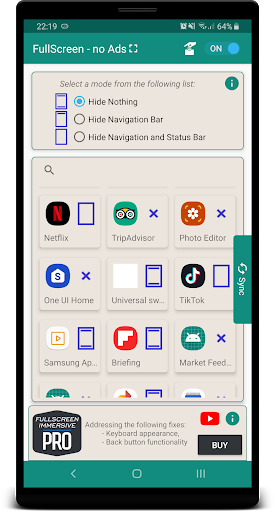
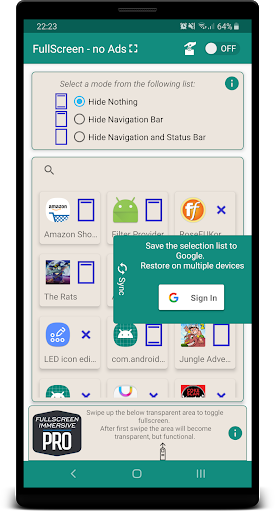
- Hide or show status/navigation bars
-
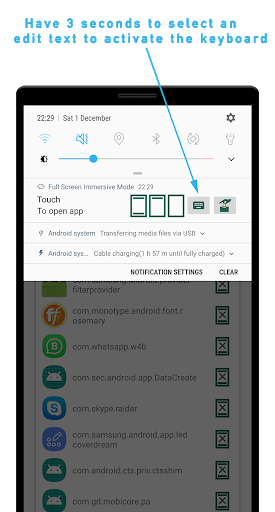
Enable keyboard when in fullscreen
mode [BASIC/PRO]
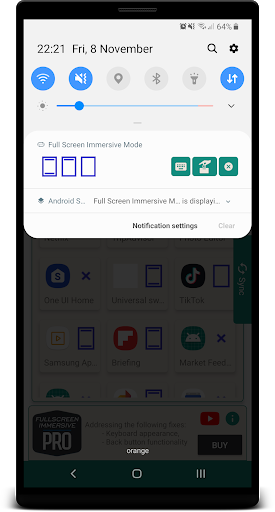
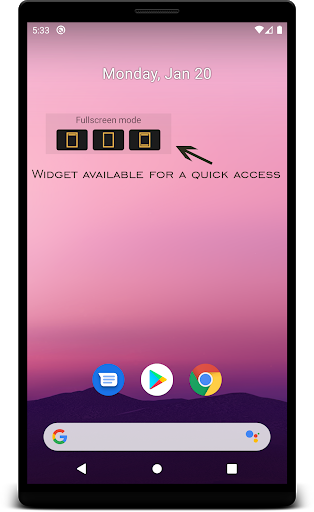
- Notification Widget allow an easily mode change
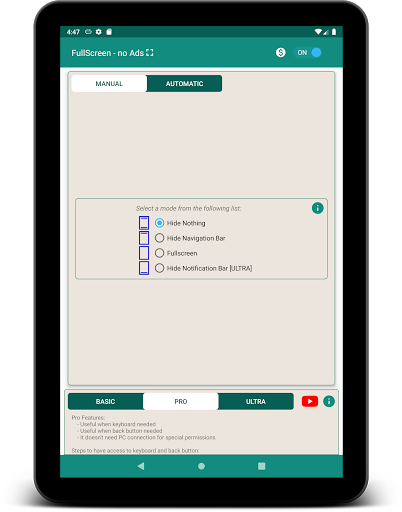
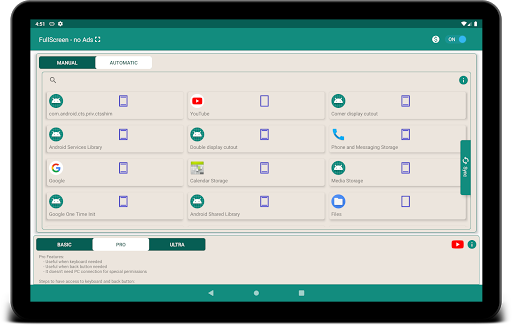
- Automatic per application settings
- Show the keyboard when in fullscreen (PRO/ULTRA)
- Back button functionality when in fullscreen (PRO/ULTRA)
- No more empty space below the bars [ULTRA]
- Keyboard and Back button just works [ULTRA]
- Compatible with external peripherals [ULTRA]
- PRO mode compatible with Android 11
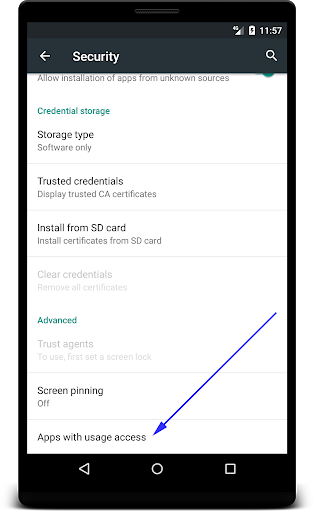
AUTO mode needs USAGE ACCESS permission. The permission is used to detect which app runs on top, in order to auto change the screen mode.
MANUAL mode do not need USAGE ACCESS permission, it just works.
To use the
ULTRA
mode, you must grant the special permission WRITE_SECURE_SETTINGS. You'll need ADB and PC/Mac connection. You can find the tutorial here: https://photosafeinc.blogspot.com/2020/06/fullscreen-immersive-enable-ultra-mode.html
ULTRA
mode is compatible with external keyboards and mouse.
Known Issues by now only for ULTRA mode:
- ANDROID 11 is supported by various devices, we have tested with Samsung S20 series. However, the solution isn't perfect, some users are reporting some devices which are not working.
- If having on top of the display a notch or punchhole camera the top bar may not disappear in some apps
Known Issues only for BASIC/PRO modes:
- On some devices, the bars reappear after one second. Use the ULTRA/PRO mode to avoid the issue
- The app is not designed to work for phones with hardware buttons since our app cannot hide plastic buttons. 😊
- The keyboard and back button could not work during full screen on basic mode on some devices. They were handled on ultra/pro mode
- The app is not designed for split screen and foldable screens
- Nvidia Shield and Android TV must run the adb command in order to allow Drawing Over Apps permission: ./adb shell
:and:
appops set
immersive.duna.com.immersivemode SYSTEM_ALERT_WINDOW allow, but take into account that the app was not designed for Android TV devices.
- If having on top of the display a notch or punchhole camera the top bar may not disappear in some apps
NOTE: the app is not compatible with custom roms and custom navigation bars, nav bars with gestures or other apps that are drawing over the apps.
• System UI Tuner added in the Settings list
• Swipe UP animation added when PRO mode activated
• Stability improvements, various fixes and npe







9Apps 4.9

![Fullscreen Immersive Pro - No Ads [HOW TO] screenshot 1](https://i.ytimg.com/vi/9NmhfhOGV48/mqdefault.jpg)

![GMD Fullscreen Immersive, keyboard fix [HOW TO] screenshot 4](https://i.ytimg.com/vi/5b7VFSGp3Yw/mqdefault.jpg)















