

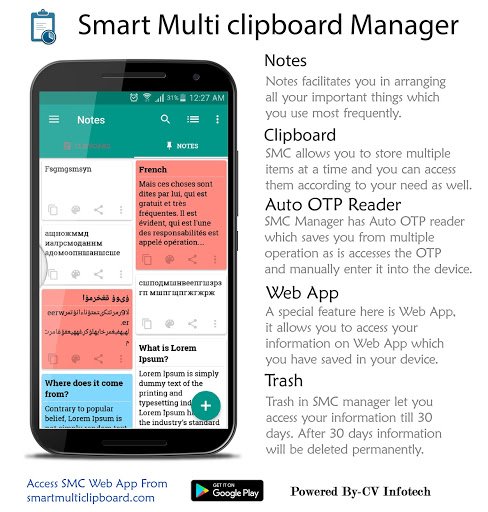
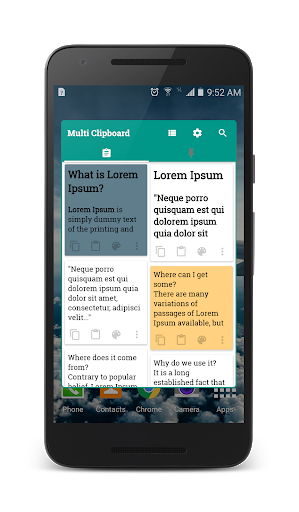
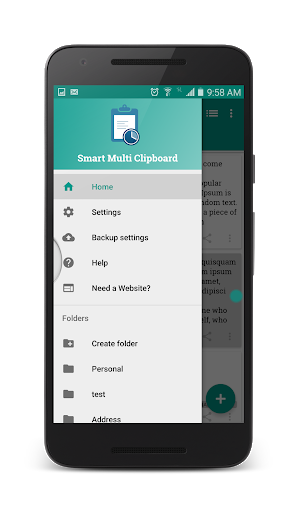
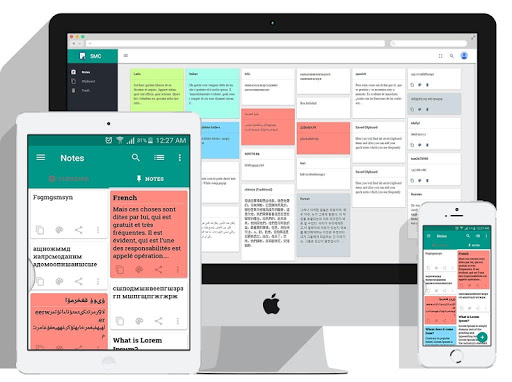
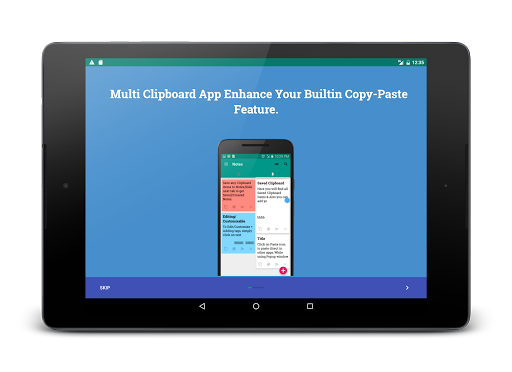
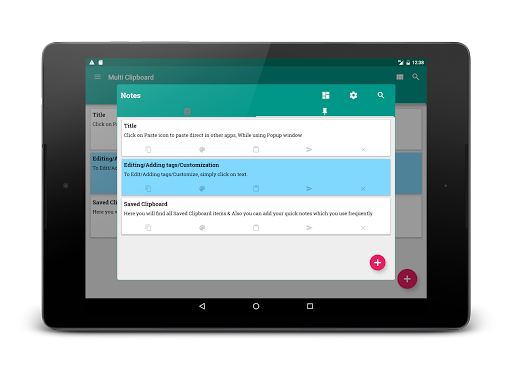
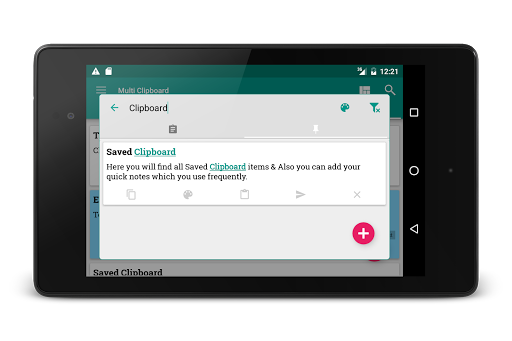
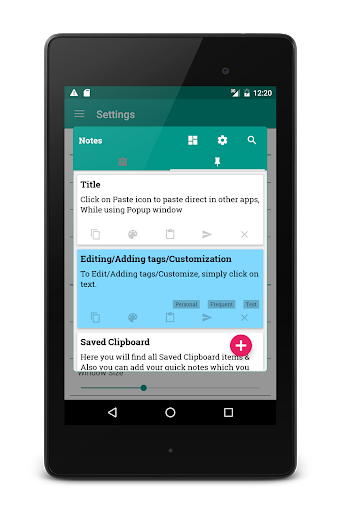
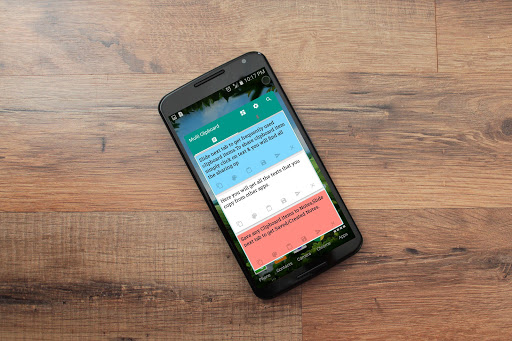
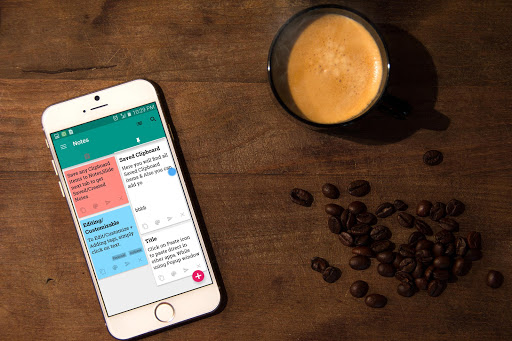
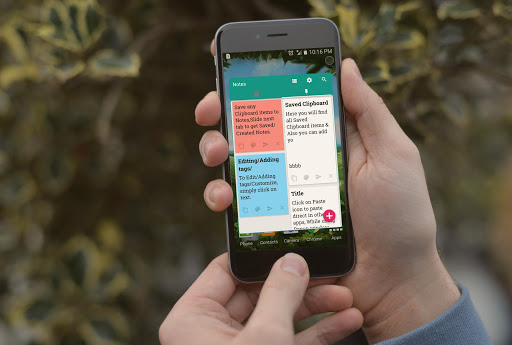
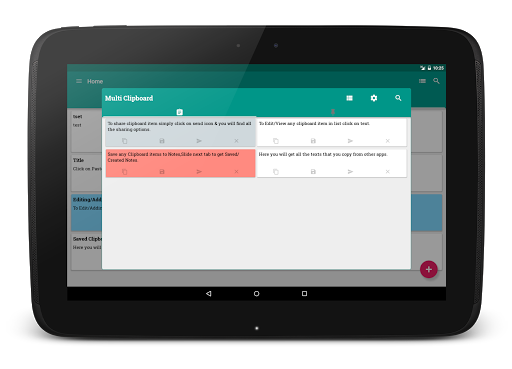
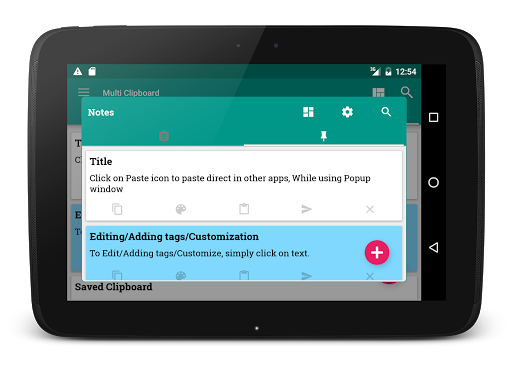
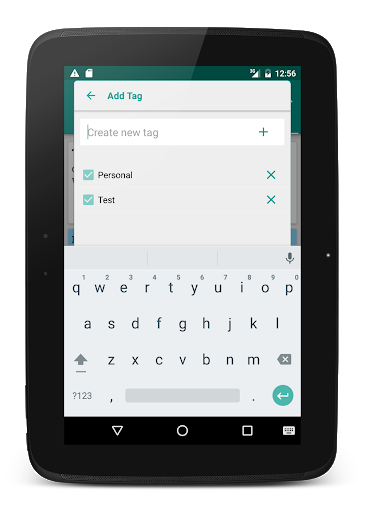
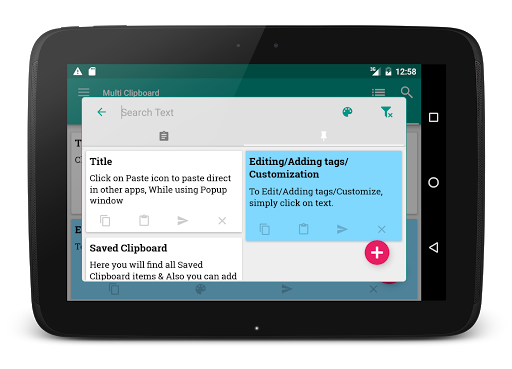
A multi platform Clipboard Manager App that is designed to make users the ultimate organiser of copy, paste and keeping important notes which nevertheless simplifies the copy paste operations on smartphones.
Problem:
You can not copy multiple phrases together in any smartphone. You can only copy and keep one phrase at a time. It is also time consuming to type everything (Name, Email, address....etc) again and again when you need.
Solution:
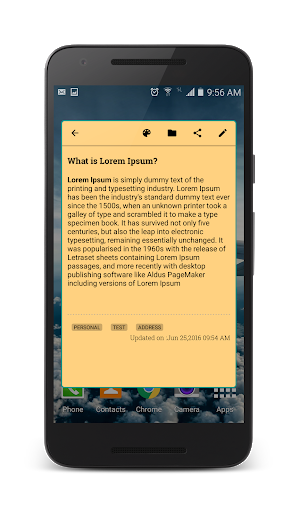
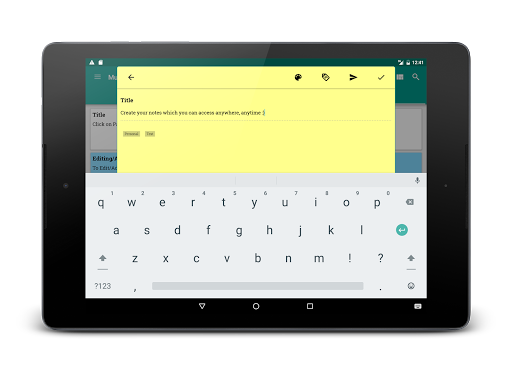
Use Smart Multi Clipboard Manager which lets you copy any number of phrases, keeps them in stack so you can use any of them at anytime quickly. The Notes feature lets you write and save any detail so you can paste anytime later.
Why Multi Platform?
Use this app on Smartphones, Tablets because this synchronises and keeps same content on all devices no matter where you copy and can be accessed as well from computer using the Web App.
Complete App Instruction
available on: http://smartmulticlipboard.com/smc.html#/ManageClipboard
What makes us different:
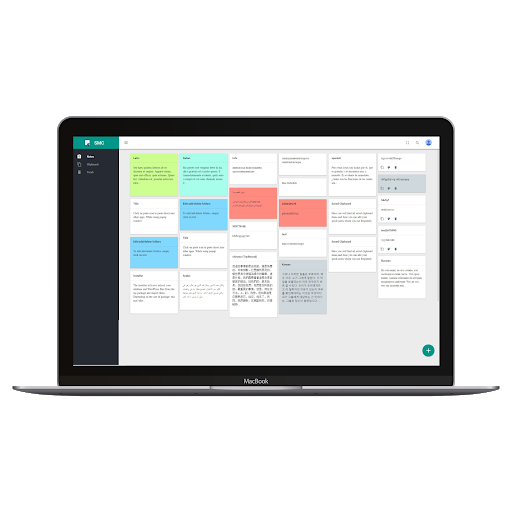
Launched new fast Website App (Website) to access all copied clipboards or notes by signing in with "same" user account you are logged in on your mobile device.
• Web App available on:
www.smartmulticlipboard.com
(Accessible from PC as well)
• Notes and Clipboard Synchronization between multiple devices with Web Sync Feature.
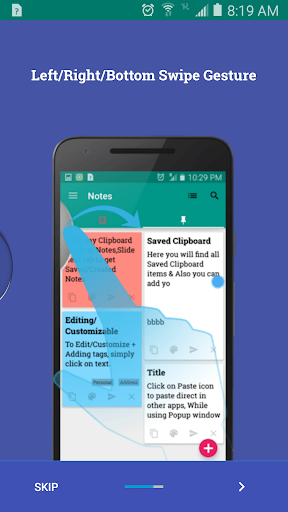
• Multi Copy Feature: The app lets you copy multiple items at a time and automatically store them on the clipboard in stack to access whenever required at the destined place.
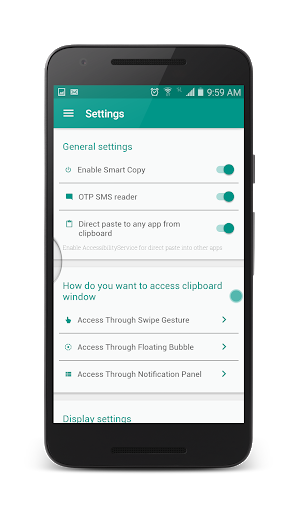
• Easy Reach to Other Apps: The copied content stored on the clipboard can be accessed and pasted at various other applications directly using the Smart Multi Clipboard.
Unlimited: Create unlimited categories, unlimited length of clip content and unlimited notes.
• Easy Reach to Other Apps: The copied content stored on the clipboard can be accessed and pasted at various other applications directly using the Smart Multi Clipboard.
• Easy OTP Accessibility: The OTP code is auto-viewed and copied. A notification appears on the screen displaying the OTP code to manually enter it at the required destination.
•
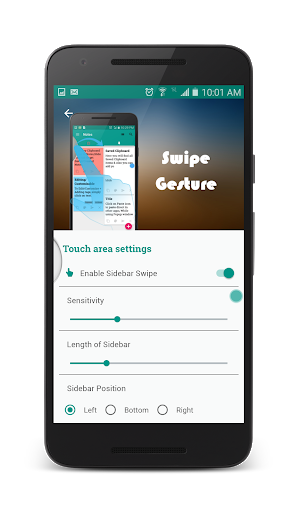
Mighty Bubble: The bubble touch lets open the Smart Multi Clipboard App which then allows the accessibility of already copied items. The bubble can be enabled or disabled using the application settings.
*
Automatic backup: You don’t need to backup your data every time, SMC does it
* Instant and easy access: Access your notes and Clipboards instantly.
* Compatible with every Android version 4.4 and up.
* Clipboard Journal: A clipboard list manager functions.
* Clipboard Monitor: Keeps a history of saved notes and clipboard.
* Copy paste manager- Manages all your copy paste items.
* Text manager- Manage all your text irrespective of the size.
* Easy Copy- Get your text copied easily.
* Notes organiser- Organises all your notes, and makes it easy to search.
* Auto OTP reader- Read OTP automatically as it arrives.
* Auto OTP detect- Detect OPT automatically without going to the inbox separately.
* Multiple device synchronization- Don’t limit yourself to a single device.
* Device synchronizer- Connect multiple device through by logging through a single google account on the app.
* Direct copy and paste- You just copy paste will follow automatically.
* best app for copy paste- Haste free app which lets you enjoy copy paste.
* Large text copy paste app- Don’t worry about the limit of the text or notes.
Let us know your feedback:
We tend to provide finest services to our users and so We value your feedback!
Whether you have a bug report, complaint, concern, a suggestion or an enthusiastic review, please let us know at smartmulticlipboard@gmail.com because it either helps us improve our app or gives us the immense feelings we love working for!
Please rate and review Multi Clipboard if you like it!
- Bug fix
- Improved performance






9Apps 4.9














