Floating Volume Controller icon

Floating Volume Controller

1.0.37 build 573 for Android
3.5 | 5,000+ Installs | Reviews

AnyKey Limited

Description of Floating Volume Controller

Looking for an easy way to control your playback volume?
Are your hardware buttons hidden or inconvenient when playing YouTube or other videos?
Find yourself clicking the lock button instead of the volume button?
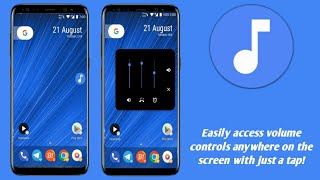
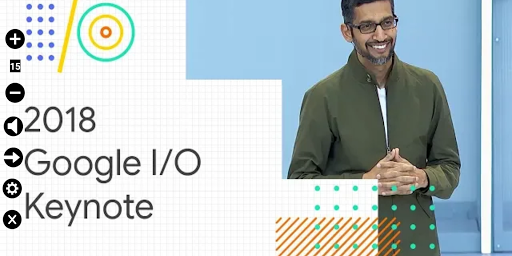
This application adds volume up and down buttons that will float above other applications giving you easy control without having to fiddle with those pesky buttons.
Features:
Easy to use buttons on right or left of screen and display of current level.
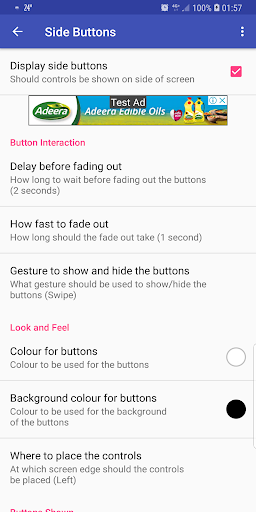
Buttons can be set fade after a few seconds but come back when touched. Simply touch the side of the screen and they will re-appear.
Use click, double-click or swipe actions to show or hide the buttons.
A mute button.
Change the colors of the buttons for better visibility.
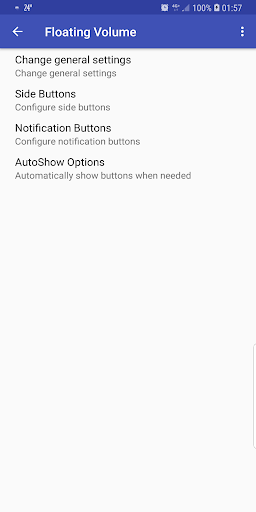
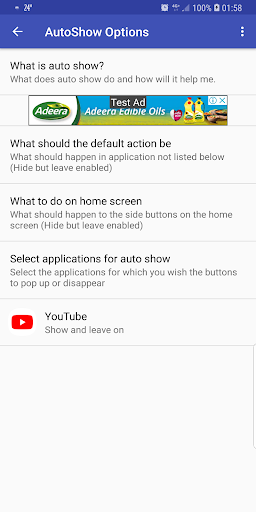
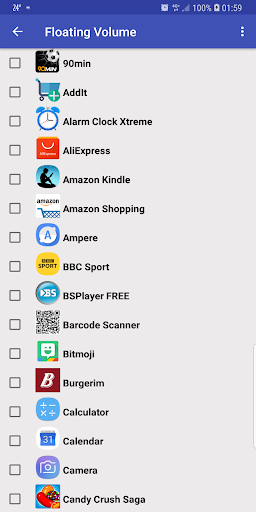
Choose applications for which the buttons will automatically appear when opened.
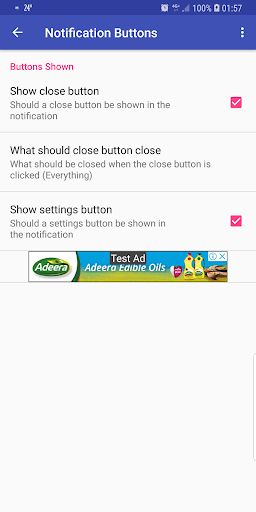
Buttons also appear in the notification area.

What's New with Floating Volume Controller 1.0.37 build 573

Minor bug fixes

Information

  • Category:
    Music & Audio
  • Latest Version:
    1.0.37 build 573
  • Updated:
    2018-09-05
  • File size:
    3.0MB
  • Requirements:
    Android 4.1 or later
  • Developer:
    AnyKey Limited
  • ID:
    il.co.anykey.apps.floatingvolume
  • Available on:
Reviews
  • avatar
    It may take a while to figure out the best settings for this app, but then It's awesome when you do. It has every customization you need: colors, duration, placement, which apps need it, etc. Try it, and be patient setting it up. Not working on new phone. Removed.
    2020-12-10 04:47
  • avatar
    if it would always work as intended, it would be 4 stars, but whenever I close the floating control I can't get it back. to get a 5th star, I'd like to be able to set the height, because I use it to control TikTok volume, and the current position covers some TikTok buttons. also the current position overlaps with other edge gestures that I use. unfortunately, it appears abandoned, so I don't expect updates, and I won't pay to support the dev.
    2020-09-11 12:48
  • avatar
    Malfunctioned, for example, it doesn't hide abnormally
    2019-10-28 07:45
  • avatar
    Extremely unreliable and a pain to use. Uninstalled after a couple of hours. Update in response: UI is ugly - even the icon looks bad. Appears when you don't want it to and doesn't when you do. Instead of controlling it with a swipe, better that there is a permanent floating icon that you tap to show with an X to close. Samsung Note9 with Pie. Update in response. I gave feedback as requested and rather than take the feedback, it got excuses. Took a star off just for that.
    2019-06-22 04:02
  • avatar
    On s8+ will not stay on, sometimes can only tap volume once before it disappears, usually only comes on home screen, not apps. swipe or tap does nothing to try to make it appear.
    2019-03-26 03:41
  • avatar
    It may take a while to figure out the best settings for this app, but then It's awesome when you do. It has every customization you need: colors, duration, placement, which apps need it, etc. Try it, and be patient setting it up.
    2019-03-01 07:08