Flashcards, and the Leitner system, is a fantastic tool for memorising and drilling facts. Anything that can be studied in a quick "question and answer" format can be turned into flashcards – things like short definitions, foreign vocabulary, scientific symbols, historical dates, traffic signs, world capitals and other fast facts.
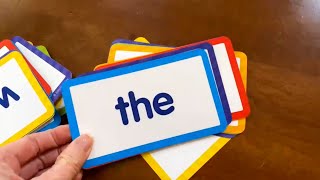
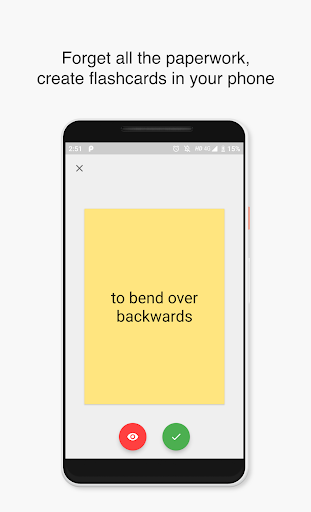
A flashcard is a piece of card with a cue on the front, and the answer on the back. The cue can be a question, a single word or a picture. When you review your flashcards, you will take one card at a time, look at the cue and try to answer it as quickly as possible before checking the answer and moving on to the next card.
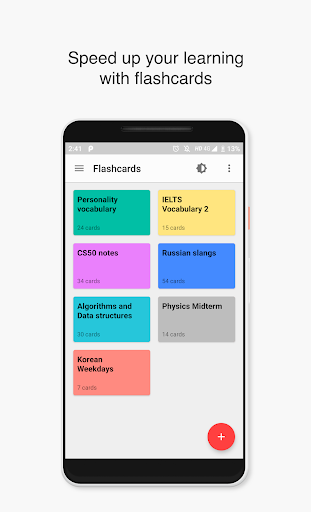
However, it is more convenient to have flashcards on your phone so that you don't carry all paper flashcards.
This app has lots of features, including:
★ Create, edit and study your flashcards
★ Don't know the answer, flip and repeat!
★ Favorite flashcard sets
★ Offline support
★ Study and Quiz modes
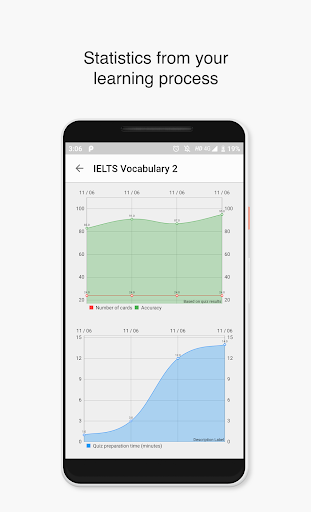
★ Statistics - get statistics from your learning process
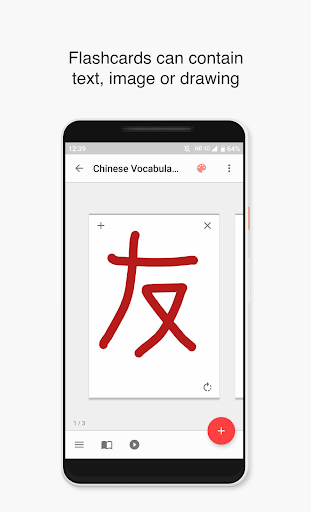
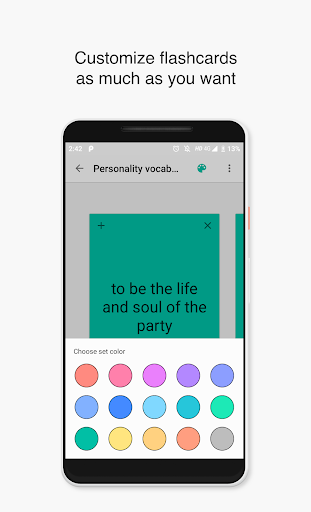
★ Full editable flashcards: edit text/background color on both sides.
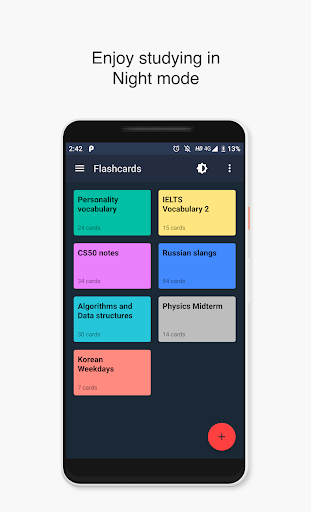
★ Night mode
★ No internet connection is required to use
★ Export flashcard sets to CSV files and share with your friends
★ Import CSV files to create a new sets rather than typing everything on a phone
You can even prepare flashcards in your PC as CSV file and import it from the app.
Edit flashcards:
Flashcards can be edited in both ways. Just flip any flashcard and add image or text Background color, text color can be changed too.
Study mode allows you to easily study your flashcards. All flashcards can be flipped.
Quiz mode allows you to take a quiz from your flashcards. Number of true answers to your flashcards is tracked for each flashcard set and gives you statistics to effectively organize your study time. The results are saved as statistics so that you will keep an eye on your daily progress.
How to guide:
https://www.youtube.com/watch?v=BjVpyqnY9YY&list=PLgNIg_ZUofNtfxypgW7Tjgj_d9kaEyz6i
Supercharge your learning with flashcards and
get the grades you thought were impossible.
For feature requests or bug reports:
kayumovabduaziz@gmail.com
Gimme 5 stars, or if you have time, leave a quick review about the app.
If you're a developer, don't hesitate to send PRs on Github:
https://github.com/AbduazizKayumov/Flashcard-Maker-Android
#flashcard #cards #study #quizlet #learn #education
Bug fixes







9Apps 4.9

![How to Make Flashcards on Canva - Step-by-Step Guide [2025] screenshot 1](https://i.ytimg.com/vi/if25_JLk9uA/mqdefault.jpg)