

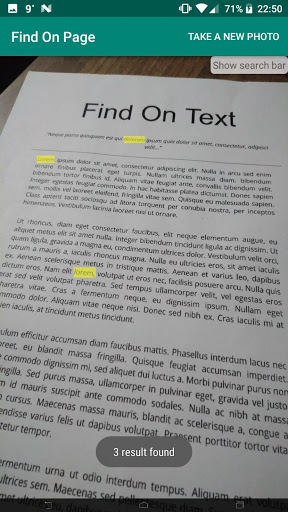
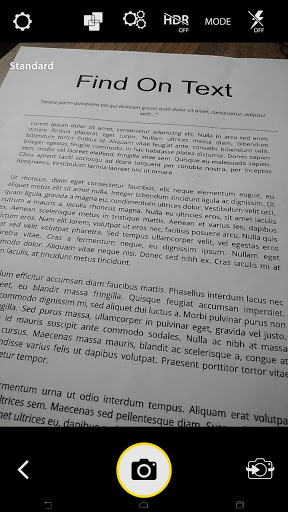
Have you ever want to search a word in a paper? This application will find any desired word in a hard copy page just like searching with CTRL F. You just need to take a photo of paper and type the word. We will highlight these words in seconds.
This application scan your hardcopy documents from your phone camera. Then you will be able to copy of search your any text from the document.
Features:
- Any image to text via Phone Camera
- Any image to text from image gallery
- Selectable all texts in the image
- Searching word on image
How to Use:
- Download the app
- Open app and click;
- From Camera or From Gallery app
- Select or take the image
- Write word that you want to search
- Click search button
- Words will be highlighted
performance improvement







9Apps 4.9















