
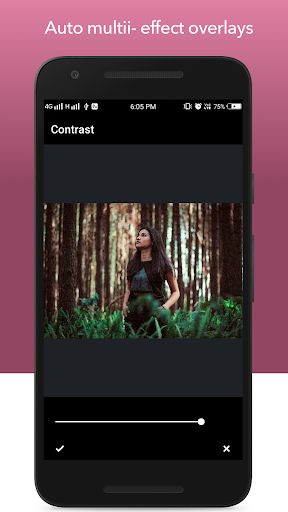
Filter Lab - Photo Editor has Unlimited Possibilities to transform your pics authentic vintage image recreations, vibrant colored
overlays, special multi-effect adjustments, as well as standard image adjustment tools like brightness, contrast, color temperature, exposure and more. Provides numerous filter for your photo. Don't miss Filter Lab amazing filters.
Features:
Filter showcase:
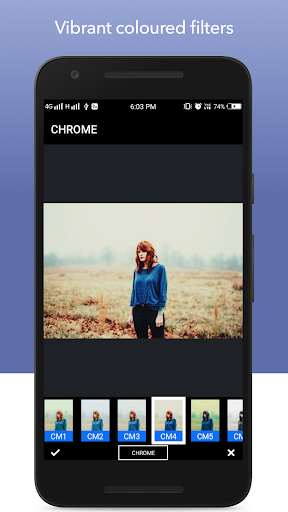
Fully-adjustable filters across five categories like BW Dark, Clean, Chrome, Fade, Vivid Colors, Classic, Lomography, Old Film, Vintage, Splash Art, Polaroid, Season and more. Choose the appropriate category of filter & enjoy its wide varieties of filters.
Random Filter:
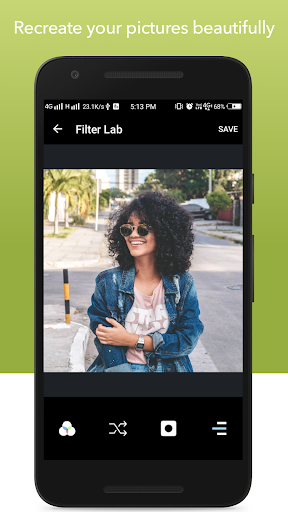
Sometimes it takes little time to choose better filter. Just tap the random filter button to apply random filters to your photo. Once the Vignette feature is turned on, a random filter with random vignette is applied to your photo.
Vignette:
Vignette feature helps to darkening the borders of the photos. Generates the random vignette which best suit to your photos.
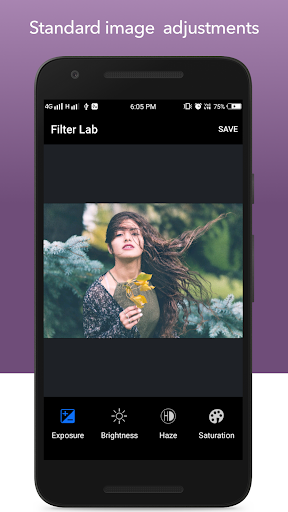
Adjustment: Apply various adjustment to the photo.
- Contrast
- Exposure
- Brightness
- Haze
- Saturation
- Shadow
- Sharpen
- Temperature
- Hue
Share it on Instagram.
Remove water marker by upgrading to premium .
Enjoy! & share your memories with #filterlab hashtag.


9Apps 4.9















