
For serious testers only! FULL feature available in FREE version NOW!!!
Fill your Android device internal storage and external memory/SD card in an automated method.
No need to manually download applications or copy files to fill your device's memory.
No need to root your device.
All created files (plain text) are stored under application designated folder and will not mess up your internal or external storages.
Features:
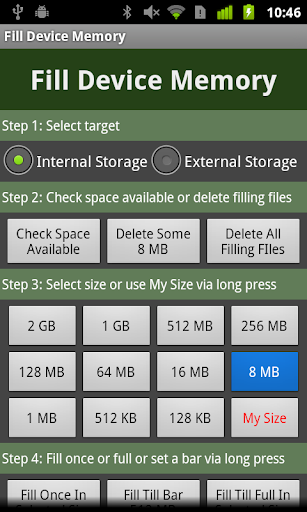
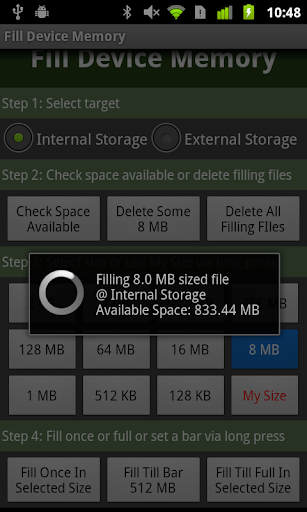
- Fill memory using selected size
- 11 preset file sizes to select from
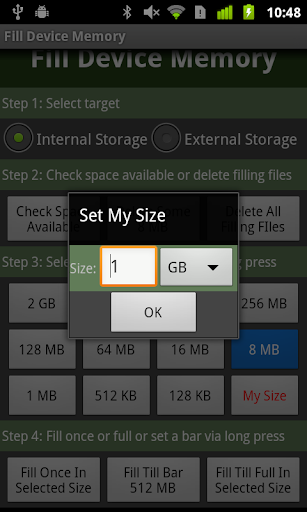
- Long press "My Size" to set your own size
- 2GB maximum supported single file size
- Support fill memory until full
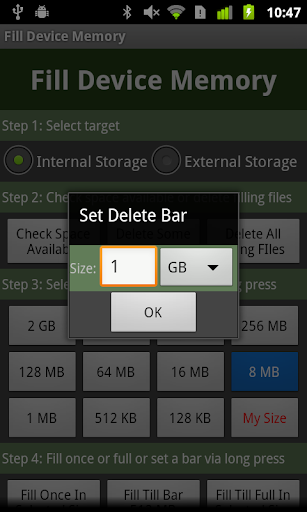
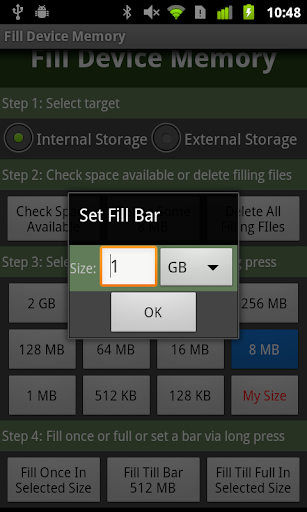
- Or fill memory to a bar set by you via long press "Fill Till Bar"
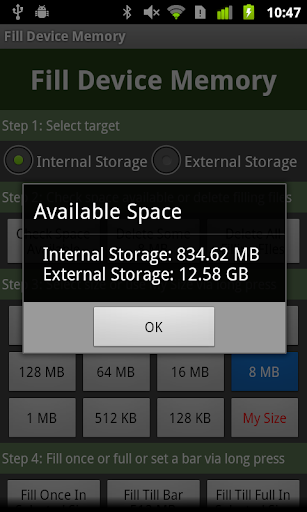
- Dynamically update the current available space
- You can interrupt the fill progress at any time and keep the filled memory
- Once done, delete all files to free up device memory
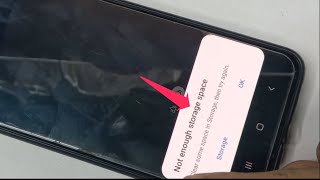
Have fun to see how Android behaves when memory approaching zero, you will get lots of "Force close". Don't worry, try to launch this tool and press "Delete Filling Files".
If you want to check whether it really works, go to Settings->Storage and check what happens with your storage size. And check the created files labelled in timestamp via any File Explorer under "Fill_Device_Memory" folder.
Make this tool piece of useful one on your device.
- Full version
- Fixed crash issue when delete all filling files on Kitkat 4.4 devices
- Added to display byte along KB/MB/GB









9Apps 4.9













