

Fake GPS Location Pro icon

Fake GPS Location Pro

1.0.9.1 for Android
3.4 | 50,000+ Installs | Reviews

Favorite Pro LLC

Description of Fake GPS Location Pro

Installation:
1. First enable the developer settings on your device.
To enable the developer settings go to Settings > About phone > and click on the Build number about 7 times.
2. In the Developer options enable Mock locations.
3. Now you can open app and enjoy it!
Features:
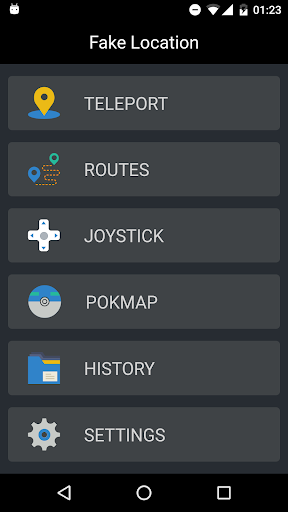
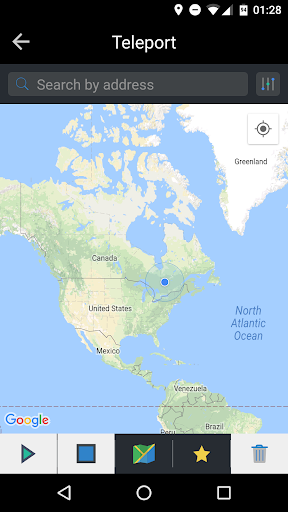
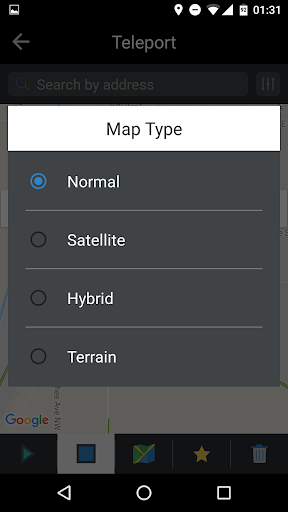
- Teleport : Change GPS location to the selected location
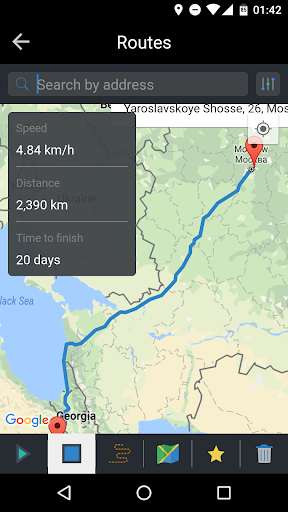
- Routes : Draw route and start fake driving, walking...
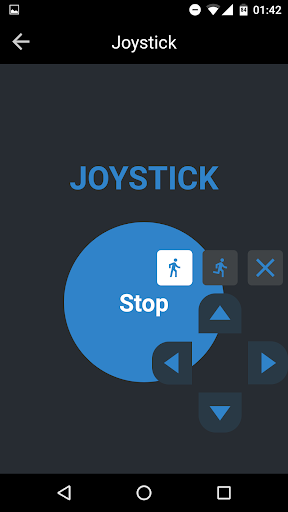
- Joystick : Put open Joystick and change location any time in any application
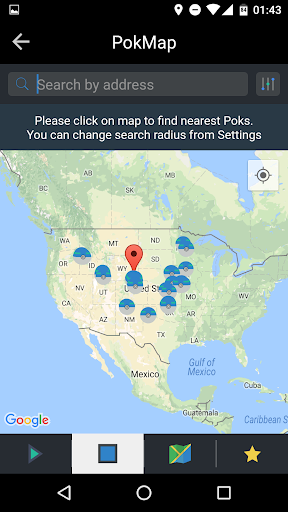
- Pokmap : Find Poks was never so easy
- History : Manage your history and repeate your actions when you want
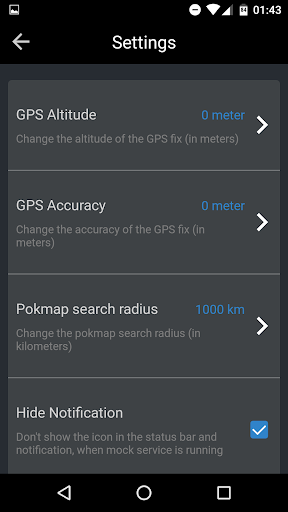
- Settings : Change everything, what you want

Information

  • Category:
    Tools
  • Latest Version:
    1.0.9.1
  • Updated:
    2018-09-23
  • File size:
    3.8MB
  • Requirements:
    Android 4.0.3 or later
  • Developer:
    Favorite Pro LLC
  • ID:
    com.favorite.pro.fakegpslocation
  • Available on:
Reviews
  • avatar
    Ash
    2020-06-05 03:28
  • avatar
    Best spoofing app for downgraded devices . This app can kill FGL Pro
    2019-09-22 01:24
  • avatar
    App is working but when i open settings it show ads every single second, how can i do settings because it cover my screen.. Every second.. Please remove ads from Settings..
    2019-07-16 04:12
  • avatar
    it is an amazing app I love it so much but it has its problems like everybody else has and I have a little trouble with this chan and aloo and dalpuri... chananananansnanananslalalalaoalaolsla
    2019-05-13 06:15
  • avatar
    Oreo 8.1 november patch not supported
    2018-11-23 06:22
  • avatar
    Seeing many ads
    2018-10-27 09:00