

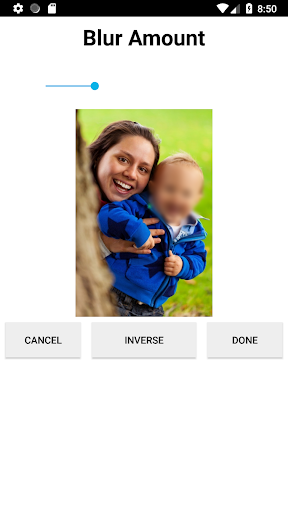
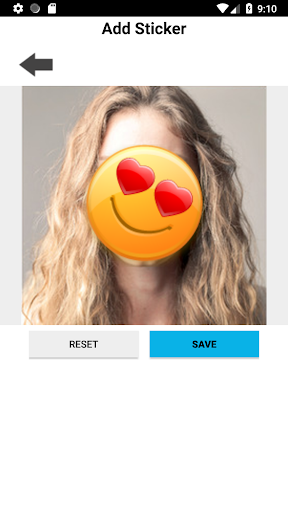
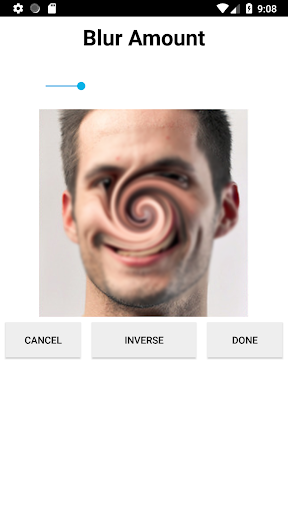
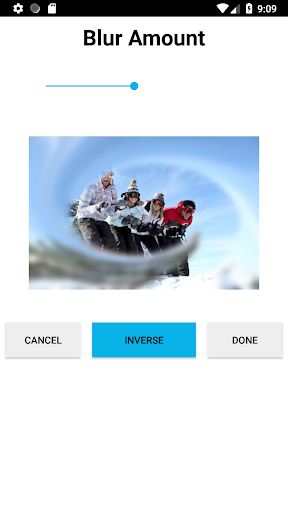
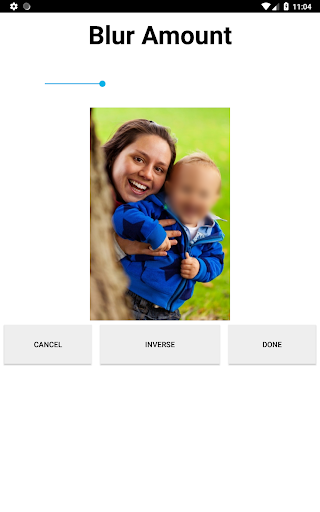
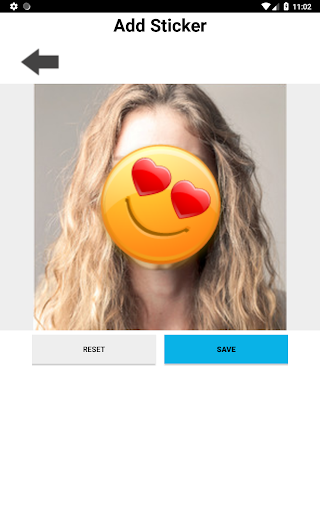
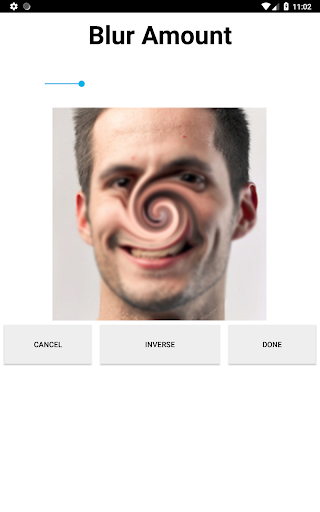
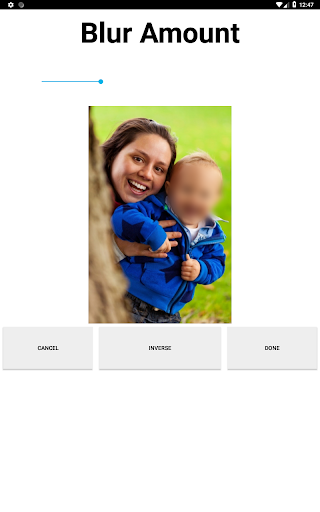
The new and vastly improved Face Blur makes it easy to blur out faces, license plates or objects in photos. The app features many types of blur effects as well as icons.
• Blur out multiple areas/sections in a photo
• Set the blur level
• Apply overlapping blur effects
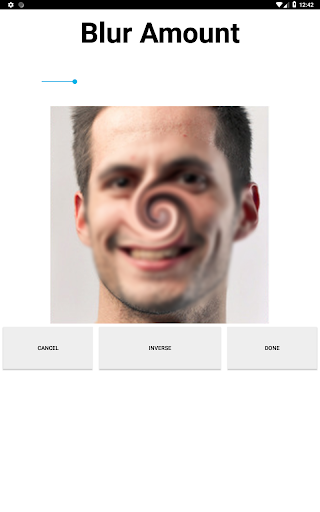
• Choose from standard blur and radial blur
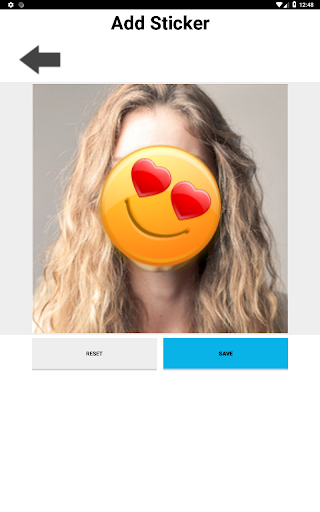
• Place icons over faces (emoticons, censored labels, food, animals, sport balls and more)
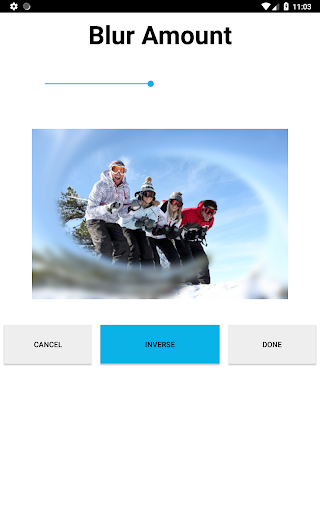
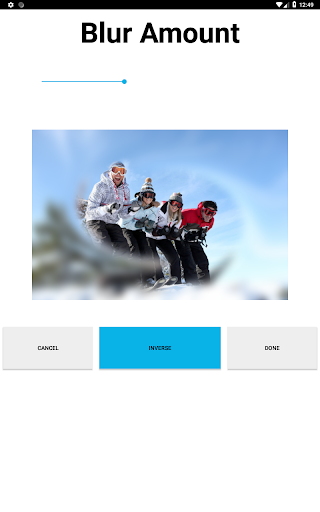
• Capable of applying inverse blur effects
• Additional capabilities include cropping, mirroring and rotating images
To blur your photo, simply highlight the area that you would like blurred using the selection tool and click next. At this point you will be able to select the type of blur that you want applied. The following blurs are available:
Standard blur.
Radial blur.
Stickers/Icons (such as emoticons, censored labels, food, animals, sport balls and more).
Face Blur is also capable of:
Blurring out multiple areas/sections in a photo.
Applying overlapping blur effects.
Performing inverse blur effects.
The inverse effect applies a blur around the selected area rather than inside the selected area. So if you're looking to blur out the background of an image and/or applying a radial blur to the background of an image, the inverse effect is capable of doing this.
Once you've finished blurring out your photo, you can save it to your gallery or share.
Version: 1.6
New and vastly improved version of FaceBlur released.
Version: 1.7
Minor design changes.
Version: 1.8
Fix which addresses issues with saved photos not showing up properly in the gallery.


9Apps 4.9














