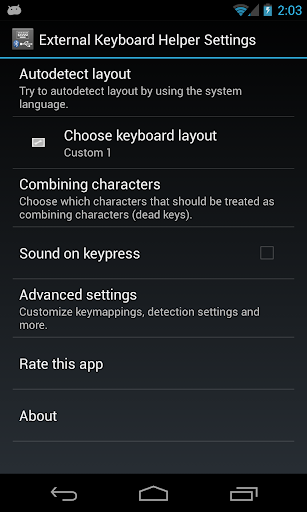
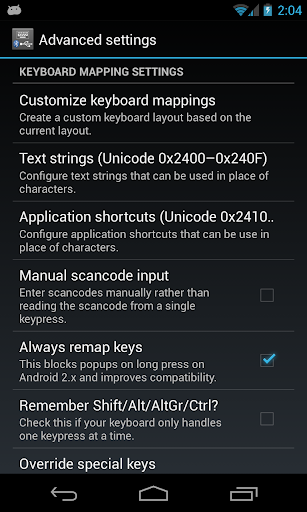
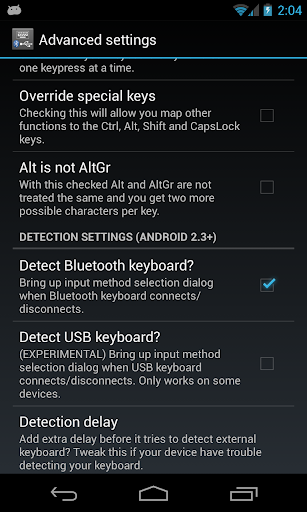
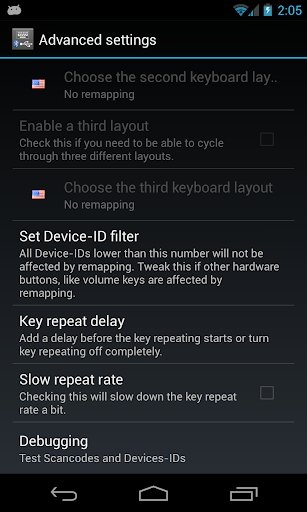
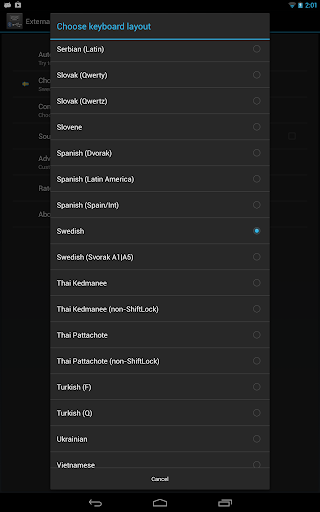
External Keyboard Helper Demo icon

External Keyboard Helper Demo

7.4 for Android
3.6 | 1,000,000+ Installs | Reviews

Apedroid

Description of External Keyboard Helper Demo

PLEASE DO NOT USE THE RATING SYSTEM TO REPORT BUGS OR REQUEST FEATURES!
Instead contact me on keylayouts@apedroid.com. The rating is useless for feedback as it provides no email address for me to contact you for details about feature request etc.
---
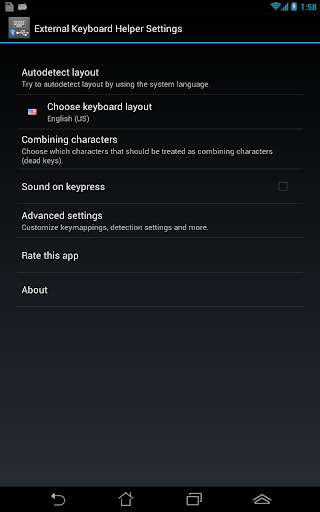
To get started, read these tutorials: http://www.apedroid.com/android-applications/external-keyboard-helper/get-started
For information about the permissions it requires, go here: https://sites.google.com/a/apedroid.com/www/android-applications/external-keyboard-helper/faq
---
This is a crippled demo version of External Keyboard Helper Pro
Everything works just like in the Pro version except for the Space button which prints a message that this is a demo version.
The only reason to install this is if you want to try it out before deciding if you want to buy External Keyboard Helper Pro.
For more information read the description for External Keyboard Helper Pro.
NOTE: This demo version is sometimes rated bad by people who did not read this description and/or do not understand the idea of a free demo version. To get an idea what people really think about External Keyboard Helper you should take a look at the reviews for the Pro version.

Information

  • Category:
    Personalization
  • Latest Version:
    7.4
  • Updated:
    2016-01-07
  • File size:
    655.1KB
  • Requirements:
    Android 1 or later
  • Developer:
    Apedroid
  • ID:
    com.apedroid.hwkeyboardhelperdemo
Reviews
  • avatar
    Works as advertised. Stable so far (Lenovo 7). A bit counter-intuitive to setup, but workable - and the setup you only need to do once.
    2020-09-16 02:23
  • avatar
    I customized. Then the program didn't accept the customized controls
    2020-09-06 12:14
  • avatar
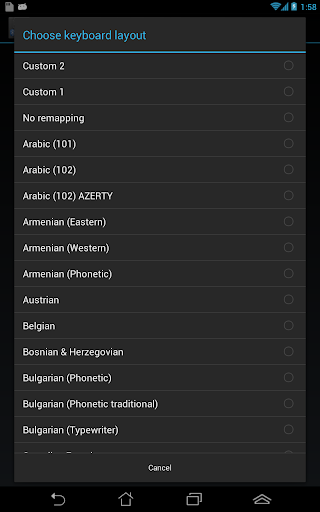
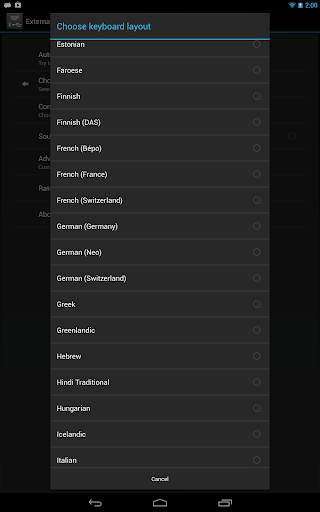
    I was looking for application which will support two language layouts for my Bluetooth keyboard (Logitech) with my Sony Bravia Android TV. For some reason Sony does not let you to use two languages on BT keyboard out of the box. This one is only one which worked for me (I tried four different apps) . You can assign key combination you like for language switching. It appears as additional keyboard in settings / keyboard menu of your Android TV. Configuration menus are a bit inconvenient, had to read some manual on the Internet to understand how to add layout and assign language switching key combination on BT keyboard.
    2020-08-06 06:01
  • avatar
    A1 App for external keyboard...And you even change your external gamepad's buttons mapping... Its need specially when you want to use some specific keys on external gamepad🤩🎉
    2020-06-12 05:02
  • avatar
    Dont feel like unlocking my phone just to use my controller with my phone
    2020-04-23 10:59
  • avatar
    Let me preface by saying that I found this app from YouTube and so already had a visual before downloading the app. I think this app might be hard to understand otherwise. However, it allowed me to PERFECTLY map my DualShock 4 controller to the more universal Xbox button layout. This has allowed me to use the DS4 with many games, including GeForce Now and RetroArch. Bravo, have been looking for such capabilities for months without success!
    2020-02-05 02:46