

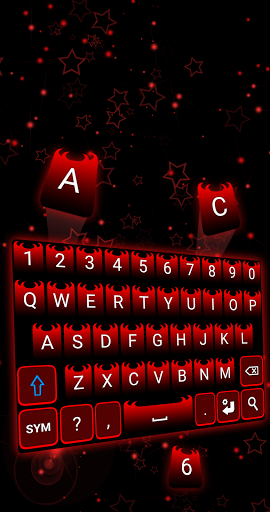
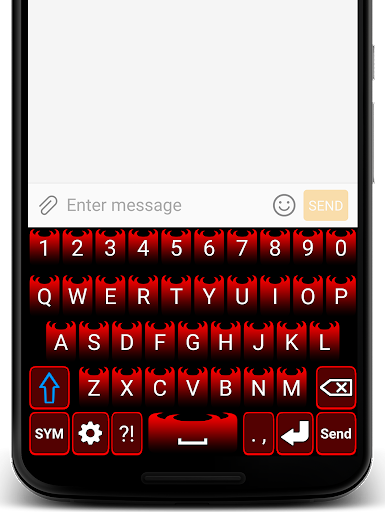
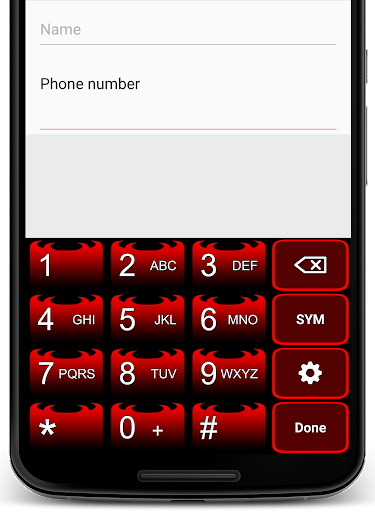

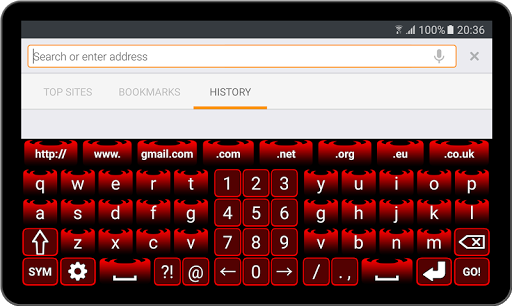
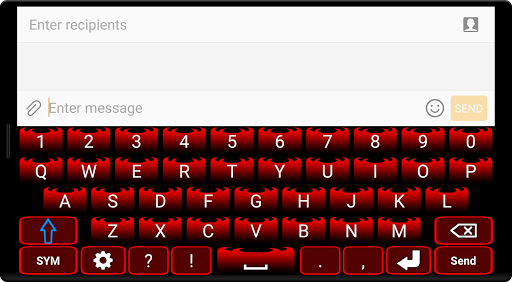
Evil Red Keyboard is a simple keyboard with a stylish and trendy design and extra symbols added. Download and install Evil Red Keyboard for Android for free right now!
You can set in the Evil Red Keyboard settings the format of the keyboard when is on landscape orientation, either to normal keyboard or the two hand keyboard format.
The background color of the keyboard can be changed from the keyboard's settings, so you can change your keyboard style any time.
In Evil Red Keyboard settings you can also change the vibration intensity.
With Evil Red Keyboard you can delete everything with a swipe, just swipe left and everything is deleted. Activate this function in keyboard settings, check "Swipe Left" box and your keyboard it's ready.
Evil Red Keyboard supports only latin languages. (English, French, German, Portuguese, Spanish, etc.)
Installing Keyboard
- Go to Phone Settings.
- Tap General Management.
- Tap Language and Input.
- Tap On-Screen Keyboard (or Virtual Keyboard).
- Go to Manage Keyboards.
- Check the Evil Red Keyboard box.
- Set Evil Red Keyboard as default in "Default Keyboard" section.
Note: Steps may differ depending on the phone model and android version.
Our Keyboards does NOT store or collect any kind of information.
For suggestions and bug reports please send us an email at c10studio.software@gmail.com



9Apps 4.9


![Akuma no Ko - Attack on Titan Final Season Part 2 ED [Piano] screenshot 5](https://i.ytimg.com/vi/Td7uUVlB9bQ/mqdefault.jpg)












