
Employee Engagement Manager icon

Employee Engagement Manager

3.0.6 for Android
4.2 | 10,000+ Installs | Reviews

NICE Ltd

Description of Employee Engagement Manager

NICE Employee Engagement Manager (EEM) AKA CXone EM empowers you, the frontline agent, to self-manage your schedule and activities in the contact center with exceptional visibility, flexibility and control. Download the NICE EEM app to experience the following benefits:
Self-Service Scheduling, 24/7
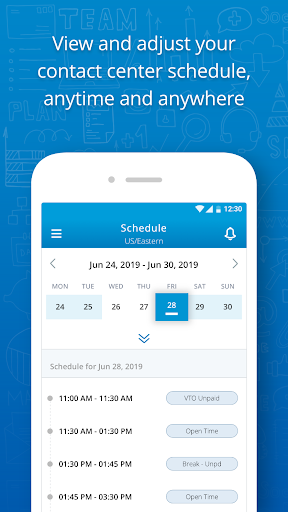
Use the NICE EEM mobile app as a personal assistant for your contact center scheduling needs. View your hours and shifts with precision, anytime and anywhere, whether in the contact center or "on the go" outside.
Greater Schedule Control
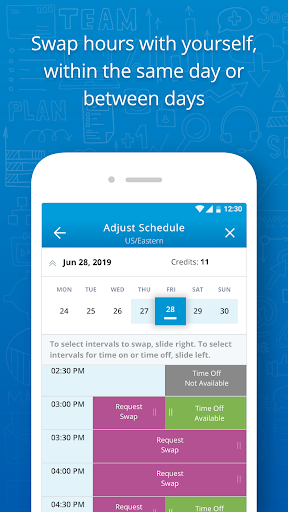
Adjust your schedule with outstanding responsiveness and control, using EEM's in-app approval flow. No more long wait times and email exchanges with supervisors or administrators to get your schedule change requests reviewed and approved. Get it done quickly!
Better Work-Life Balance
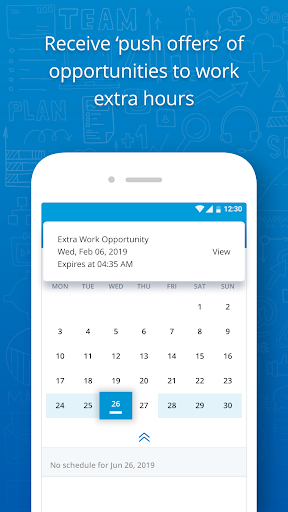
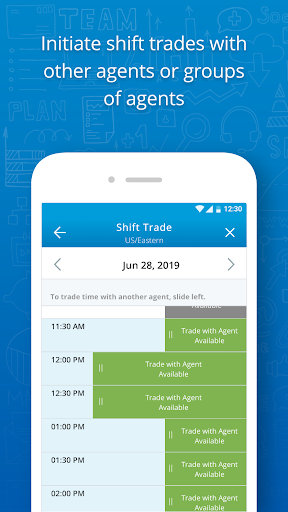
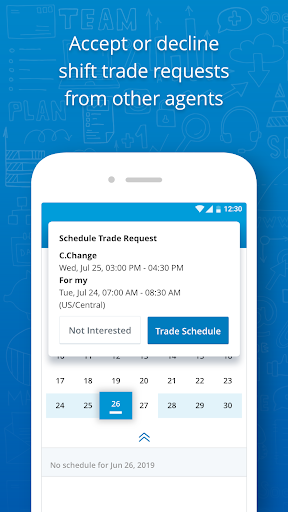
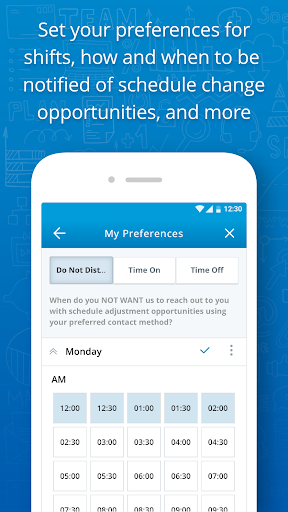
NICE EEM can offer schedule change opportunities based on your own preferences. In EEM aka itime or mytime, you can add extra hours to your schedule, swap or trade shifts during the day and into the future; or you can give up hours/shifts on short notice. Take advantage of schedule change opportunities that are optimized for you! (Note: schedule change opportunities are made available based on the staffing operation's specific processes and needs at the subject time.)
Read Terms of Use:
https://eemmobileapps.nicewfm.com/privacy-doc/EEM App TOU clean.html
NOTICE: If you are not sure of your contact center granting the use of NICE EEM, please first check with an administrator at your organization that NICE EEM has been deployed in the contact center.

Information

  • Category:
    Business
  • Latest Version:
    3.0.6
  • Updated:
    2021-11-10
  • File size:
    18.8MB
  • Requirements:
    Android 6.0 or later
  • Developer:
    NICE Ltd
  • ID:
    com.nice.eem.mobileapps
  • Available on:
Reviews
  • avatar
    It worked for a while but now it keeps logging me out and showing no schedule available.
    2020-12-15 03:04
  • avatar
    I can not get it to stay logged in. AS soon as I log in and click on anything in the app, it signs me back out. It does not show anything for my schedule at all. IT is just glitching and not doing anything at all for me right now.
    2020-12-11 06:12
  • avatar
    Doesn't work well! Freezes up and continues to give errors. I removed the app and reinstalled it but still have the same errors.
    2020-11-20 08:59
  • avatar
    Sleek looking interface works mostly great except in two instances. Can't save my login credentials and somehow typing it in everytime is safer than not? Please consult a cybersecurity specialist they will tell you otherwise. Also under Notifications, there is a back arrow to leave and a giant X that looks like its supposed to clear all notifications but instead it also just leaves. So I have to manually clear all notifications. Please fix these bugs. Otherwise a nice app.
    2020-11-14 03:03
  • avatar
    I had trouble logging in for months until I spent some time with help desk and they managed to sort it out. Glad I can login now but the functionality isn't too great. The main purpose seems to be to request late/absence as nothing else is ever available really like adjusting ur schedule is almost always not available...not really the devs fault but still makes the app seem useless
    2020-10-28 07:28
  • avatar
    Very unhappy with this app. Requesting time off does not work you can't request plan time or holiday time. You can only put in unplan the day of and one day after. My schedule is completely wrong, showing I have work on Friday when that's my day off. An update to previous review. I still don't care for this app. The company I work for only allows you to request unplan time on the app. My schedule is reportedly correctly now.
    2020-10-19 10:47