

Great for Getting Things Done! (GTD, tasks, to do) Also a Tasker and Locale plugin.
** Please note that this app is no longer supported. You may still install it, but no enhancements will be made and no bugs will be fixed. **
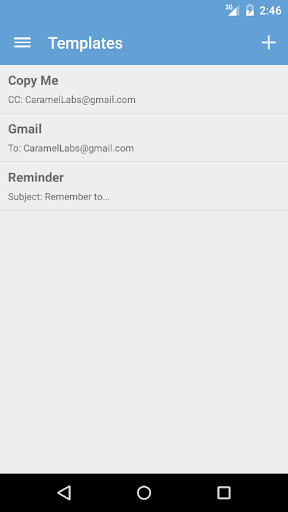
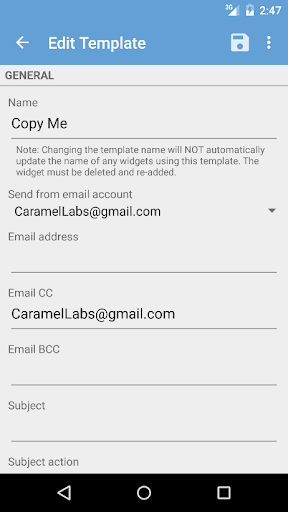
You can set up multiple email templates (which include the email recipients, subject, message, and even attachments) for tasks, work, personal, etc. Then use those templates to quickly create a pre-populated email or to share something from another app using the Share menu. You can also create shortcuts on your home screen using a template.
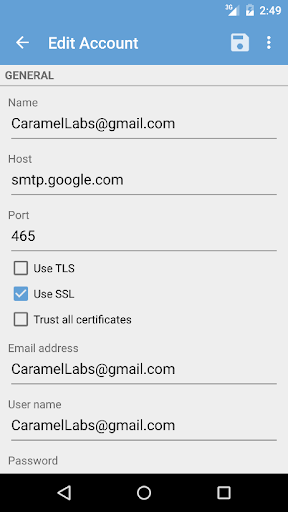
You can also set up Email Me Pro to send you emails automatically, so you bypass the email compose screen completely! No more extra steps to send an email! The SMTP settings are configurable, enabling you to send from any single email account.
Email Me Pro allows you to quickly email files (including photos) from your phone, either automatically or using your email app's compose screen.
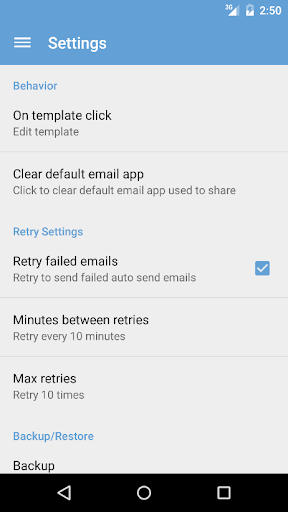
Using Email Me Pro's Auto Send feature, you can schedule emails to be sent at regular intervals, such as every day or every week.
Email Me Pro is also a Tasker and Locale plugin, so you can send emails automatically (to anyone) using the numerous triggers in Tasker and Locale. Please note that Tasker and Locale are separate apps that must be installed and this only works using Auto Send in Email Me Pro. Both are great apps and I highly recommend checking them out.
Check out Email Me if you want a free version of this app (with less functionality).
Please note that you have the option to turn SSL on or off and trust all certificates in the preferences. However, it's recommended to always keep SSL on and not trust all certificates (which are the defaults). Unfortunately though, this doesn't work with all email providers.
4.0.2
- Moved captured photos from the Pictures folder to DCIM so it's picked up by Google Auto Backup.
- Restored the ability to delete or resend single email in the Auto Send Log.
- Added ability to schedule template to be sent once. Once the template has run, its schedule is set to None.











9Apps 4.9












