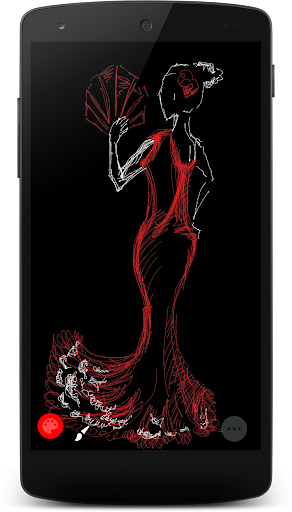
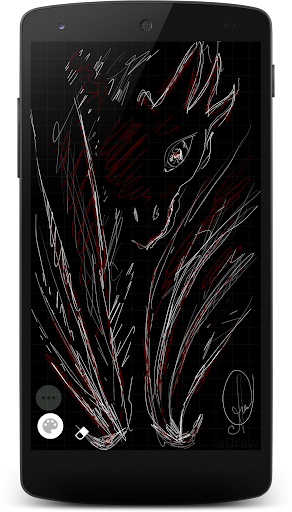
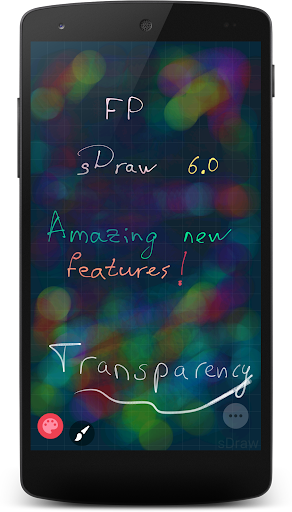
FP sDraw - 🗒️ is your sheet that is always at hand. A convenient tool that helps in everyday life.
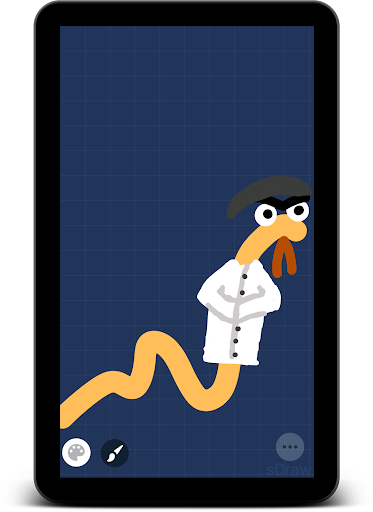
✨ Nothing extra - You open it and draw immediately. No ads or intrusive notifications. It has a pleasant and thoughtful design. You can quickly create a sketch, finish a photo, or create a meme.
🖋️ The program supports digital pen capabilities: sPen, Smart Pen, Active Pen, etc.
⛑️ While you draw, the program periodically creates backup copies to keep your drawing safe.
👀 And now more details...
After opening the program, you don't need to spend time creating a project - the sheet is already ready for drawing.
The program is less than a megabyte in size, works stably and quickly on most devices, and does not drain the phone with background activity. Compatible with both current Android versions and Android 2.3 😳
When drawing, the following options are available:
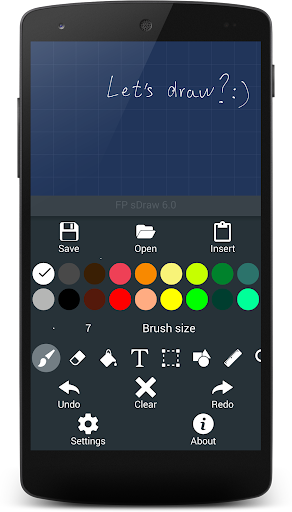
- ↕️ Convenient access to functions using the volume keys;
- ⏳ Canceling and repeating actions, for many steps;
- 💾 Saving a drawing, several options to choose from;
- 📋 Inserting pictures from the gallery or from the clipboard. You can insert after removing the background;
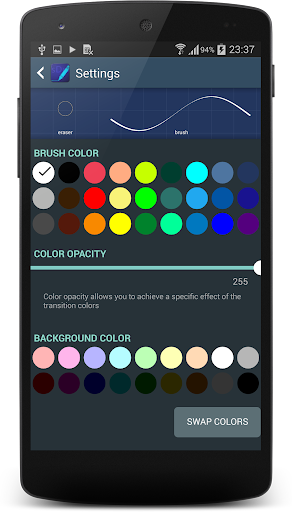
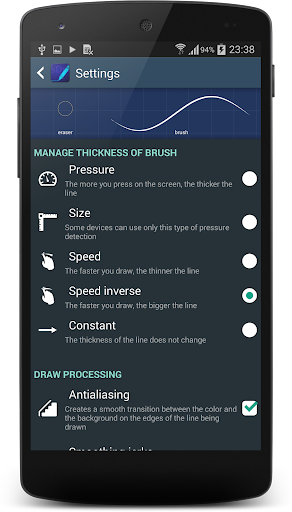
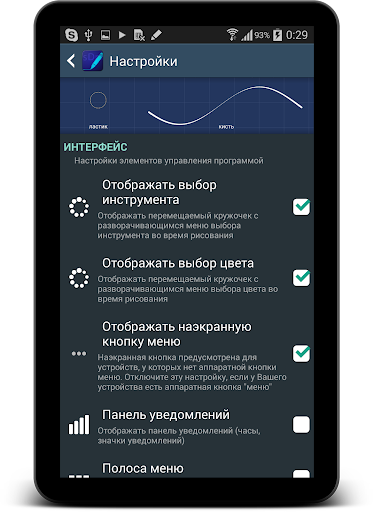
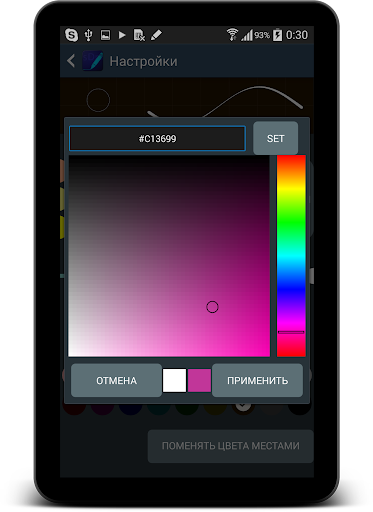
- ⚙️ Flexible settings, you can even choose the shape of the buttons 🤩
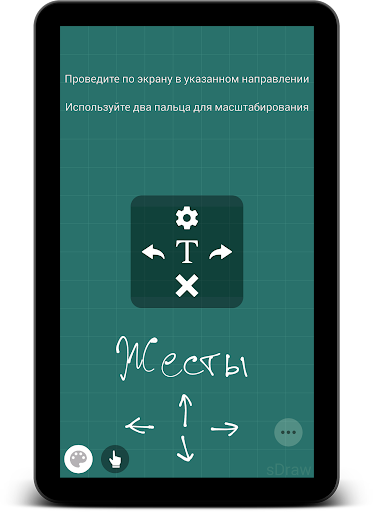
- ❓ There are hints that do not distract, but will help you understand easily.
- 🎁 And much more 😉
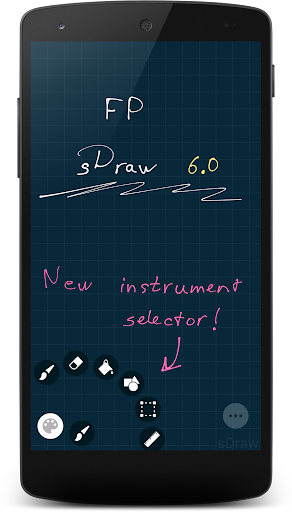
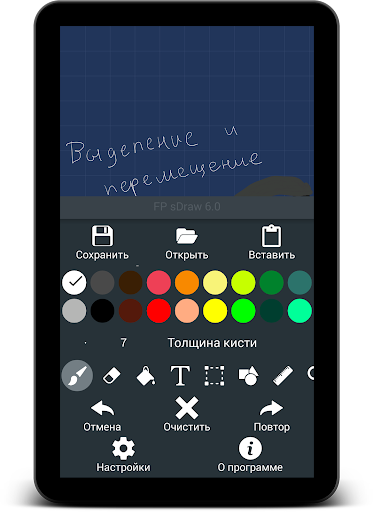
In addition to simple drawing, there are other tools:
- ⬜ Eraser, for erasing what is drawn;
- 🏺 Painting to fill the drawn figure;
- 🧩 Mosaic to hide something in the photo;
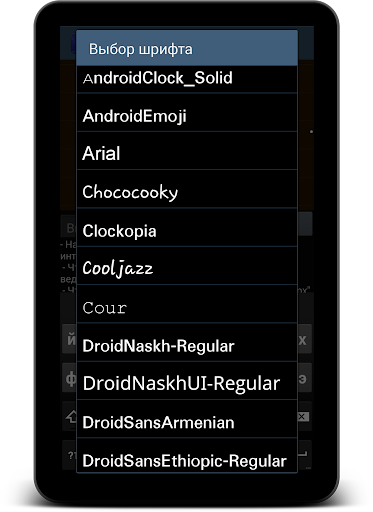
- 🅰️ Adding text, with font selection;
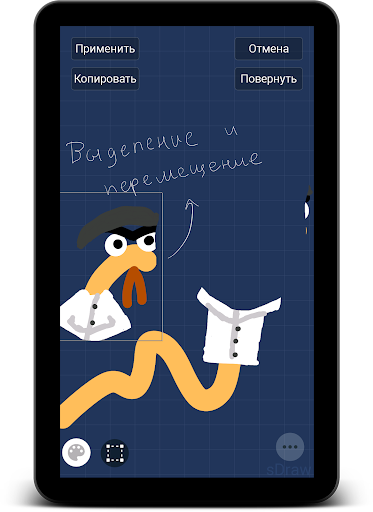
- ✂️ Selecting and moving a fragment of a picture;
- 🔳 Drawing shapes (rectangle, triangle, etc.);
- 📏 Ruler, for drawing straight lines;
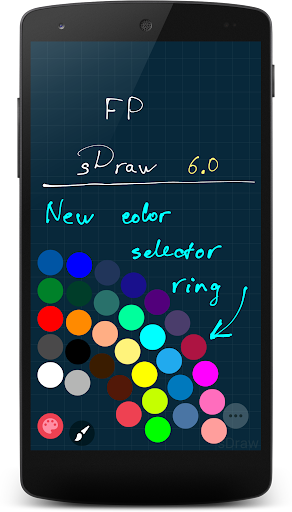
- 🎨 Eyedropper to choose a color from the canvas;
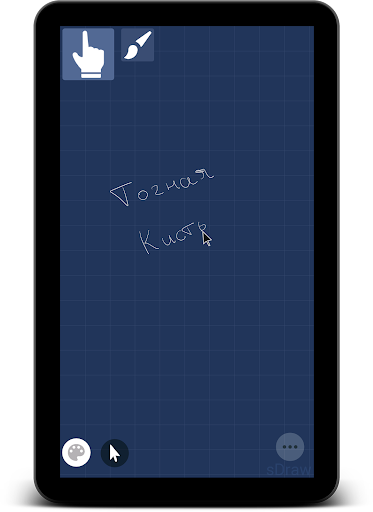
- 🖱️ Precision brush, a unique tool that allows you to easily make small changes to your drawing.
☕ That's almost all...
In this description, it is impossible to describe the many features of the program, so it is easier to try it once than to read it 100 times 😉.
Just a reminder, the program "weighs" less than a megabyte 😊
Please note that this version of the application is limited to 20 days of use, however, you can extend trial period for free when it ends.
- Option to change text opacity
- Option to draw text with outline
- Option to select text interval
- Option to draw figure cross
- Option to copy selected image to clipboard
- Added hint to pixel-art mode
- UI Improvements and optimization





9Apps 4.9