Welcome to the official store for application World. 20,000+ users downloaded Documents Scanner latest version on 9Apps for free every week! It is an excellent app and the fact it is! This hot app was released on 2019-11-17. Be sure that you check your current app before you start a run.
How to scan:
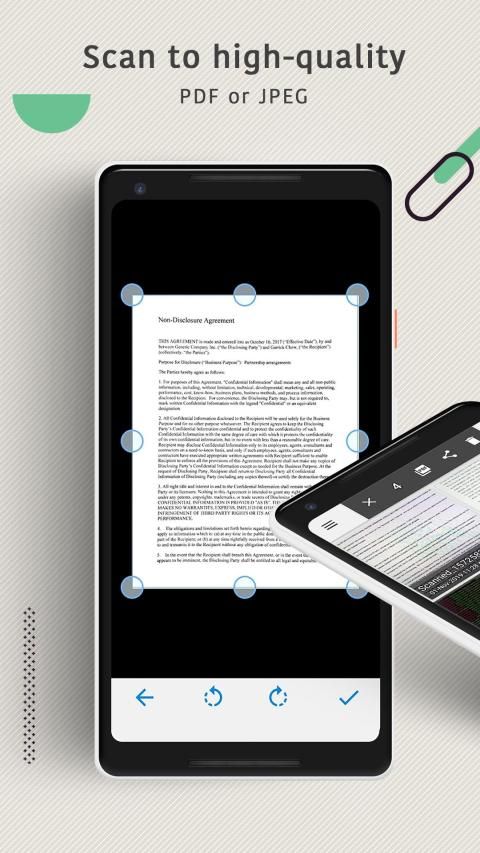
1. Choose Camera as a scanner or pick from the gallery.
2. Crop using 8 points multi selection tool.
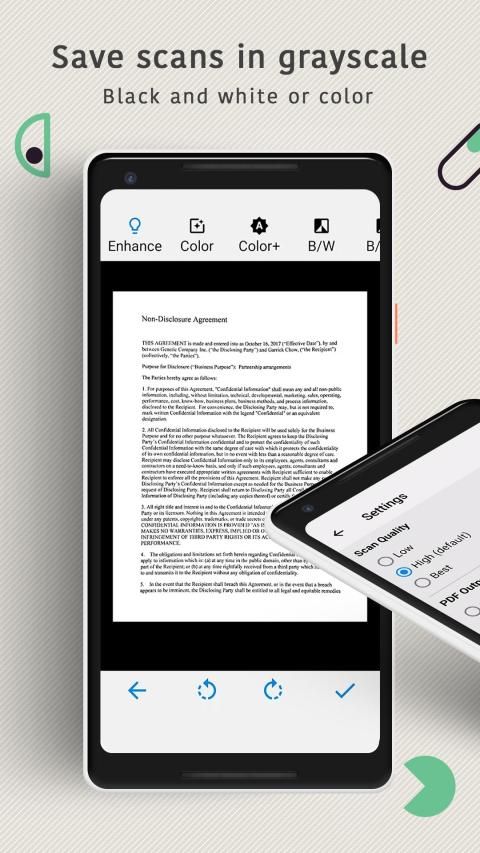
3. Enhance the image by applying filters.
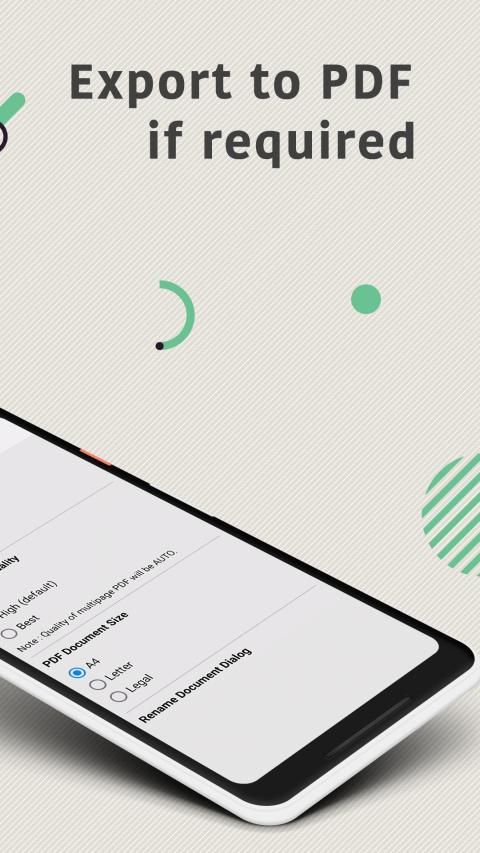
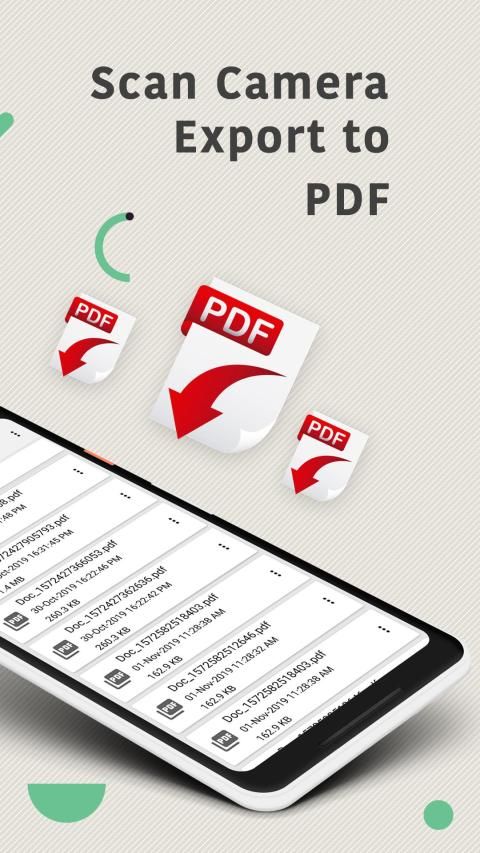
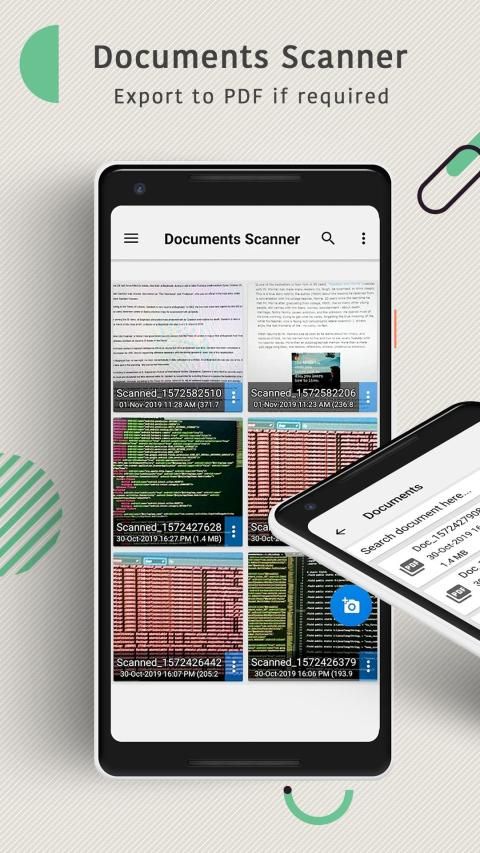
4. Export to PDF if required.
WHY THE CHOOSE DOCUMENTS SCANNER?
* Rapid
Your scanning experience is in its most smooth and efficient way ever. Scan documents:- It is the best document scanner app that can be used to scan documents which can be any type from receipts to bills and even multi-page document.
* Customizable
Better than most similar apps, re-editing saved documents is empowered so that you can move pages, replace pages with new ones, or even merge two documents into one.
* Organized
All scanned documents or files can be organized in any way as you like. You can move them among others or archive them into folders.
* Everywhere
Camera Scanner: Use your camera as a scanner for scanning of anything, anywhere.
* Share
Select multiple and share using Email, Dropbox, Google Drive, OneDrive, Evernote etc.
Documents Scanner - Scan Camera & Export to PDF
is a handy scanner app that will turn your device into a powerful mobile scanner. Easily scan, save and share any document in PDF or JPEG format. Our Documents Scanner app will become the indispensable tool in your day to day life.
APP FEATURES:
★Advanced Documents Scanner App:
– Scan to high-quality PDF or JPEG
– Save scans in grayscale, black and white or color
– Recognize and edit any text from your scans
– Automatic shutter and border detection for any scannable object
– Advanced pic processing with enhancement and color correction, noise removing, automatic perspective correction and more
– Choose between low, medium and HD scan quality
– Multipage scanning – scan as many pages as you like
– Batch processing mode
★Document Editor:
– E-sign any document by adding your signature to scans within the app
– Cut, copy or paste pages from and to Scanner
★File Manager:
– Full-featured file manager with folders, drag & drop and document editing
– Protect your documents by locking folders and scans with password
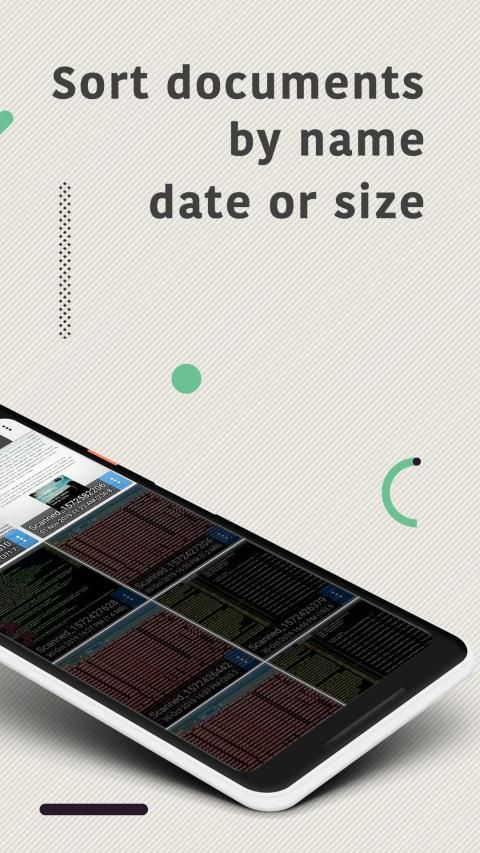
– Sort documents by name, date or size
– Choose between table and collection view modes
★Document Sharing Tools:
– Share your scans via email
– Easy print your scans with any Wi-Fi printer
– Share and upload scanned documents to cloud services like Dropbox, Evernote or Google Drive
– Export scans to our Fax app and sends Faxes worldwide
– Save scans to Photos
⏰
Documents Scanner - Scan Camera & Export to PDF
can scan anything you need including receipts, documents, paper notes, fax papers, book and store your scans as multipage PDF or JPEG files.
Say goodbye to huge office scanners and get this ultra-fast Documents Scanner app now!



9Apps 4.9