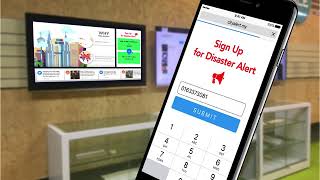
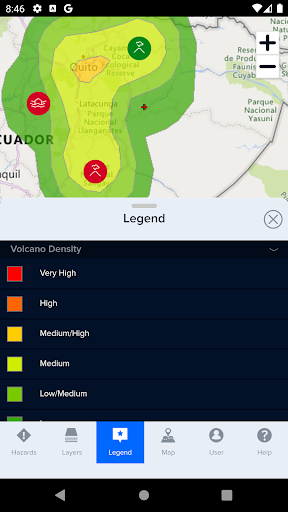
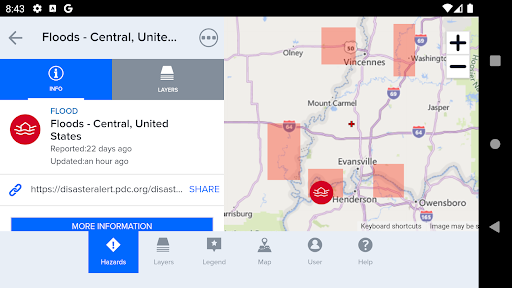
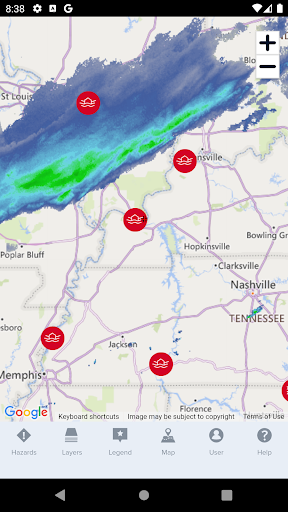
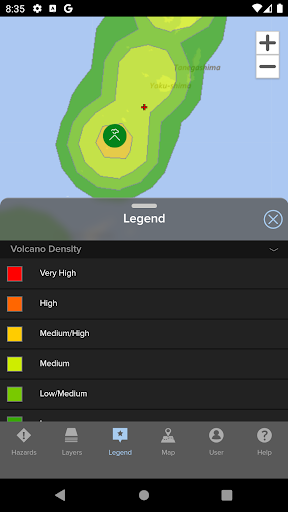
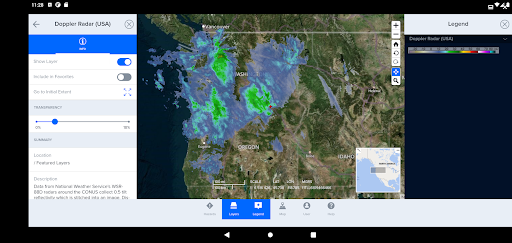
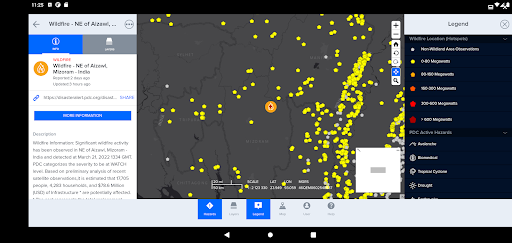
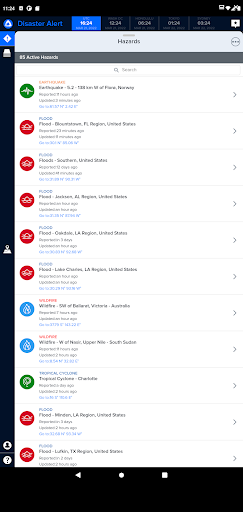
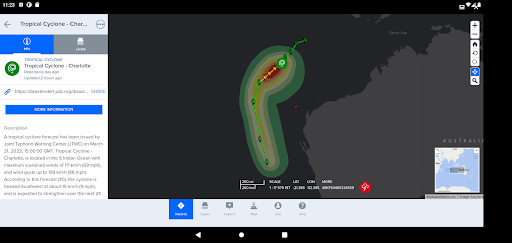
Disaster Alert is a free mobile app for public use that provides the global community with critical hazard alerts and information needed to stay safe anywhere in the world. Built on PDC’s DisasterAWARE®️ platform, Disaster Alert™️ offers near real-time updates about 18 different types of natural hazards as they are unfolding around the globe.
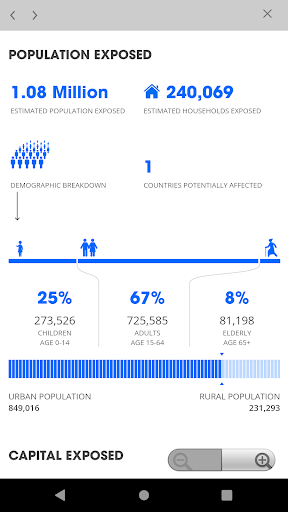
With Disaster Alert, you can customize early warning alerts, view estimated impact reports, and access visualized modeled hazard data. Disaster Alert’s continuous stream of new information is automatically generated from the most reliable, scientifically verified sources. When no official source is available, alerts are updated manually by Pacific Disaster Center, presenting only a small lapse of time between the time of an event and the availability of information in the system.
Hazard updates provided with Disaster Alert include only active hazards. “Active Hazards” are part of a collection of recent incidents that have been designated as potentially hazardous to people, property, or assets by PDC.
INCLUDED HAZARD TYPES
*Automatically processed in near real time:Hurricanes (tropical cyclones / typhoons), earthquakes, tsunamis, volcanos, floods, wildfires, U.S. tornados and winter storms.
*Manually Processed: Marine hazards, storms, droughts, and manmade incidents. High surf advisories, high winds, and flash floods are available for Hawaii only.
NEW IN VERSION 7.1.9
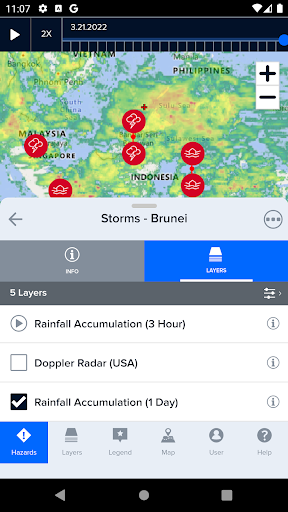
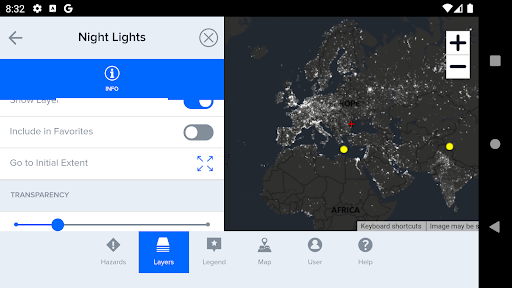
*New Fixed Menu: DisasterAlert now features a fixed menu bar at the bottom of the screen. When a menu item is selected, users can adjust the size of the menu by dragging it upwards to a fully open state, dragging down for fully closed, or dragging partway to 40% of the screen.
*New Action Menu: The action menu, represented by three dots at the bottom of each menu panel […], has been relocated to the top right corner of each menu panel. When selected, the action menu will load additional options.
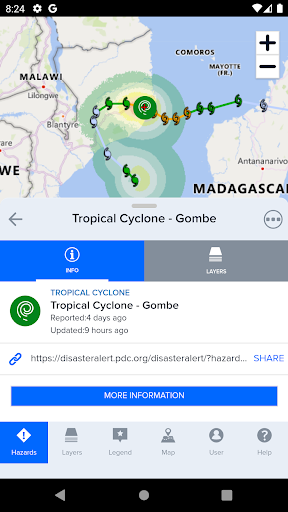
*New Hazards Symbology: Hazard icons, color coding, and shapes have been updated. Colors now represent hazard severity, with red being the most severe and blue being the least. Please refer to the DisasterAWARE 7.0 User Guide for additional details.
*New Themes: There is a new theme that integrates DisasterAWARE branding, colors, and iconography. Additional themes have been created including a Dark mode and Light mode.
OTHER KEY FEATURES
*Customizable alerts based on your geographic area of interest and hazard severity
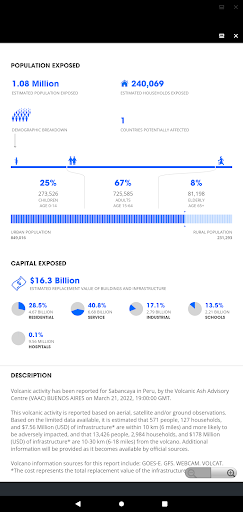
*When the map tip is activated by selecting a hazard on the map, users can get estimated impact information by choosing the "Info" link and viewing Hazard Brief.
* Interactive map interface displays 18 different types of active hazards
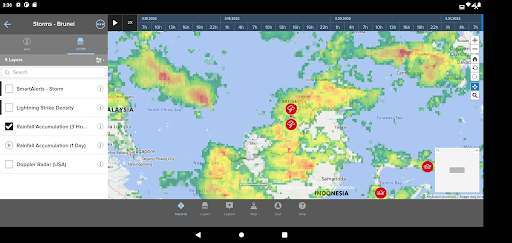
*Customizable background maps
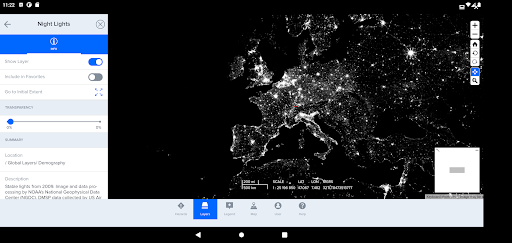
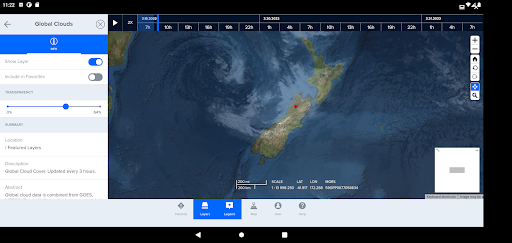
*Map layers with overlays for population densities, global cloud coverage, and more.
Disaster Alert v 7.1.9
Menu: Disaster Alert now features a fixed menu bar at the bottom of the screen.
Action Menu: The action menu, represented by three dots […] has been relocated to the top right corner of each menu panel.
Hazards Icons: Hazard icons have been updated. Colors now represent hazard severity.
Themes: New theme options have been added.
Refer to https://www.disasteraware.org/disasteralertreleasenotes for more.




9Apps 4.9