
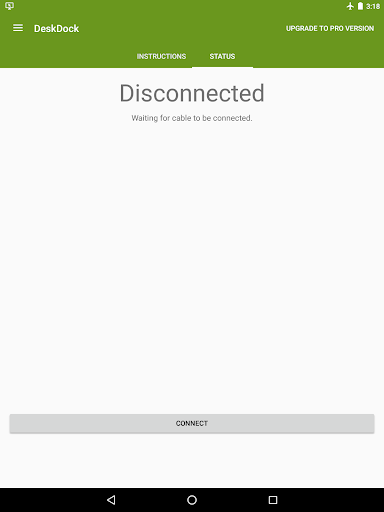
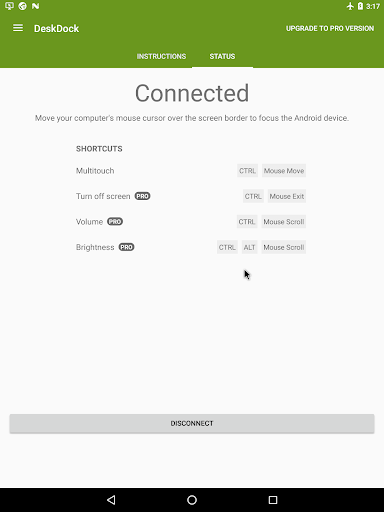
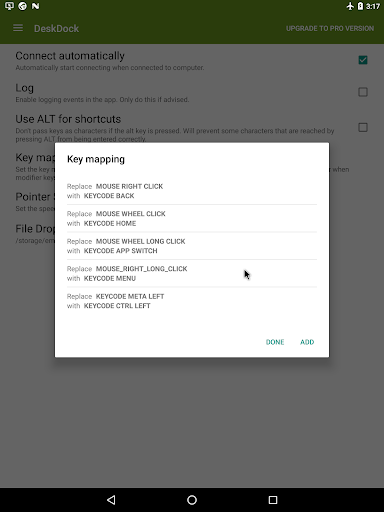
DeskDock
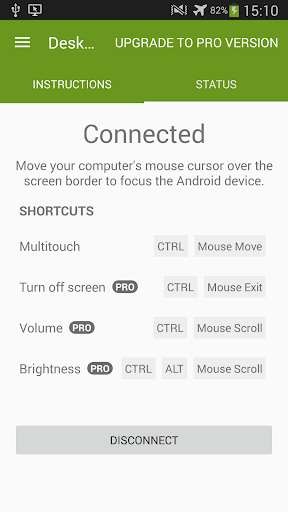
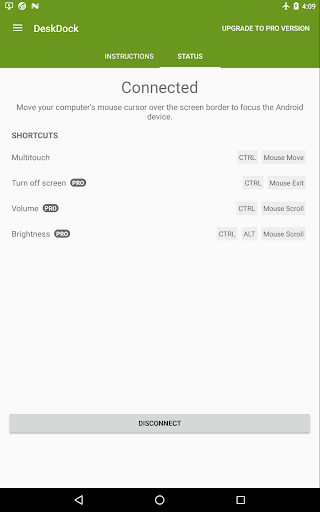
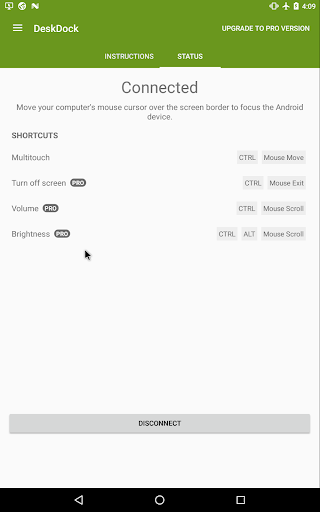
allows you to share your computer's mouse with your Android devices via a USB cable. The app enables you to control your Android device as if it was an additional monitor for your computer. Simply move your computer's mouse cursor over the screen boundaries to use it with your Android devices.
As seen on lifehacker.com, androidpolice.com, androidauthority.com and many more!
Features:
• Use your computer's mouse with your Android devices
• Share clipboard between computer and Android devices
• Supports Windows, Linux and macOS
• Works on all Android versions starting from 4.1
• NO rooted device required
• Shortcut for simulating multitouch
• Connect multiple Android devices to one computer
• Flexible arrangement of devices
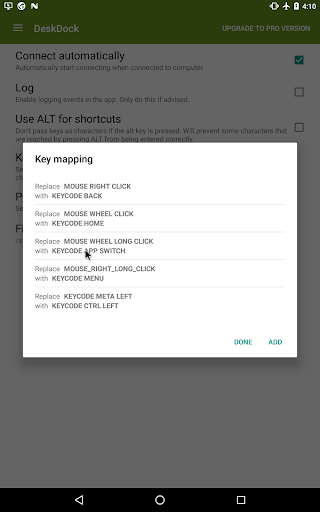
• Customizable mouse button actions
• Customizable mouse pointer speed
PRO Version
A PRO version is separately available with these additional features:
• Use your computer's keyboard with your Android devices
• Drag and Drop: Urls will be opened automatically, APKs will be installed (Drag and Drop does not work with Linux server)
• Additional shortcuts for turning off screen, quickly changing volume, screen brightness
• No ads
This app can be described as an unofficial successor to ShareKM, or an Android version of Synergy. It could also be described as a Virtual KVM Switch or a Software KVM Switch solution.
The shared clipboard could be considered an Android-equivalent to the universal clipboard between iOS and macOS.
On Android O and beyond, this app uses an Accessibility Service to display a mouse cursor above the System UI. This service is used exclusively for the described purpose and is an integral requirement to provide a consistent user experience for the users of the application, in particular those who suffer from motor impairment.
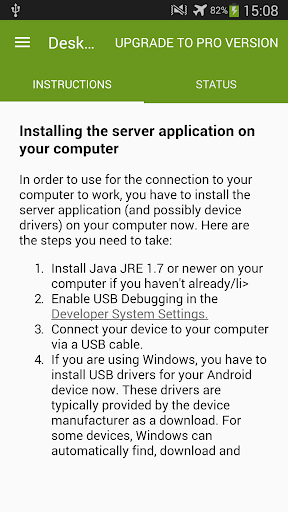
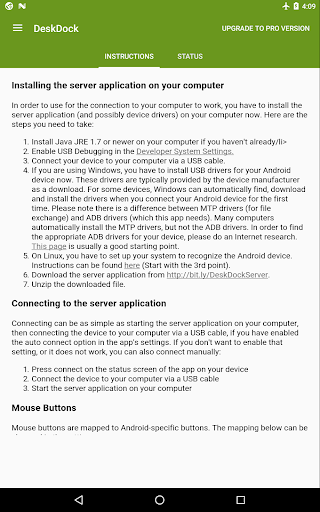
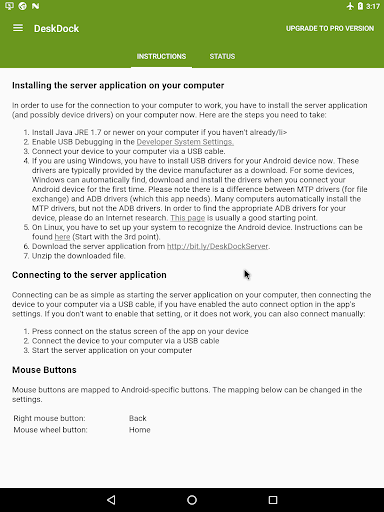
This app requires a free server application to run on your computer that can be downloaded here: http://bit.ly/DeskDockServerW. The Java Runtime version 1.7 or later is needed on the computer. Depending on your system, device drivers may have to be installed.
Important: Bugs and problems might cross your way. If something does not work, please do not write bad reviews, but send an email to the support email address listed below or in the app so I actually have a chance to help you or fix the issues. Thanks!
1.2.1:
Fixed crash on Android 9
1.2.0:
Fixed keyboard activation on Android 10
Added adaptive icon
New server version 1.2.0 available with Synergy/Barrier integration
1.1.8.2:
Fixed crashes on Android 8.1
1.1.8:
Finally: Display mouse cursor above System UI on Android O
Added option for setting mouse pointer size
Prepared for compliance with the GDPR
Bug fixes
1.1.7:
Fixed bugs introduced with 1.1.5 and 1.1.6. Sorry for the inconvenience!




9Apps 4.9













