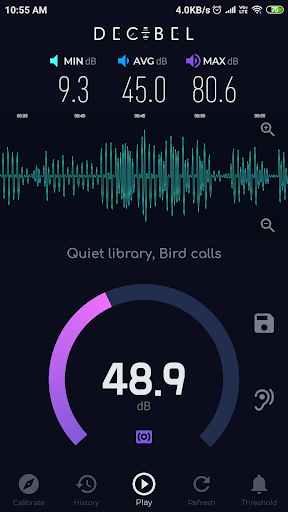
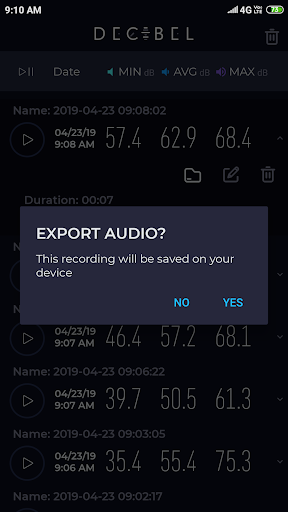
Decibel - Threshold Sound Meter is an app that measures the environmental noise in decibels (dB) and visualizes it on a clean and tidy graph.
A loud noise will be harmful to both your physical and mental health. You should avoid exposure to those environments. Let our sound meter help you detect those environments. Don't hesitate to download Decibel - Threshold Sound Meter to protect your and your family's health.
Features:
- Decibels indicator (dB) in real time.
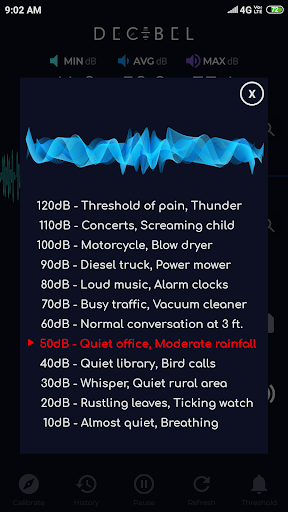
- Show the reference value for each type of environment as the sound level we are
measuring.
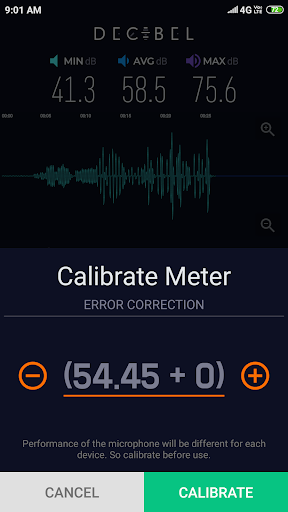
- Calibrate decibels to adjust the microphone for every phone.
- Gives a real-time graph for the sound detected by the microphone.
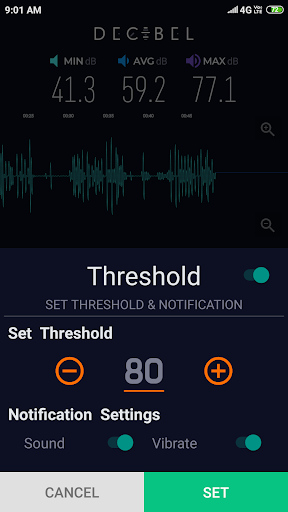
- Gives two types of notification options to the user- sound and vibration.
You can also use the app for a handful of use cases. For instance, effectively measuring the dB levels in and around educational and medical institutions and know if they exceed the permitted levels.
SOUND METER LEVELS
120dB - Threshold of pain, Thunder
110dB - Concerts, Screaming Child
100dB - Motorcycle, Blow dryer
90dB - Diesel truck, Power mower
80dB - Loud music, Alarm clocks
70dB - Busy traffic, Vacuum cleaner
60dB - Normal conversation at 3ft
50dB - Quiet office, Moderate Rainfall
40dB - Quiet Library, Bird Calls
30dB - Whisper, Quiet rural area
20dB - Rustling leaves, Ticking watch
10dB - Almost quiet, Breathing
Caution:
The value of sound meter is not as precise as an actual Sound Pressure Level Meter (SPL meter) sound meter, this is due to most device's microphone are aligned to the human voice. To fix this, use an actual sound meter or Sound Pressure Level meter (SPL meter) to adjust decibels error as close as possible before use. If you didn't own an actual Sound Pressure Level meter (SPL meter), go to a very quiet place where sound cannot hear and adjust the reading value to 20~30dB.
NEW UPDATE:
- bug fixes and improvements
- play saved recordings even when the screen is off.
- keep the screen on while measuring sound.
OLDER UPDATES:
- remember previously set threshold and calibration values.
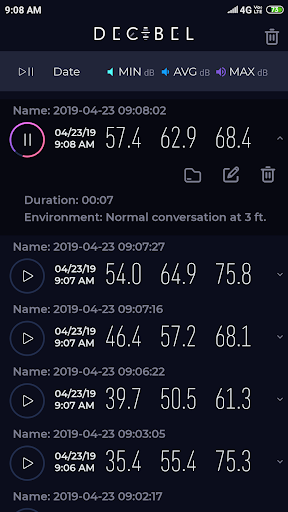
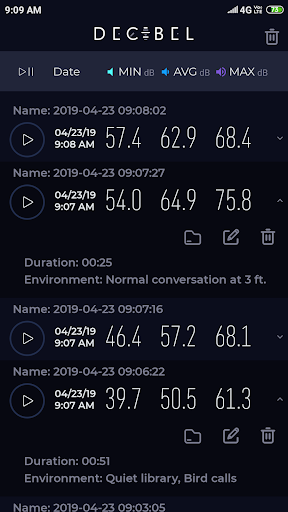
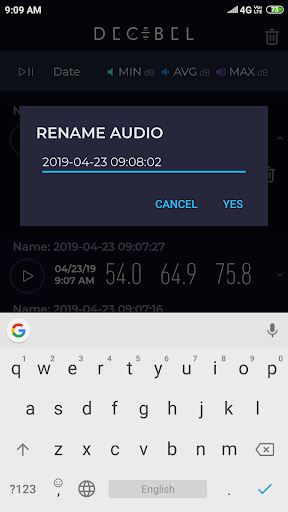
- added history section to store all your previously saved recordings and their data.
- sort saved recordings based on their creation date, minimum, average or maximum dB by pressing on the table column in the history section.







9Apps 4.9