

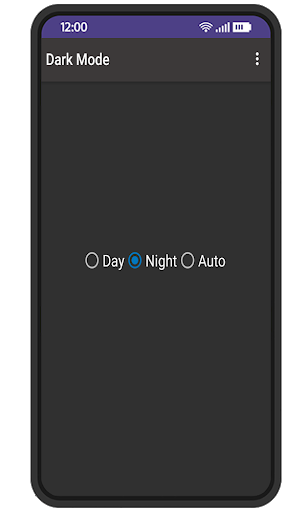
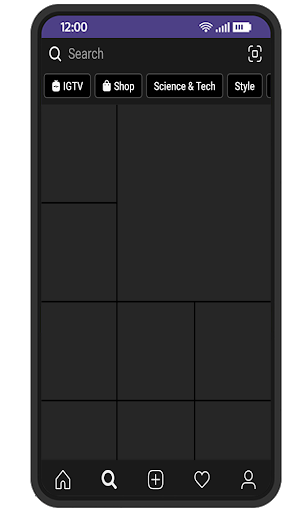
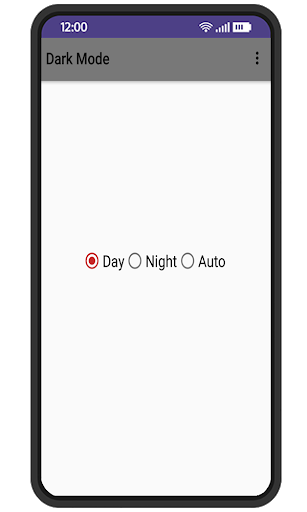
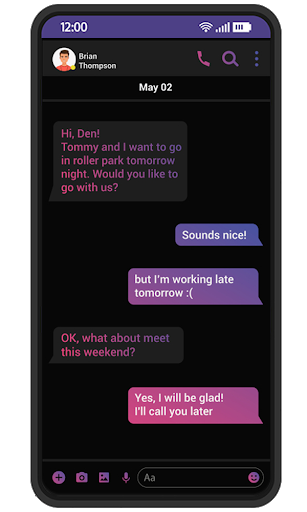
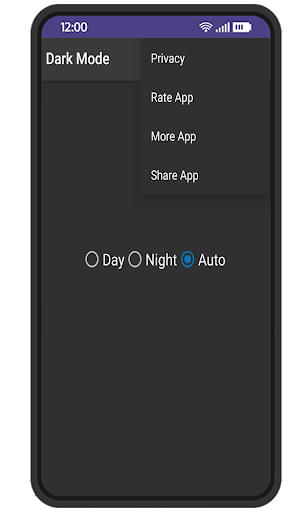
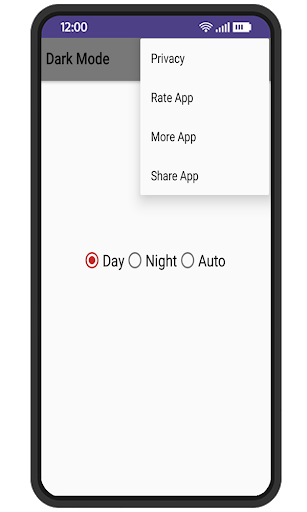
This app Dark Mode helps to activate the Android dark mode on your devices that do not provide this option in the system settings. and also allow you to Switch your Play Store and Facebook and Instagram to dark mode!
This App also allow you to Switch your Widget dark mode!
Activate the Android Night Mode. Darken most Google apps, Facebook and Instagram And More App and Widget of apps.
Night Mode's main goal is to reduce the brightness of your screen lower than you can achieve with the default settings.
Night Mode gives you additional functionality for controlling of screen brightness and works perfectly.
This application applies an overlay filter that acts as a dimmer to darken the screen and ensure your eyes don't hurt.
Night Mode app will give comfort to your eyes while reading and using your phone in dark places. This also saves your some battery energy.
▶ Use Cases ◀
- Prevent your eyes from hurting when the screen is too bright
- Low light (In bed, theatre, cinema, ..) usage for reading, browsing, texting or gaming
- Disable hardware or soft buttons backlight
- If you have an AMOLED display, you can also save battery!
Features:
● Reduce blue light
● Adjustable filter intensity
● Save power
● Very easy to use
● Built-in screen dimmer
● Eye protector from screen light
This app will not work on all devices since some smartphone manufacturers disabled this option for their devices!
Dark Mode






9Apps 4.9















