

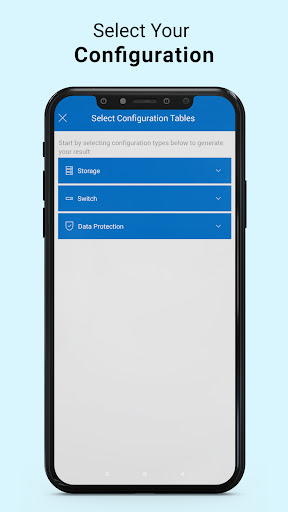
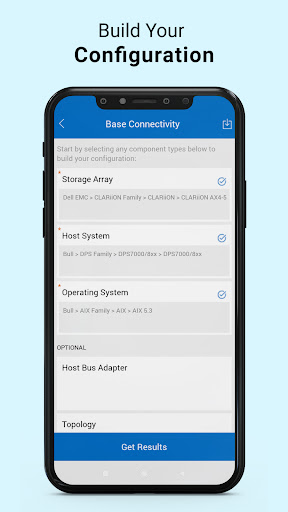
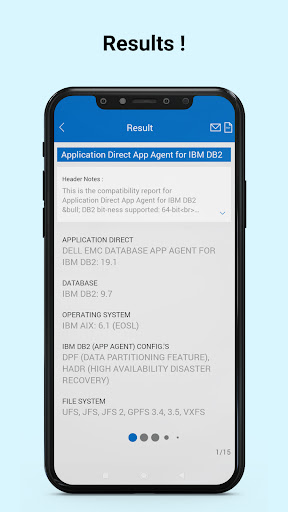
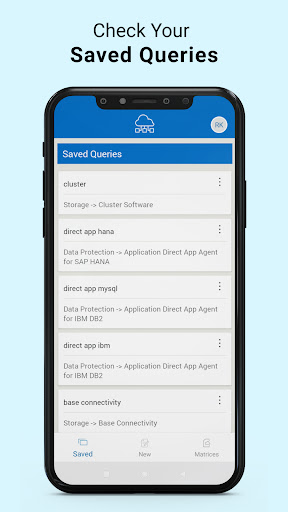
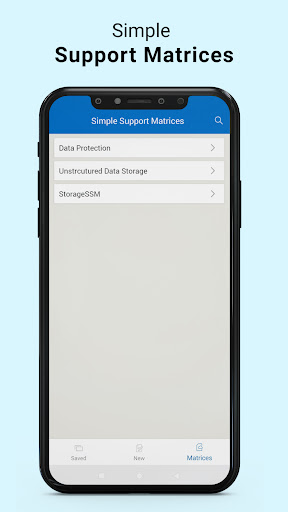
E-Lab Navigator provides technical direction and enables Dell Technologies customers, partners, and employees to effectively make decisions to ensure proven interoperability between Dell Technologies and partner products. Through integration, qualification, and consumable customer solutions, E-Lab Navigator enables you to effectively respond to business challenges. With a simple, intuitive interface, you can access and securely query the Dell Technologies support matrix, anytime from anywhere. Additionally, complete common repository tasks such as search and save query, download or email the support content for offline access for others.
For more information about E-Lab Navigator and to create an account for login, please visit the ELN website at http://elabnavigator.emc.com
If you are a Dell employee, please download E-Lab Navigator from the internal Dell App Store to seamlessly authenticate using M-AUTH technology.
-Feedback functionality added. Now user can directly send feedback about
particular product to the developers and stakeholders.
- UI Improvements - Issue fixes






9Apps 4.9













