
Cricut Design Space icon

Cricut Design Space

3.11.3 for Android
3.5 | 1,000,000+ Installs | Reviews

Cricut

Description of Cricut Design Space

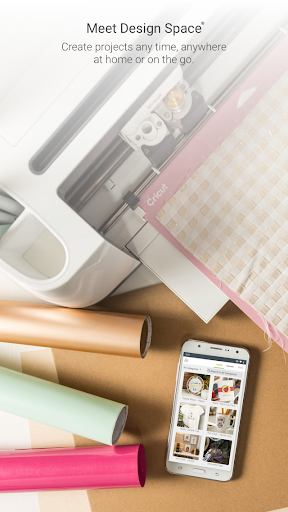
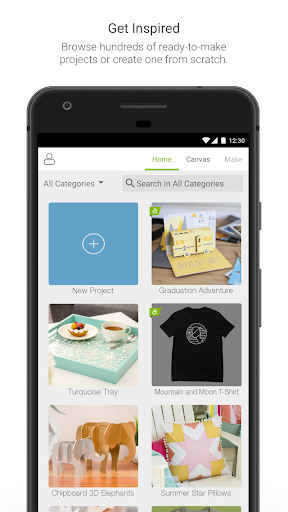
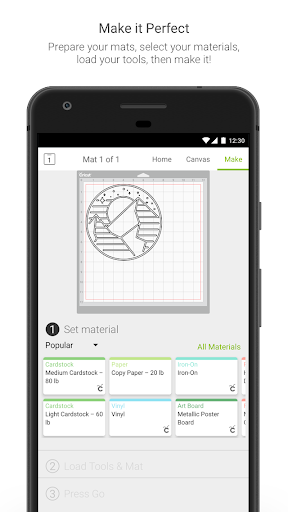
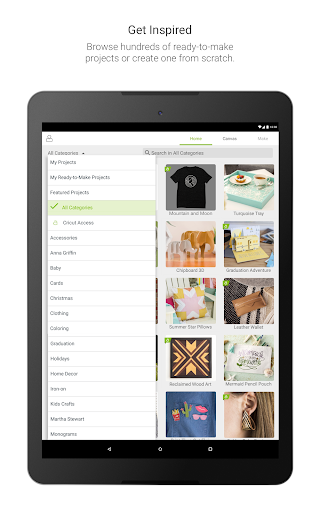
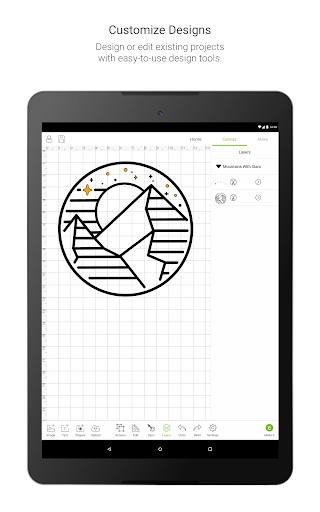
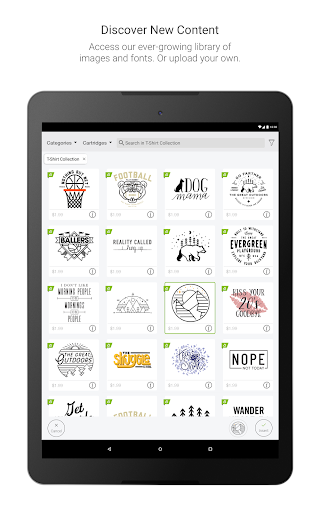
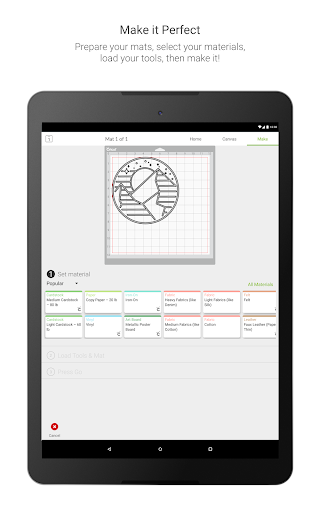
Design Space® is a companion app that works with Cricut Maker™ and Cricut Explore® family smart cutting machines. Browse thousands of images, ready-to-make projects, and fonts in the Cricut Library. Or design your own project from scratch.
Features:
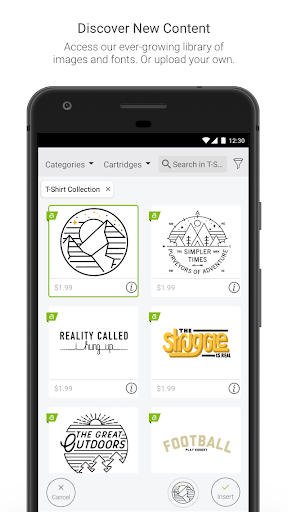
• Choose from over 60,000 images, fonts, and ready-to-make projects—or use your own images and fonts for FREE
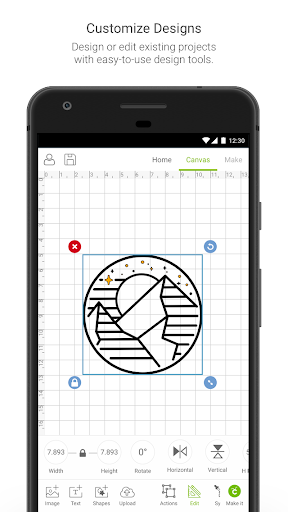
• Upload and edit most image types (.jpg, .gif., .png, .bmp, .svg, and .dxf)
• Sign in with your Cricut ID to access your images and projects and for easy checkout when making purchases on cricut.com or in Design Space
• Bluetooth® wireless capability (wireless Bluetooth adapter may be required, sold separately)
• App syncs across all your devices, so you can design whenever inspired
Note: To cut Knife Blade projects, you must use Design Space software on a desktop or laptop.

What's New with Cricut Design Space 3.11.3

Our latest release includes bug fixes and performance enhancements. We hope you enjoy it. Please continue to let us know how our app is working for you.

Information

  • Category:
    Lifestyle
  • Latest Version:
    3.11.3
  • Updated:
    2020-11-19
  • File size:
    84.9MB
  • Requirements:
    Android 6.0 or later
  • Developer:
    Cricut
  • ID:
    com.cricut.designspace
  • Available on:
Reviews
  • avatar
    I installed this app on my phone but cant install on my lap top, said its already installed should be able to use it on 2 devices will give a higher mark if get some help with this, I paid for the service 9.99 a mo. but every time I need help they want more money
    2020-10-24 02:01
  • avatar
    Is anyone else having issues with this app after updating it? It keeps kicking me out and I cant finish any of my shirts or save the progress I have done 🙄
    2020-10-24 12:08
  • avatar
    I can not get my canvas smaller it keeps putting the image out off my screen and when I try and Zoom in it won't zoom into like a 1x12 canvas
    2020-10-23 08:21
  • avatar
    Still not working!!!! Yes since the latest update I can't get anything to make. The button does nothing when I click make it and then if I click canvas it's just a blank canvas need to fix this bug ASAP...still no fix and its Oct!!!! Also their customer support is HORRIBLE! I get copy and pasted emailed that clearly show no one real is behind the email, reading me email, or cares about the fact that their app doesn't work.
    2020-10-23 02:57
  • avatar
    Love it! Super excited about being able to use app from all my devices, with no problem! 😁 Smooth designing!
    2020-10-22 11:25
  • avatar
    Its good to do simple black or white svg. Need more improvement cant do things the laptop verson can do, like zoom in really close when editing and erasing. When I save a cut and print on the phone app then open it on the laptop app I get a error and my file never loads so I have to re-upload the image.
    2020-10-22 07:21