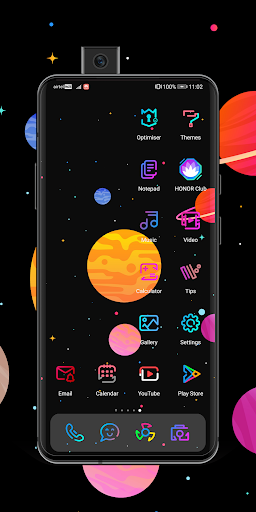
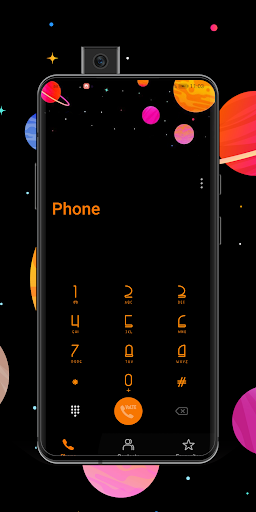
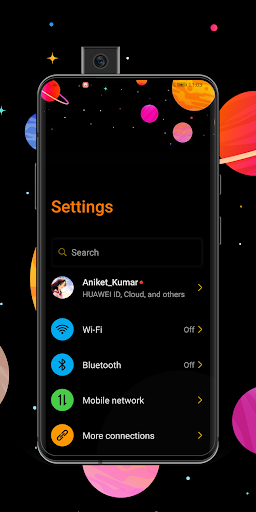
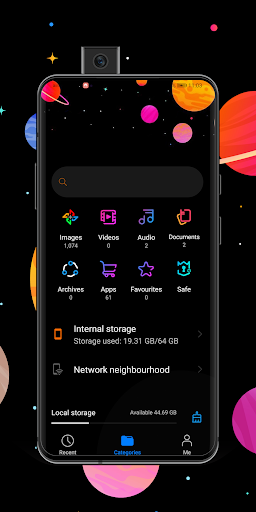
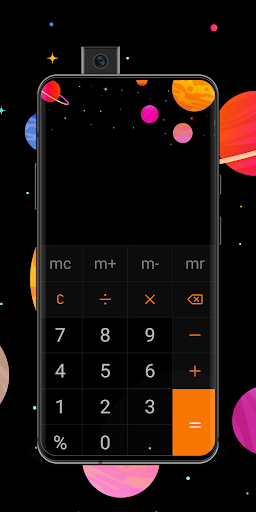
Explore Dark EMUI 10/9 Theme icon

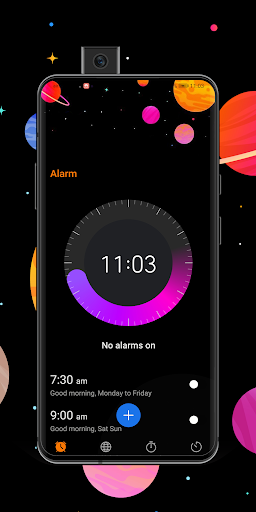
Explore Dark EMUI 10/9 Theme

16 for Android
3.7 | 100,000+ Installs | Reviews

EMUI THEME

Description of Explore Dark EMUI 10/9 Theme

A theme for Huawei Users,
Who wants to decorate his device with Awesome look and style
All content available in this app with Theme has been carefully created by ourself.
Note:
**Internet Connection Required to Open the Programme**
This theme is in its pre-release status, So you may face some UI issues,
Please report the issues on applabs95@gmail.com
Please Check your Device EMUI Version Before proceeding it
How to Fix Common issues?
Battery issue?
-Restart your device
ATTENTION:
- Above theme is designed for EMUI 10/9 , Please check your device EMUI version before installing it in your device


Information

  • Category:
    Personalization
  • Latest Version:
    16
  • Updated:
    2020-03-12
  • File size:
    22.2MB
  • Requirements:
    Android 4.4 or later
  • Developer:
    EMUI THEME
  • ID:
    emui.en.com.cosmicEnergy
  • Available on:
Reviews
  • avatar
    Please tell how did you made this theme. I am trying to fix some invisible text problems with some apps but not able to do it on HWT Tool. Please tell which tool did you used?
    2020-07-26 09:43
  • avatar
    Looks fantastic but certain words are clearly invisible like the ones inside the support app in the honor play. These need to be addressed. It's like , completely dark and really hard to read the words in the day time
    2020-03-08 05:35
  • avatar
    Great theme nice colour but notification not dark mode appear white bar
    2020-03-05 01:59
  • avatar
    The headers in Settings randomly become unreadable - black font on black background. They sometimes fix themselves and go back to gray on black. The notification panel is too transparent and is hard to read (it's also kind of ugly this way). The Gallery and Music apps are white.
    2019-05-30 03:45
  • avatar
    Hey Devs, there are bugs: 1. In settings menu when you swipe from left main settings baclground is transparent and you can't read almost anything. 2. In phone manager you have optimise and first 3 options other 3 options are almost invisible because on top there are planets that took place, and scrolling is impossible. Either enable scrolling or remove planets. If I find another bugs I'll update this. Thanks.
    2019-04-22 06:23
  • avatar
    it crashes every other second?????
    2019-04-14 01:45