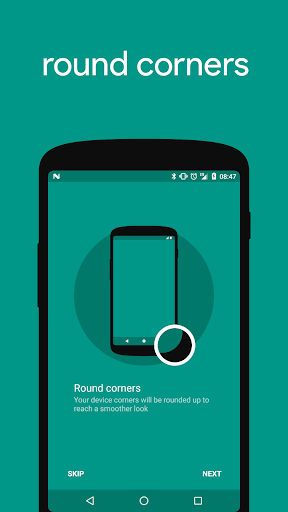
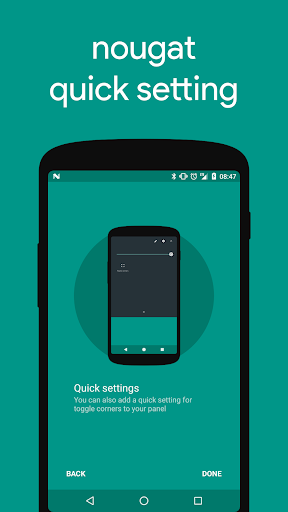
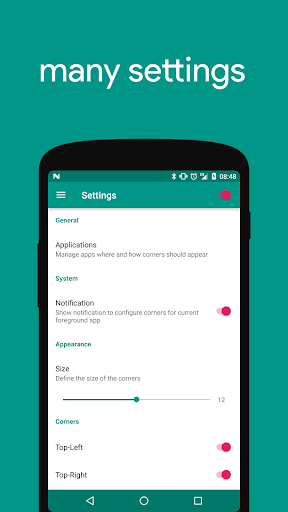
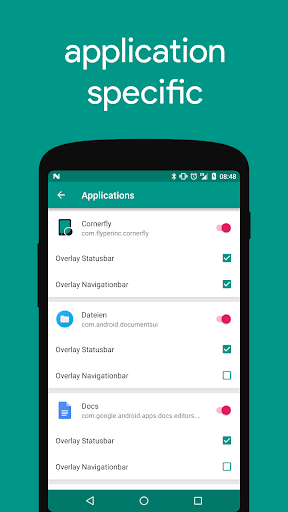
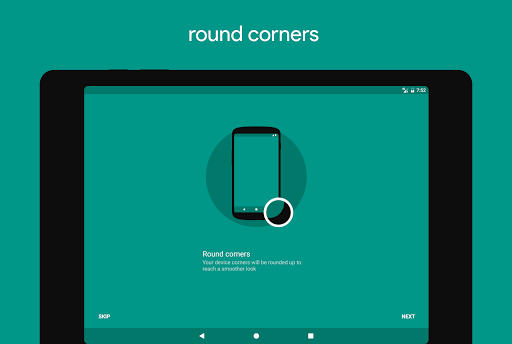
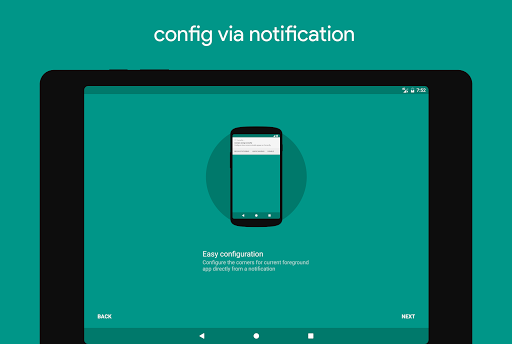
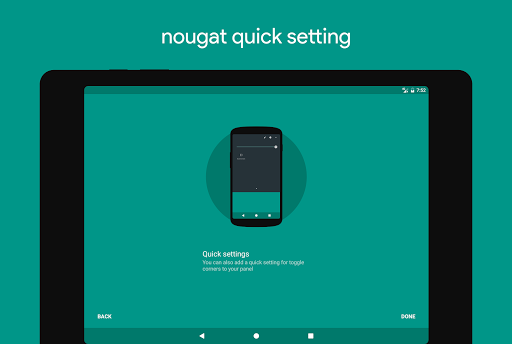
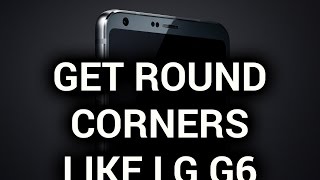
Cornerfly adds rounded corners to your display for a much smoother look.
Most hardware cases of devices are designed with rounded corners but display itself has squared corners. This application will round your display corners to merge it with your case corners.
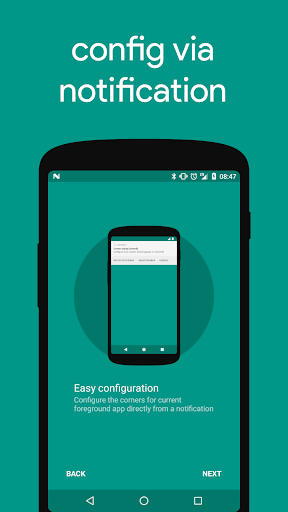
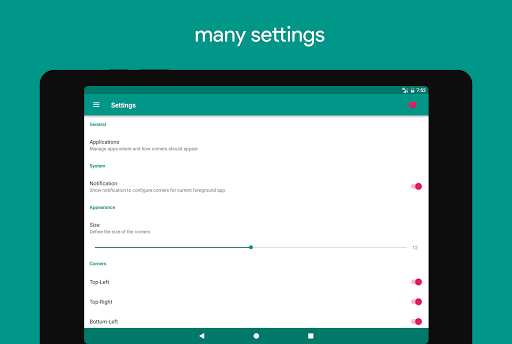
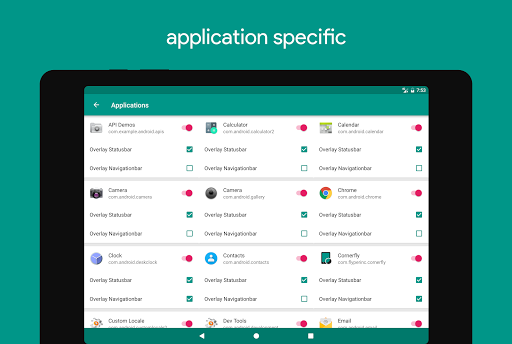
Cornerfly offers many settings for customization and you can configure it for each application.
Try Cornerfly now for yourself and report some Feedback.
In-App-Products
•
Plus
- Corner sizing and removes advertising
•
Donates
- Support this project with some small donations
Permissions
•
Internet
- used for advertisements
•
Access network
- used to receive advertisements
•
System overlay
- used for draw over apps
•
Billing
- used for in app billing products
Translations
Also you can help with translations here https://www.localize.im/v/wB
[release 1.14.RC2]
• Fix: Reboot bug
• Downgrade: if you want to downgrade see changelog inside app
• Requirement: Due to policy changes of Google it's not allowed to use Accessibility Service anymore if the app does not help people with disabilities. On Lollipop and higher versions the usage access permission is required for this.
• Requirement: On Android O and above it's not possible anymore to draw over statusbar or lockscreen.






9Apps 4.9


![[No Root]How To Get Samsung S8 Rounded Screen On Any Android Phones screenshot 3](https://i.ytimg.com/vi/LsxmHR7crmU/mqdefault.jpg)