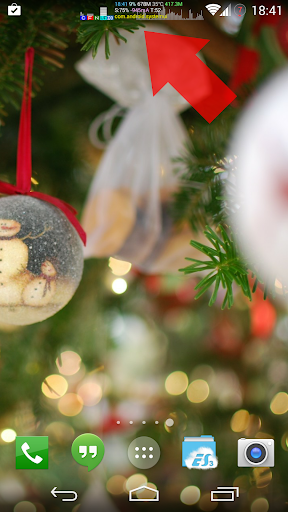
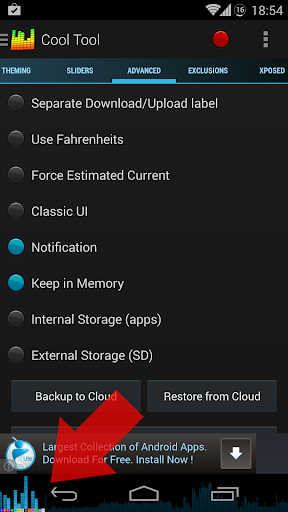
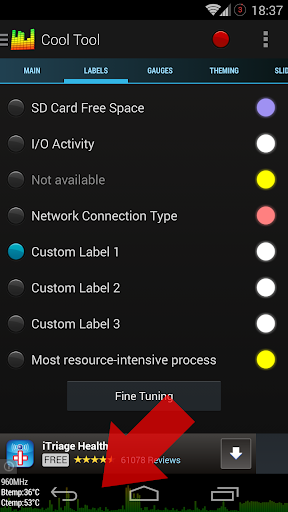
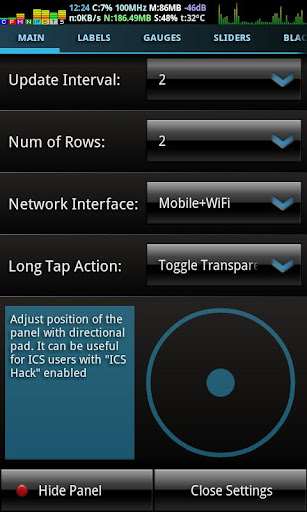
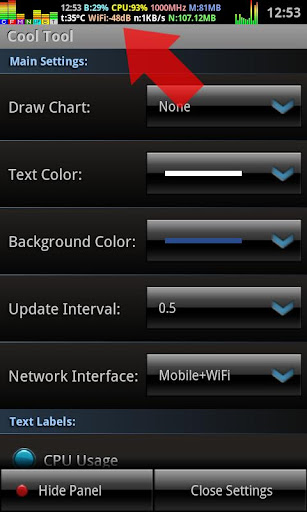
This utility allows you to monitor a various system info in "always on top" floating window (overlay mode).
Available features:
- CPU Usage meter
- Free RAM meter
- CPU Frequency indicator
- 2g/3g/Wi-Fi Traffic meter
- Battery Level
- Battery Temperature
- Battery Current (mA)
- Wi-Fi Signal Level
- I/O Activity
- Time/Date indicator
- GSM Cell Signal Level (Samsung Galaxy S2 and Galaxy Note are not supported due to firmware bug!)
- Number of fixed GPS satellites
- SD Card free space
- Most resource-intensive processes
- Task Killer
- Audio VU and visual equalizer
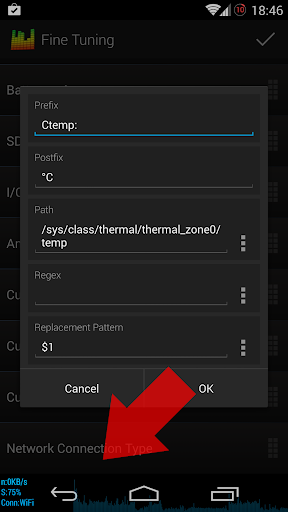
- CPU temp on some devices
Also there is nice real time graph on background.
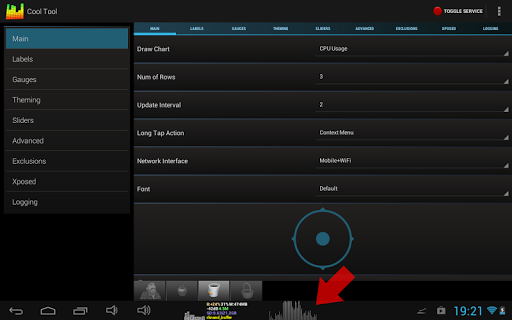
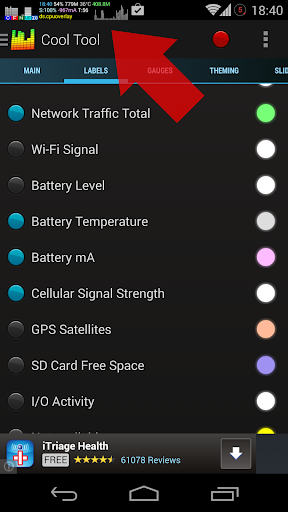
Press Show Panel button to enable dashboard. You can drag floating window over the screen or double tap to open settings. See video and screen-shots for details.
This application allows you to:
- Easy diagnostic problem processes that consume resources excessively.
- With Cool Tool you can monitor full-screen applications (games, video players, browsers).
- Monitor your Internet traffic without closing the browser window.
- Make your battery level always visible, with accurate percentage scale.
- Monitor how good your CPU governor switches between CPU frequencies in idle/stresses
Tips:
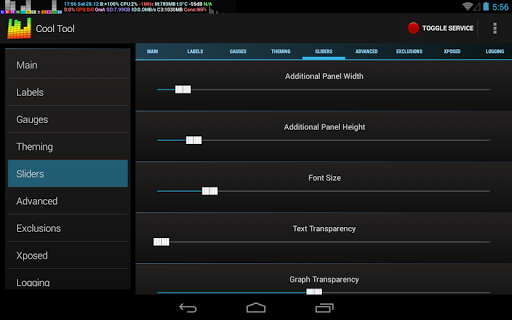
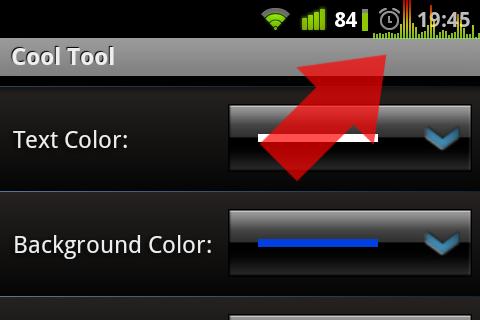
Customize the appearance of the panel using color picker dialogs. Also you can adjust transparency and size of the panel in Sliders section.
Tons of gauges could drain your battery very quickly. Uncheck the features that you do not need. Btw, Cool Tool went to sleep and do not draw anything when your display turns off. It is for power save.
ps: If you want to help me localize app into your native language, let me know.
Read FAQ for more details:
http://deviantstudio-software.blogspot.com/2013/12/cool-tool-faq.html
Please note!
GSM signal strength is not supported on Samsung Galaxy S2 and Galaxy Note due to firmware bug!
Required permissions:
RECEIVE_BOOT_COMPLETED - Run on Startup feature
SYSTEM_ALERT_WINDOW "Stay On Top" feature
INTERNET & ACCESS_NETWORK_STATE - Ad banner and cloud backup
ACCESS_WIFI_STATE - WiFi Signal determine
VIBRATE - haptic feedback
CHANGE_NETWORK_STATE - GSM Signal feature
ACCESS_FINE_LOCATION - GPS Sats feature
MODIFY_AUDIO_SETTINGS & RECORD_AUDIO - equalizer & VU
fixed clicks through window on Oreo devices
To make window transparent for touch interactions: disable drag'n'drop, disable context menu in the settings





9Apps 4.9