
ArcGIS Collector icon

ArcGIS Collector

20.2.2 for Android
3.5 | 100,000+ Installs | Reviews

Esri

Description of ArcGIS Collector

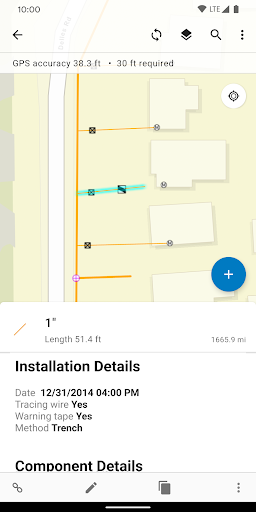
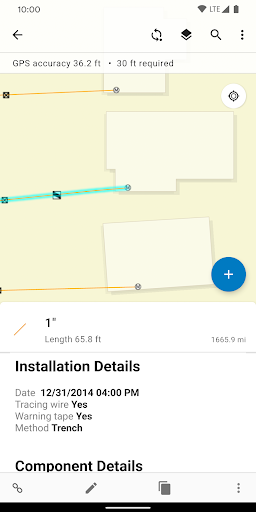
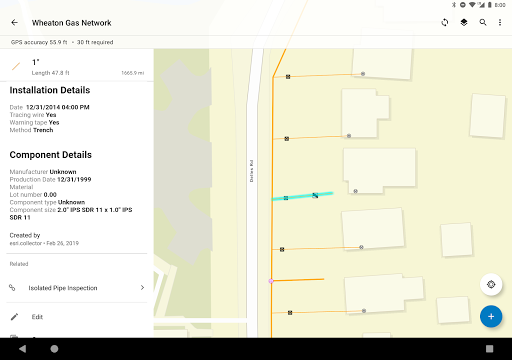
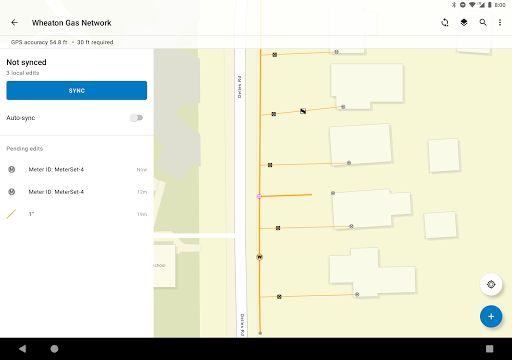
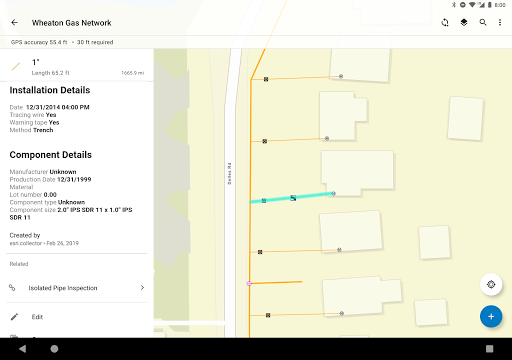
Easily capture and update data in the field, even while offline. The intuitive interface allows field workers of all experience levels to fill out forms, capturing and returning accurate field data that integrates seamlessly into ArcGIS.
Key Features:
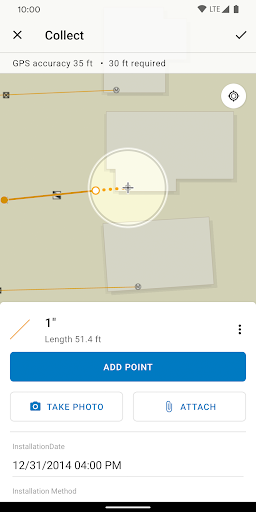
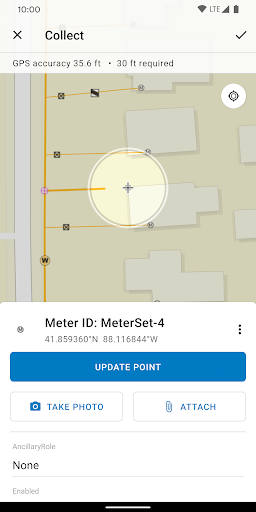
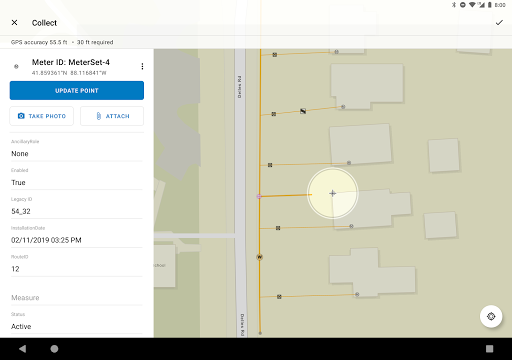
- Collect and update data using the map or GPS.
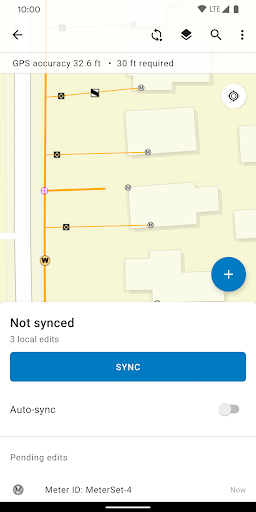
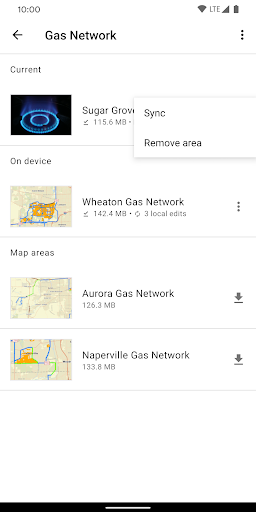
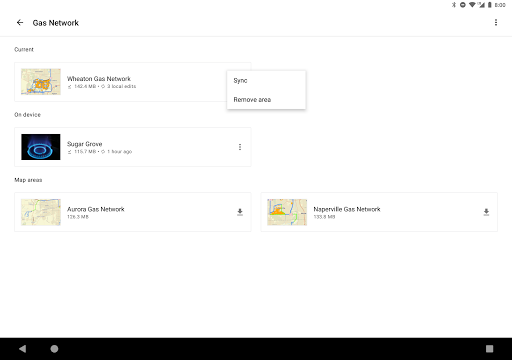
- Download map areas to your device and work offline.
- Collect points, lines, areas, and related data.
- Fill out easy-to-use, map-driven forms.
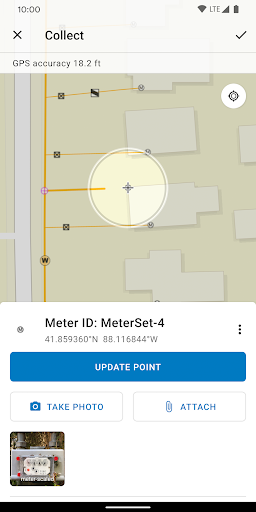
- Attach photos and videos to your features.
- Use professional-grade GPS receivers.
- Search for features, coordinates, and places.
- Streamline field workflows by integrating with other apps on your device.

What's New with ArcGIS Collector 20.2.2

- Various bug fixes and improvements.

Information

  • Category:
    Productivity
  • Latest Version:
    20.2.2
  • Updated:
    2020-11-09
  • File size:
    81.6MB
  • Requirements:
    Android 5.0 or later
  • Developer:
    Esri
  • ID:
    com.esri.collector
  • Available on:
Reviews
  • avatar
    Absolutely horrible. Had to use this for an assignment today. I experienced endless log-in loops, inability to use location services. Finally got to my organization's hub and was able to see my layer and add a point feature. Rebooted android device, restarted app, and now it sometimes recognizes location, but refuses to maintain the log in, and can no longer access feature layer. Attribute data was synced with ArcGIS Pro on a laptop but no attribute data of the same point is available on webmap.
    2020-10-12 10:10
  • avatar
    Hi, if using samsung dex, can you list the shortcut for this apps, I cant find the zoom out function.
    2020-10-08 06:24
  • avatar
    I used this for a class project and it worked, OK. It does glitch and crash more than any other app I've ever used - then again ESRI puts every bell and whistle in their products to create customizable experiences. Biggest problem my classmates with only 16GB memory phones (non microSD card storage), this app a lot of it. Thankfully I can uninstall it now and update the rest of my apps.
    2020-09-26 08:05
  • avatar
    Devs must be left handed. In the apple version, drop down is on the left and theres no way to put it on the right. I contacted them and the response was the latest IOS UI design guidline encourages use of the left side panel. IOS is such a joke. If youre wondering why this app sucks on android, its because its made for apple. Another bad decision from the devs was to use apple. Most of the population is right handed. ESRI, good idea, bad execution. Classic will be gone soon, so i was told.
    2020-09-15 12:14
  • avatar
    far too unstable, regular crashes, buggy UI
    2020-08-13 02:24
  • avatar
    I can't able to login in gis or explore even my login details are correct i don't why
    2020-07-14 01:52















