Coggle icon

Coggle

0.0.24 for Android
3.4 | 100,000+ Installs | Reviews

Coggle

⚠️ You need 9Apps App to install .XAPK File. How to install XAPK?

Description of Coggle

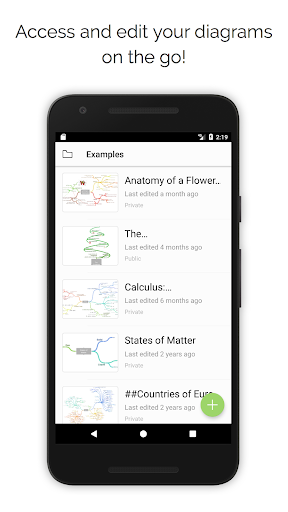
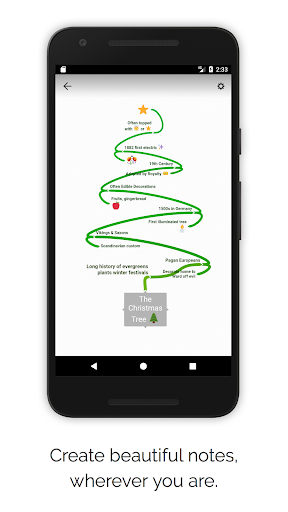
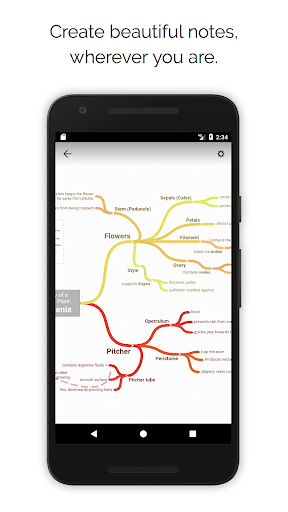
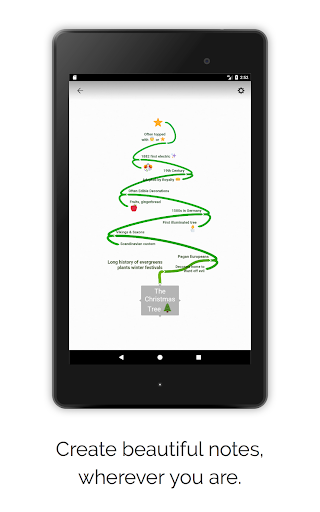
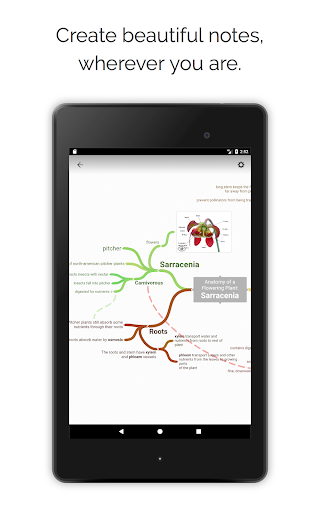
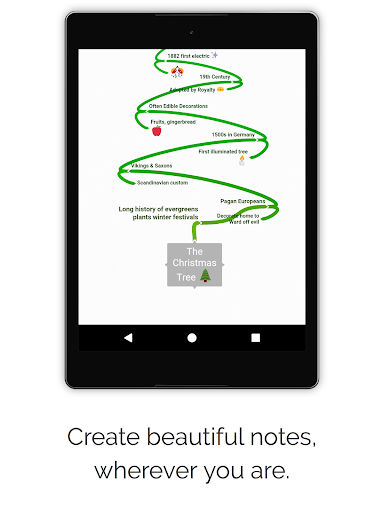
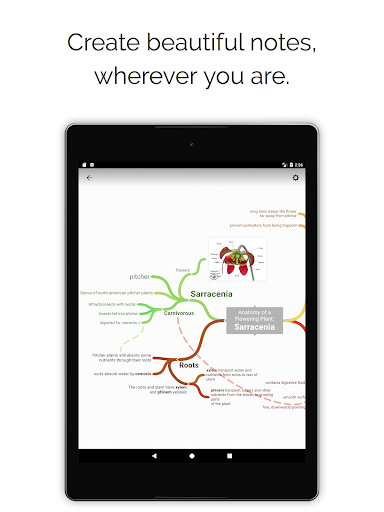
Produce beautiful mind maps quickly and easily. Share them with friends and colleagues to work on your ideas together.
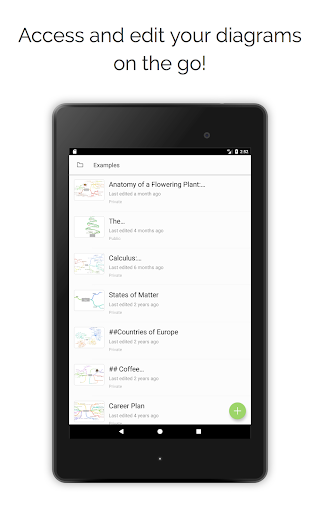
Whether you're taking notes, brainstorming, planning, or doing something awesomely creative, it is super simple to visualise your ideas with Coggle. Share with as many friends or colleagues as you like. Changes you make will show up instantly in their app or browser, wherever they are in the world.
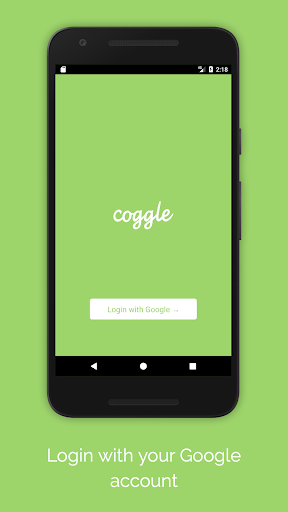
Log in with your Google account to get started instantly!
Features:
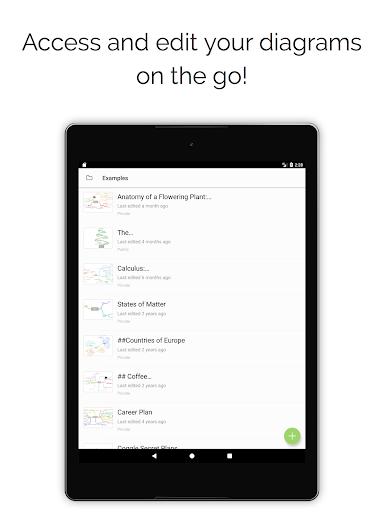
- 3 Private diagrams for free
- Real-time collaboration
- Unlimited public diagrams
- Markdown support
Upgrade at https://coggle.it for even more great features including offline support!

What's New with Coggle 0.0.24

New read-only mode switch to make navigating and reviewing mind maps quickly even easier than ever. Just tap the switch to toggle between viewing and editing.
Lots of other little bugfixes and performance improvements.

Information

  • Category:
    Productivity
  • Latest Version:
    0.0.24
  • Updated:
    2021-11-10
  • File size:
    54.9MB
  • Requirements:
    Android 6.0 or later
  • Developer:
    Coggle
  • ID:
    it.coggle
  • Available on:
Reviews
  • avatar
    Not good at all
    2020-10-08 09:18
  • avatar
    It's easier to use a laptop. But I love your service. Thanks
    2020-09-10 08:01
  • avatar
    Mind map make yourself
    2020-09-09 06:14
  • avatar
    unusable interface, many restrictions, what at first looked like a good implementation of mind mapping at the end appeared to be some joke.
    2020-09-04 11:27
  • avatar
    I like this app (and I'm yearly subscriber). The feature I'm missing: share the page-file-picture form mobile Chrome to some of the elements of the mind map. My use case is: when I browse something on my phone and I see an article, which "connects" pretty well to one of the nodesbun my mind map, then I want to use the Android "share" functionality to add this to the mind map. The way how I solve it now: I upload the file/picture to my Google drive -> enable link sharing -> copy the link
    2020-08-24 03:59
  • avatar
    Will not allow me to sign in with ANY account.
    2020-07-11 04:02