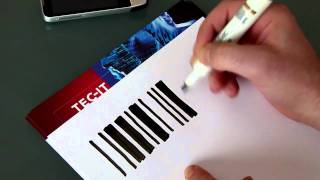
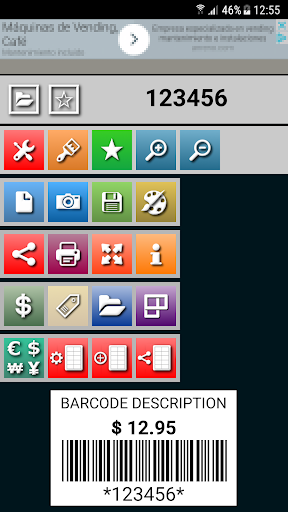
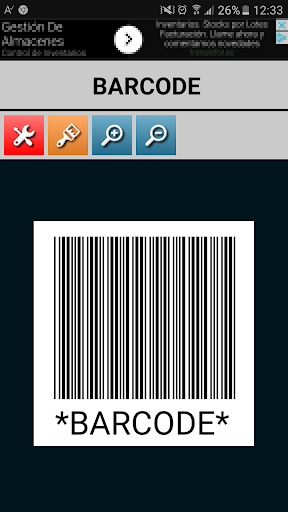
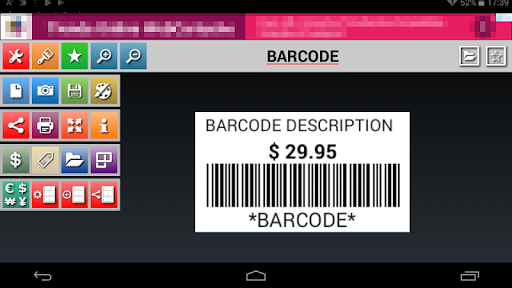
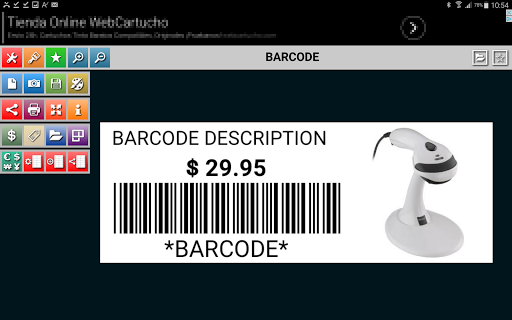
Creates and prints Code39 barcode labels in seconds. The barcode can be saved on the SD card and in the database by pressing the Save button.
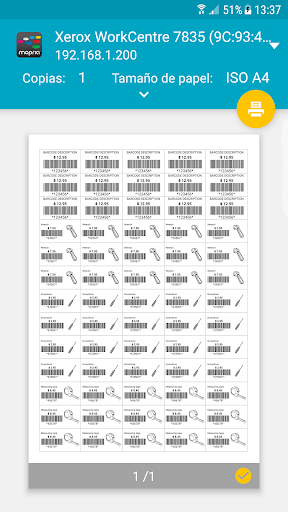
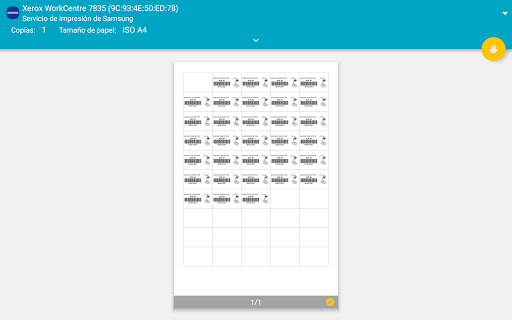
• The Barcode can now be printed directly on a wifi printer.
• Faster Barcode Search from the toolbar.
• Add Barcodes to favorites for a faster location.
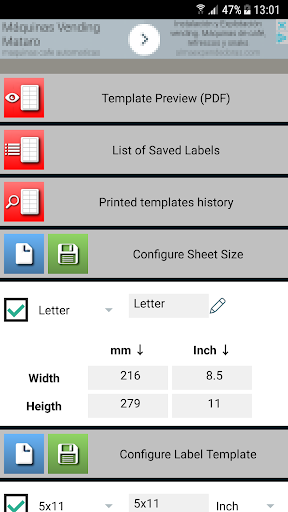
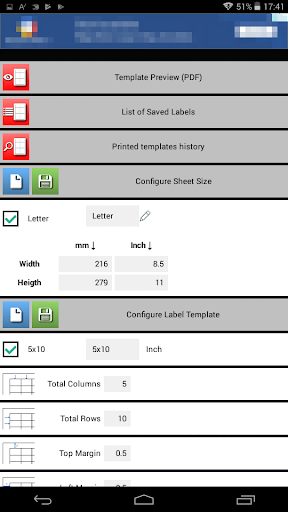
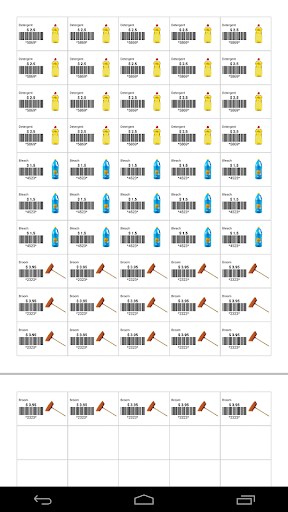
• You can now configure your label templates to print on sheets with self-adhesive labels.
• Generated templates can be printed directly on a Wi-Fi printer.
• Generated templates can be opened from a web browser external to the device.
• Share all favorite Barcodes or the result of a query, such as pictures.
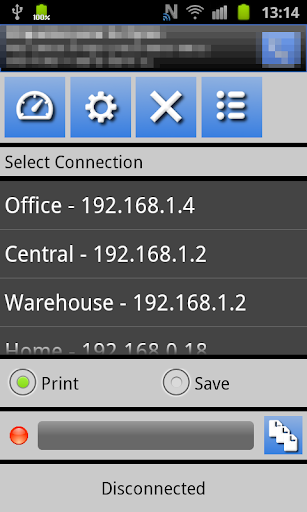
How to print via App:
• Download the print server to your PC, downloaded and installed in 2 minutes.
Https://sites.google.com/site/mlcprintserver
• Write a code and click the print button.
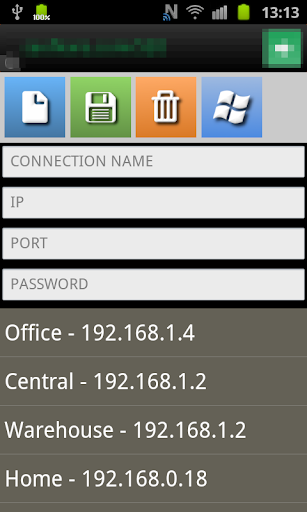
• The first time, it creates a connection to the server.
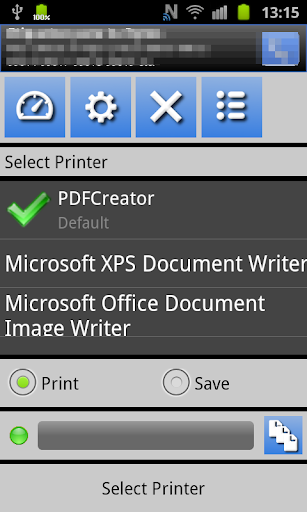
• Choose printer, resolution, paper size, and number of copies.
Alphanumeric support and image for Code39.
Allowed characters :. 0123456789ABCDEFGHIJKLMNOPQRSTUVWXYZ- $ / +% and space.
Longclick on each button for more information.
This App does not use or process personal information.
Error control








9Apps 4.9