
Coastline - Text Editor icon

Coastline - Text Editor

1.14.1 for Android
3.9 | 50,000+ Installs | Reviews

Rumsunrise

Description of Coastline - Text Editor

Coastline text editor
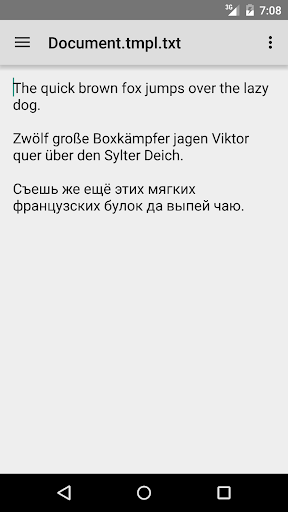
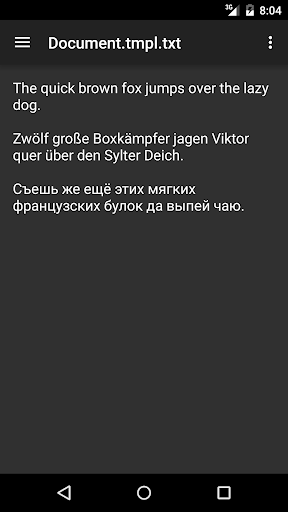
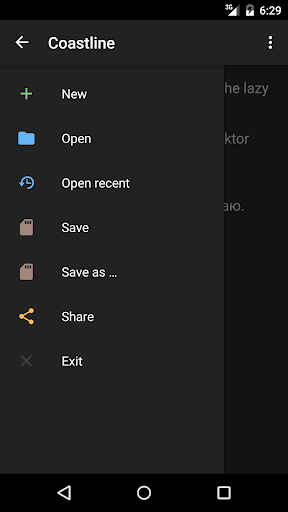
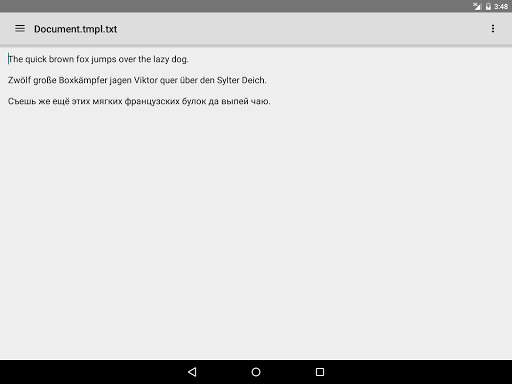
Coastline is a simple minimalist text file editor. Handy and fast, it allows you to create, open, edit and save plain text files.
Important
: the text editor supports only Unicode. If you want to use old Windows-specific codepages (like CP1252 or CP1251), the app won't suit you. Just try to find another editor.
Features
:
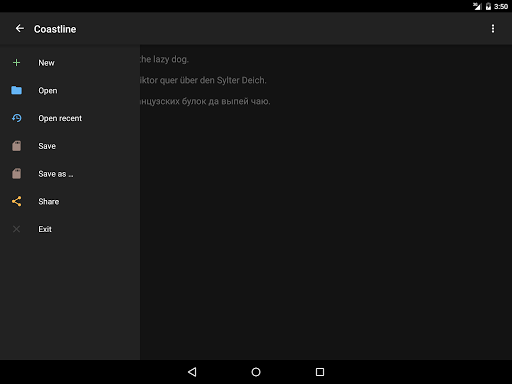
• Minimalist design
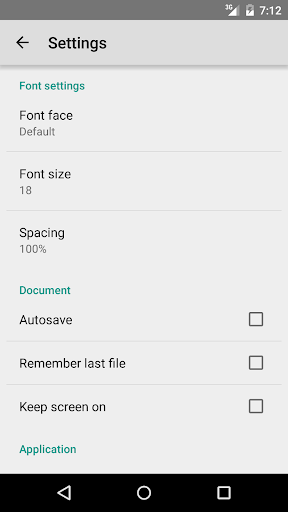
• Changing font face and font size
• Changing line height
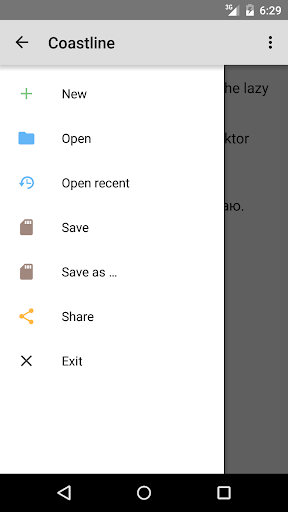
• Autosave: save your file once and other changes will be saved automatically
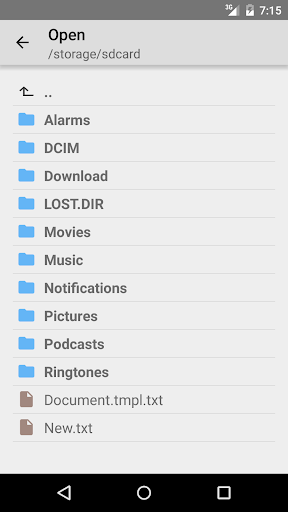
• Built-in simple file explorer
• Automatic placement of a file's extension
• Remembering last opened file
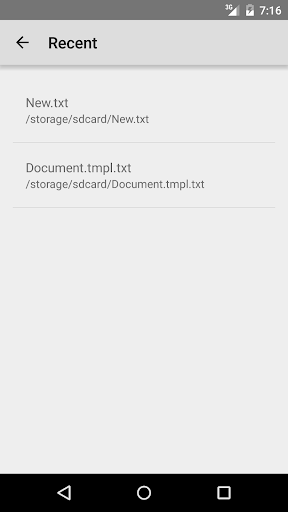
• A list of recently opened files
• "Keep screen on" feature
• Sharing a text in social networks (Facebook, Twitter, Vkontakte, etc.) and other applications
• Support both smartphones and tablets
Supported interface languages
:
• English
• Russian
• German
Known issues
:
• There is no access to external microSD card on Asus and Sony devices
• Low performance when working with big files
• Empty file list on Android 7
Find us
:
Twitter: http://twitter.com/rumsunrise
Facebook: http://facebook.com/rumsunrise
Vkontakte: http://vk.com/rumsunrise

What's New with Coastline - Text Editor 1.14.1

1.14.1
- Fixed a bug with multiple permissions request on Android 6
- Improved the dialog, which appears when you try to exit the app with unsaved file
1.13.2
- Fixed some bugs
- Improved the dialog, which appears when you try to exit the app with unsaved file
1.12.1
- Fixed a bug with side navigation on android 4.4
- Removed network permission
1.11.1
- Added new font size
- Fixed empty "Open" screen on Android 6

Information

  • Category:
    Tools
  • Latest Version:
    1.14.1
  • Updated:
    2016-09-24
  • File size:
    1.8MB
  • Requirements:
    Android 4.0 or later
  • Developer:
    Rumsunrise
  • ID:
    com.rumsunrise.coastline
  • Available on:
Reviews
  • avatar
    I use it a lot. just a pity you can't rename and delete files.
    2020-09-25 06:30
  • avatar
    Works well and handles large text files.
    2020-09-13 12:40
  • avatar
    The app is simple to use... The only problem is has no file sort capability to facilitate working on latest documents
    2020-08-30 11:25
  • avatar
    Barebones & easy to use text editor. Small permission footprint is a bonus. I do need to find a Programmer's Notepad equivalent Android app. What is discouraging are all the permissions that app developers require for a user to intall their app. Coastline does not follow that aforementioned unnecessary trend. I hope that Coastline moves towards developing a programmer's text editor. For now, I highly recommed Coastline - Text Editor for a non-invasive and intuitive app.
    2020-08-03 01:09
  • avatar
    Too bad, no Undo. I've computed since the '80s, on numerous platforms, and Undo was always considered a basic feature, one of the great advantages of computer editing (or drawing, or whatever). Do Android developers just not think of it? Or maybe they never change anything when they write? 😜
    2020-05-15 06:09
  • avatar
    OMG THIS IS REAL EVERYONE DOING 5 STARS! Well,NO! You search all your files. WHAT DO YOU GET? NOTEPAD WITHOUT LINES AT LEAST SHOWS PREVIOUS FILES SO YOU CAN REINSTALL IT! Well please subscribe to catereena cat and I'll edit and do 5 stars because she's wayy mor Legit!
    2020-05-15 02:23













