

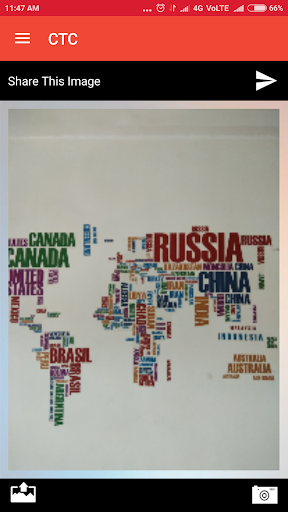
How CTC works -
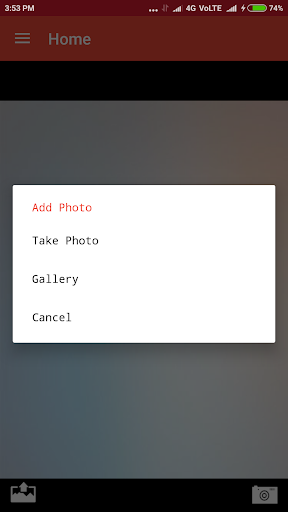
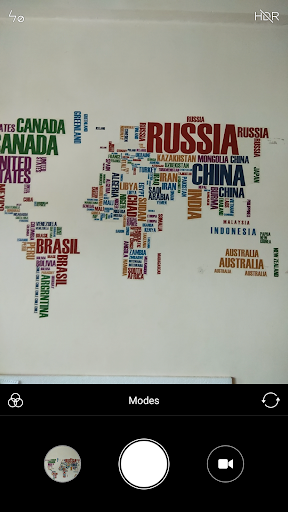
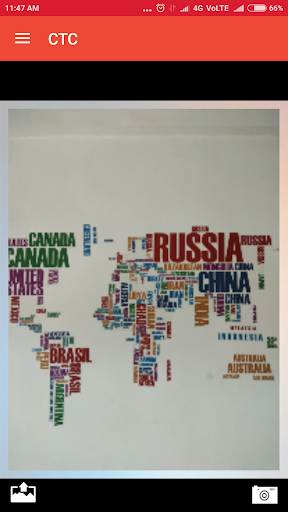
- Take a picture or use one already stored in your phone or computer. you can also use the CTC App to take a picture.
- When you are ready to send the picture or the file from your phone , just open the App, if not already opened, and select it.
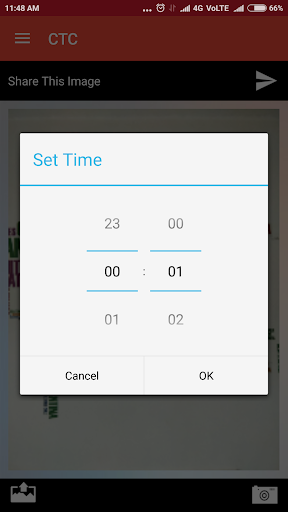
- After that you will be prompted to encode the expiration date for the picture/file you selected simply by selecting the expiration time.
- After the selection you will be prompted to upload the pic to the CTC Pipeline Server and receive a secure unique link to send to your contacts .
- Picture/file will be deleted after the selected time reaches 00:00 and cannot be recuperated or restored.
- The information is gone forever.
This is 100% protection of your privacy.
Bug fixed

9Apps 4.9