
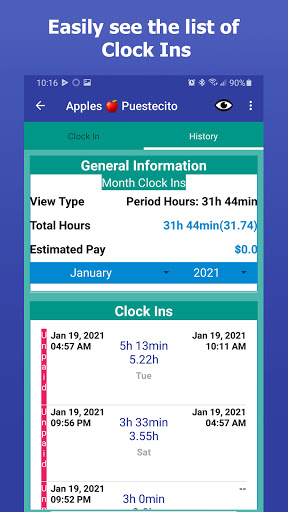
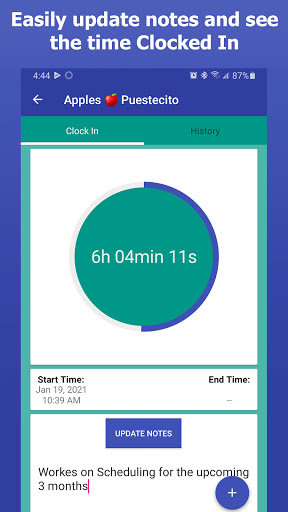
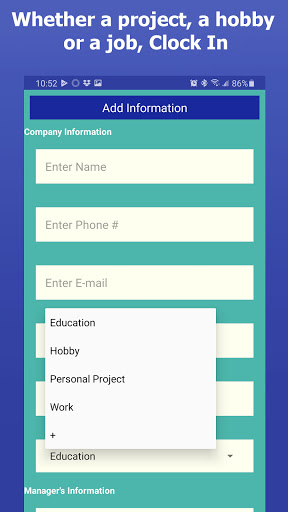
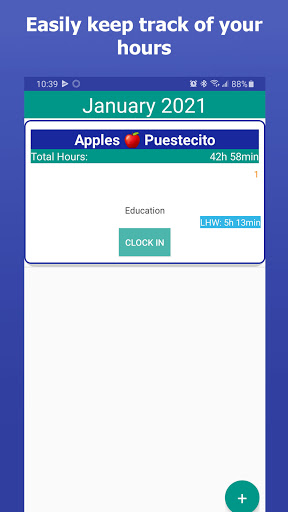
Whether you work for an employer or are an independent business owner, log your hours of productivity: be it work, education, or personal projects. It's simple - just "Clock In."
Includes:
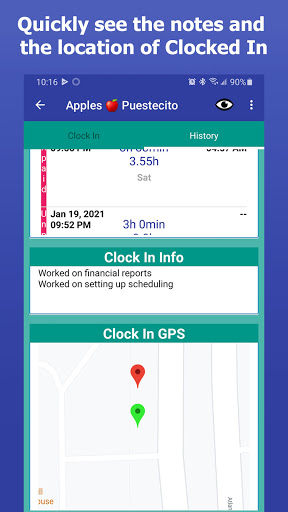
• GPS Clock In Feature - document your location when you clock in/out. You can enable/disable this feature at any time.
• Reminder - set up reminders to clock in/out. Reminders can be enabled as an alarm or a notification. Perfect for taking breaks or sticking to a schedule.
• View biweekly, weekly, monthly, or yearly reports.
• Export data to an easy to read Excel sheet!
• Quickly and easily share notes with your managers/clients or to keep for yourself.
• Manual Clock In Feature - forgot to clock in? No problem! You can manually add hours to the database.
***Disclaimer:
This app is not intended for a universal clock in/clock out app. Use at your own risk. For any specific cases, send us an email as a feature request.
We want to thank our users who reported some bugs in Clock In. We have sent these bugs packing and back to the coding wilderness.
Here is a list of stuff that changed:
- Fixed the monthly, weekly and biweekly records views not showing up
- Temporarily disabled the Google Maps View (We are working on getting this back in place)
- Fixed issue while exporting the .xls file on some newer Android Permissions
-Fixed minor bug



![2 Hours Countdown Flip Clock Timer [Piano] Music for Studying, Sleeping, Focus screenshot 4](https://i.ytimg.com/vi/q8y7rC0klR0/mqdefault.jpg)


9Apps 4.9













