YOU NEED TO HAVE THE PRO VERSION OF KUSTOM KLWP or KWGT or KLCK INSTALLED ON YOUR PHONE TO USE THESE KOMPONENTS
Please leave a review so I know how I'm doing!!
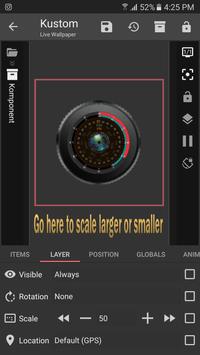
To resize these you open the Komponent and in Layer scale it to your liking. See the screenshot in the pictures.
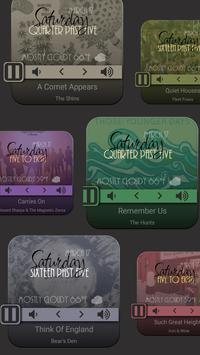
MusicTime- changes color with the cover art.
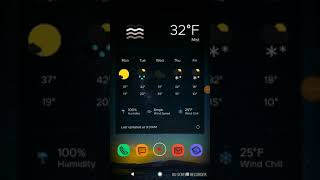
Weather- changes with the weather condition
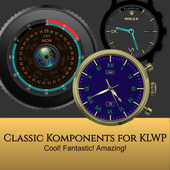
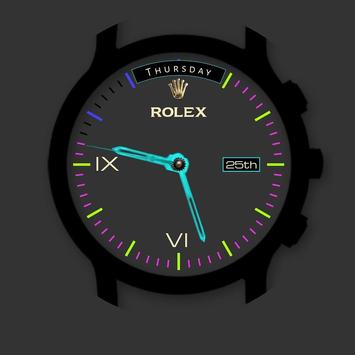
Neon Rolex
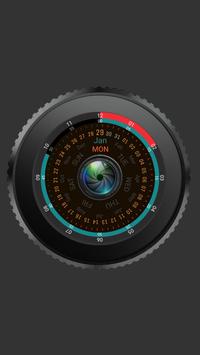
Camera Lens
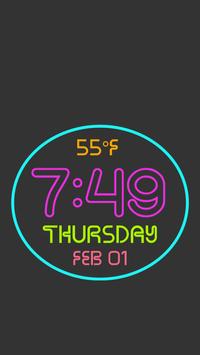
Flashing Neon
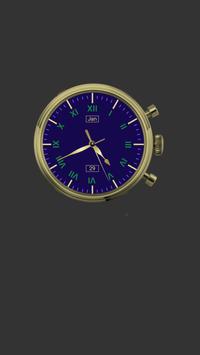
Blue Gold
ADDING KOMPONENTS TO YOUR KLWP WALLPAPER
- Open KLWP app
- Tap icon and select Komponent
- Tap the 'Installed' tab
- Select which komponent you wish to use
- Tap the save icon
- Return to homescreen
ADDING KOMPONENTS TO YOUR KWGT WIDGET
- Long press homescreen and drag a KWGT to it
- Tap on the Widget to open the KWGT app
- Create a new widget, or open a downloaded/exported preset
- Tap the 'Installed' tab
- Select which komponent you wish to use
- Tap the save icon
- Return to homescreen
Follow me on Google https://plus.google.com/communities/115939934629719211389
If you have questions please email me at classicnancy@gmail.com
Added two animated music players and a fun summer clock. . One is actually a klwp because of the animation.
Sliced Music, Music Squared, PoolTime

9Apps 4.9