

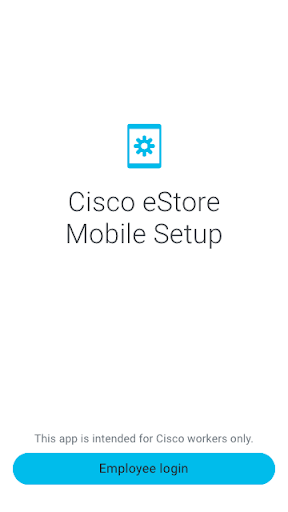
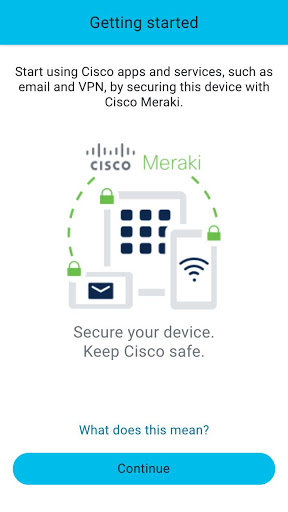
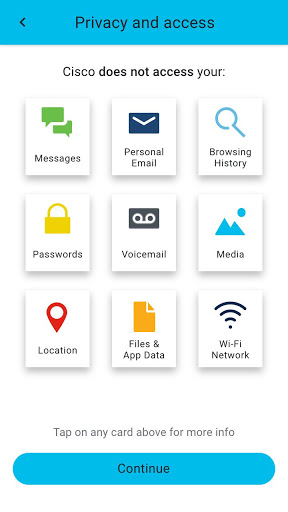
The Cisco eStore Mobile Setup app for Android provides secure access to mobile apps and services for Cisco employees, including corporate email and network access, from anywhere.
Use your Cisco employee credentials to secure your device with Cisco Meraki and get access to Cisco eStore for Cisco-created, -curated, and -approved mobile applications.
FEATURES:
UNIFIED APP CATALOG
Access to enterprise, cloud, and native apps through a single catalog. Search corporate applications by name or subtitle, or browse apps alphabetically or categorically. Learn about available apps through detailed descriptions, screenshots, and support links.
SECURE ACCESS
Integration with Cisco Meraki provides complete device security with conditional access. This ensures data compliance for apps and protection of Cisco’s data in the event that a device is lost or compromised.
ALWAYS UP-TO-DATE
Automatic updates for all mobile applications downloaded from Cisco eStore to guarantee that you always have the latest features, bug fixes, and security improvements.
INSTRUCTIONS:
1. Download the Cisco eStore Mobile Setup application on your Android device
2. Sign in with your Cisco employee credentials
3. Create a secure work profile using Cisco Meraki
4. Access the Cisco eStore app to browse and install mobile apps (coming soon)
Remove support for older Android devices.












9Apps 4.9














