Chemical Elements Clock icon

Chemical Elements Clock

2.1 for Android
4.1 | 10,000+ Installs | Reviews

Carrion Crow

Description of Chemical Elements Clock

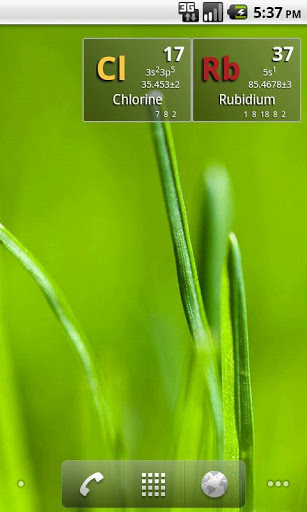
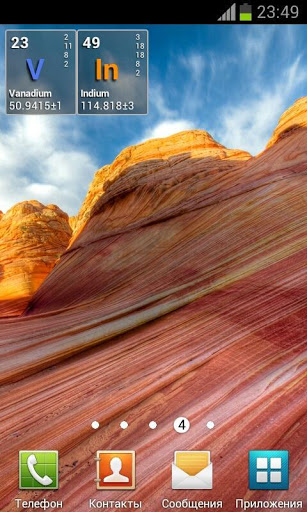
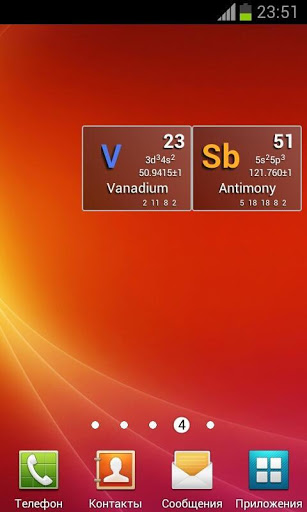
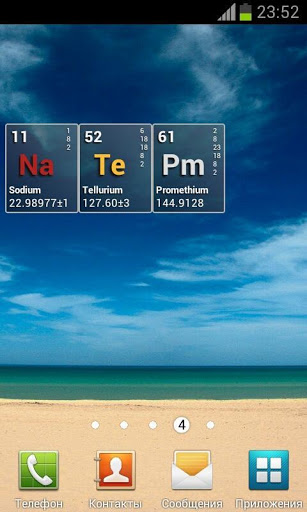
A "nerdy" clock widget for Chemistry fans. Shows time with chemical elements.
To activate a widget follow these steps:
★ Press "Home" button to go to your home screen
★ Press "Menu" button and then select " Add" option
★ Select "Widgets" from list
★ Find and click Chemical Elements Clock widget which you want to add on homescreen or drag a widget icon to your homescreen
★ Press "Home" button and enjoy the widget on the homescreen

Information

  • Category:
    Personalization
  • Latest Version:
    2.1
  • Updated:
    2015-08-29
  • File size:
    278.1KB
  • Requirements:
    Android 2.2 or later
  • Developer:
    Carrion Crow
  • ID:
    com.elemclock.widget
  • Available on:
Reviews
  • avatar
    چرا واسه من اصلا باز نمیشه برنامه؟!
    2020-05-06 08:14
  • avatar
    Time travel? Seriously
    2019-08-31 12:47
  • avatar
    Go to phone widget. Love it, but if it was a little more customisable and accurate, I wouldn't turn it down.
    2018-10-26 10:19
  • avatar
    Its not opening
    2017-05-25 05:30
  • avatar
    Although I liked the app but very often time stops, and the clock shows the same time . Fix it for 5 stars
    2016-10-14 03:49
  • avatar
    Had to delete it because the bottom half of the "clock" was always cut off. Might be my new version of android though.
    2015-02-03 05:49