

Monitor the charging status and battery level of your Android device.
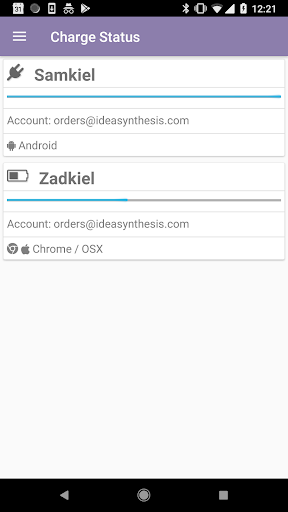
Never run out of power again: Charge Status is the easiest way to monitor the charging status and battery level on your Android device.
Charge Status provides simple monitoring of your charging status and battery level from anywhere. Find us online at https://www.chargestatus.com
Features:
* Easy to read display of charging status and battery levels.
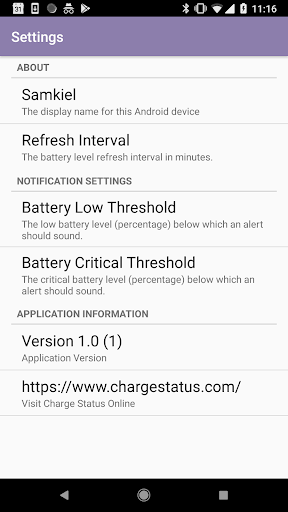
* Configurable low and critical battery levels.
* (Coming Soon) Notifications and (optional) audio alerts when the battery drops below the configured low or critical battery level.
* View battery levels for all your connected Chrome-equipped computers, Chromebooks and Android devices from one dashboard (requires optional Charge Status online account).
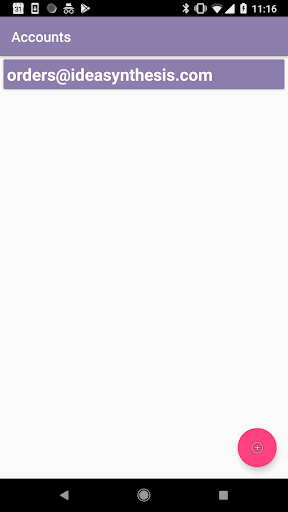
* Support for multiple Charge Status accounts.
Getting Started:
1. Install the app from the Play Store (right here!).
2. Launch the app (thank you!)
2. Click on the button to link your app to Charge Status online.
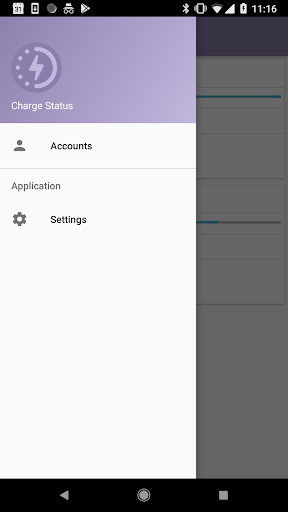
3. To customize the low and critical battery levels, as well as the alert settings, select the Settings option from the navigation menu.
Frequently Asked Questions:
* Does the app require a Charge Status online account?
Yes. The Charge Status online account is required to view charging status and battery level information from your other computers and devices, or to view the charging status and battery level of this Android device from another computer.
* How much battery is consumed by the Charge Status extension?
Minimal battery is consumed: updates only occur once every 15 minutes, or when a charger is connected or disconnected. If you do not link to a Charge Status online account then no network usage occurs at all.
* Does my Android device have to be connected to the Internet to use Charge Status?
Yes, to send remote updates or to receive charging status and battery level updates from other computers. Low/critical level alerts do not require an Internet connection.
* Can I view my charging status and battery level on my computer?
Yes. Once you log into https://www.chargestatus.com from your computer you can view your charging status and battery level.
* Can I view my computer's charging status and battery level on my phone?
Yes! Visit https://www.chargestatus.com/ and install the Chrome extension.
Happy to answer any other questions: visit https://www.chargestatus.com/contact.html with any questions or suggestions or email us at team@chargestatus.com.
Settings screen updates for low/critical alert levels.
Bug fixes.







9Apps 4.9














