CastReceiver icon

CastReceiver

1.5.6 for Android
3.2 | 100,000+ Installs | Reviews

softmedia

Description of CastReceiver

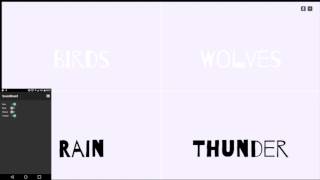
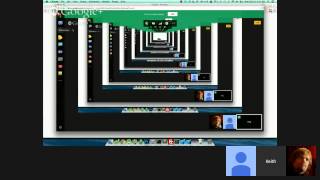
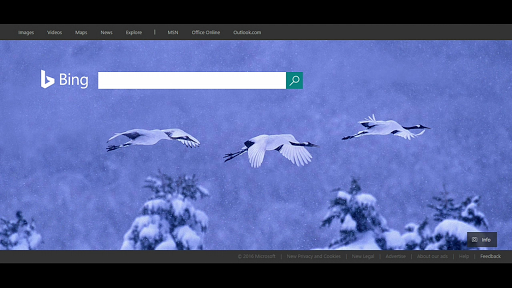
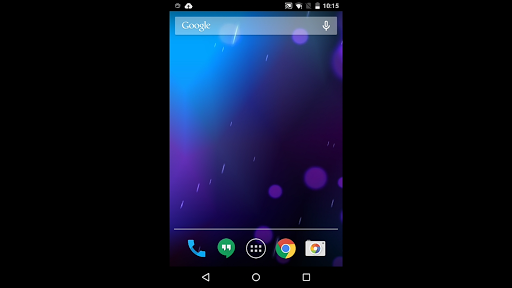
CastReceiver is Screen Cast Receiver. It let you mirroring your android phone or your Chrome Tab to your any Android box running CastReceiver.
By CastReceiver you can easily share your Phone/Chromebook screen to your friendly or make presentation in meeting.
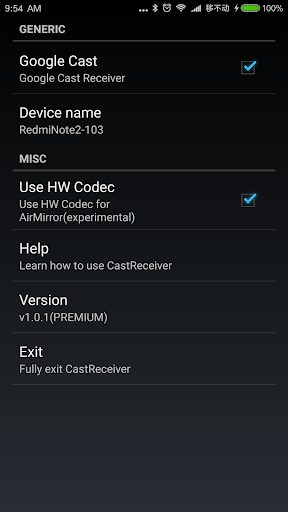
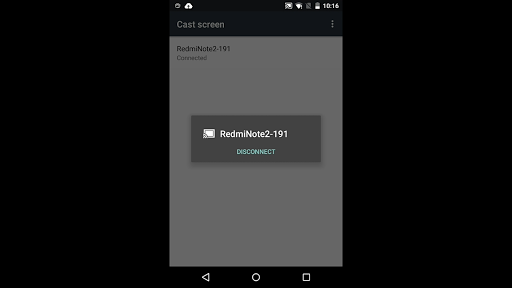
Use built-in Google Cast on your Phone/ChromeBook to enable screen mirroring. CastReceiver will appears in the receiver list alongside any Chromecast™ devices that may also be nearby. Simply select CastReceiver from the Cast receiver list and your Android device screen will begin mirroring!
Features:
1, Supports both tab casting and desktop casting which is built into all Chromebooks and all desktop platforms with Google Chrome browser.
2, Works with all Google Cast enabled Android devices without needing to install anything on the device.
Notes:
1, CastReceiver don't support streaming DRM protected content.
2, Not all Android Phone support Google Cast well. Please testing it using trial version.

What's New with CastReceiver 1.5.6

1, Update Play Billing Library.
2, Add SYSTEM_ALERT_WINDOW permission to support screen cast in background above Android 10.

Information

  • Category:
    Tools
  • Latest Version:
    1.5.6
  • Updated:
    2021-04-04
  • File size:
    13.5MB
  • Requirements:
    Android 4.1 or later
  • Developer:
    softmedia
  • ID:
    com.softmedia.receiver.castapp
  • Available on:
Reviews
  • avatar
    Works great to cast from computer to Android tablet.
    2020-09-29 01:26
  • avatar
    This app is perfect with my Oculus Quest! Thank you, i love it and bought the premium version 😁
    2020-09-16 08:17
  • avatar
    This is the only app I have found that does what I want. It works well for YouTube would love to see Netflix and volume control integration. It's a great start but still a lot more needs to be done before it's really a finished app. I just got the paid version to help support the development and am hoping to see more improvements in the future.
    2020-08-10 01:41
  • avatar
    fix the volume control, I can't control the volume. Please start the app always in maximum brightness. Please add Spotify. Please fix Netflix.
    2020-08-03 04:30
  • avatar
    I purchased this app for my android box and its show trail version... fix this issue..
    2020-07-24 03:05
  • avatar
    Looks promising at the first sight, YouTube works (minus the volume control!), but then i've tried Spotify, which keeps "connecting", and "Netflix", which keeps "loading" on the receiver side, then Amazon Prime, which loads just fine, but errors out when trying to actually start playing... and then i've read the note about YouTube not supposed to be working either??? With all those popular services being design/device limitation, whats the point of this app?
    2020-06-14 06:40