Call to Bluetooth icon

Call to Bluetooth

1.4 for Android
4.0 | 100,000+ Installs | Reviews

Fernando Figueiredo

Description of Call to Bluetooth

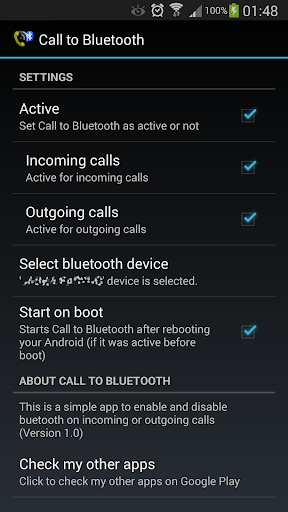
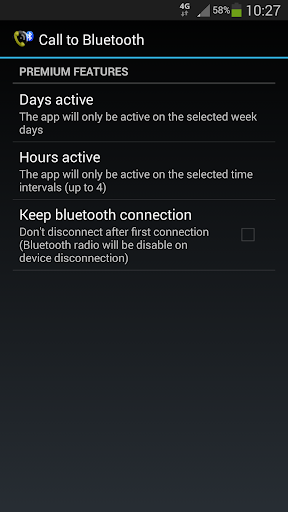
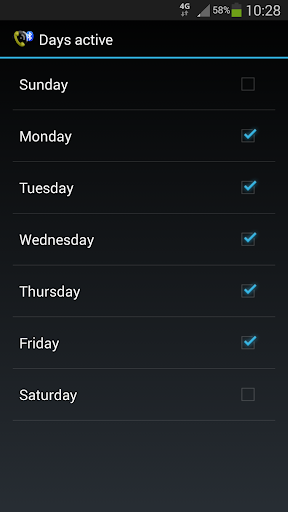
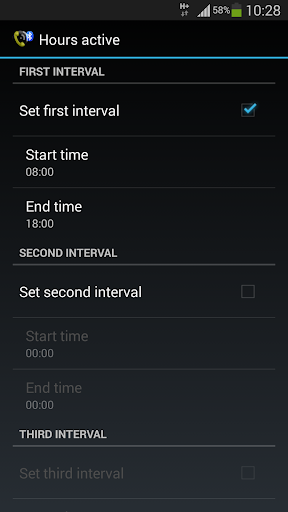
This simple app will enable bluetooth on your phone when you receive or make a call so you can answer it on your bluetooth headset or bluetooth hands-free device.
This way you will preserve the battery life of your phone.
Note that it will not answer your calls automatically (this can be accomplished by enabling the auto-answer setting under the call settings of your phone).
REQUIREMENTS:
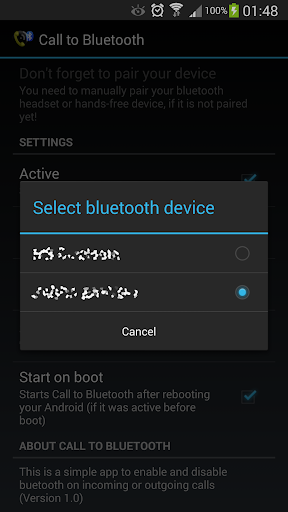
You should have your phone and your bluetooth device already paired.
Your bluetooth headset or hands-free device must support bluetooth headset profile (is most probably it will)
SIMPLE INSTRUCTIONS:
1. Open application.
2. Select default bluetooth device from the device selection list.
3. Select Active to activate it

What's New with Call to Bluetooth 1.4

Application size reduced and minor bugs fixed.

Information

  • Category:
    Tools
  • Latest Version:
    1.4
  • Updated:
    2018-03-21
  • File size:
    808.6KB
  • Requirements:
    Android 4.0 or later
  • Developer:
    Fernando Figueiredo
  • ID:
    com.ferfig.calltobluetooth
  • Available on:
Reviews
  • avatar
    Greatest thing ever
    2020-10-19 01:41
  • avatar
    I gave it 1star because there are no instructions
    2020-10-18 09:40
  • avatar
    Bogus, not showing options to make a call
    2020-10-03 02:12
  • avatar
    Nice to connect Bluetooth device with phone
    2020-09-29 04:43
  • avatar
    It is nice app I like this app there is a helonex bt speaker bulb in my home so it easy to connect with Bluetooth
    2020-09-03 08:10
  • avatar
    Very good app
    2020-08-27 09:02