

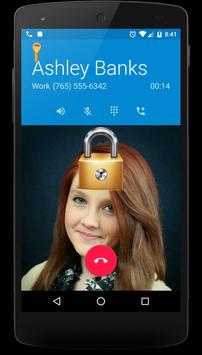
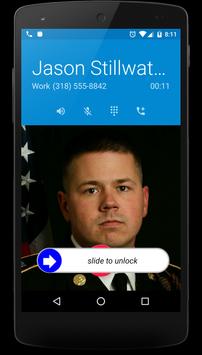
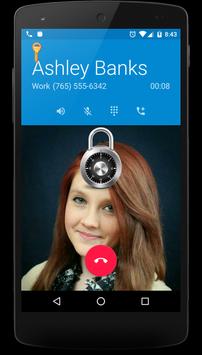
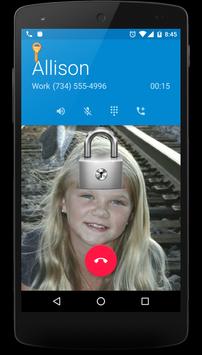
Ever hang up your phone right in the middle of a conversation? Not anymore!! Call Screen Lock can help with this. Anytime that you are actively in a call, Call Screen Lock will prevent any touch events on your screen. When the call is over, Call Screen Lock quietly goes away. To access your screen while in a call, just tap the lock key in the upper left of your call screen. The screen will then be unlocked and the key is replaced by a lock icon. Tapping the lock icon will re-engage Call Screen Lock once again.
-Version 3.5
Bug fixes for Android Lollipop
-Version 3.0
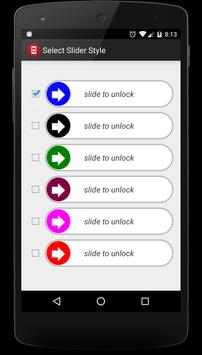
All new swipe to unlock for pro version
Added option to drag lock controls around screen for better positioning (pro version)



9Apps 4.9













