Calendar Notes icon

Calendar Notes

1.0.19 for Android
4.2 | 500,000+ Installs | Reviews

AsyncByte Software

Description of Calendar Notes

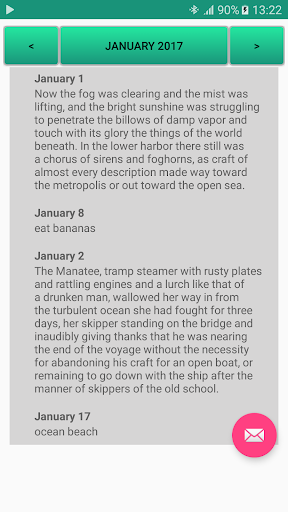
An very easy app to save your idea and your notes in a calendar date form
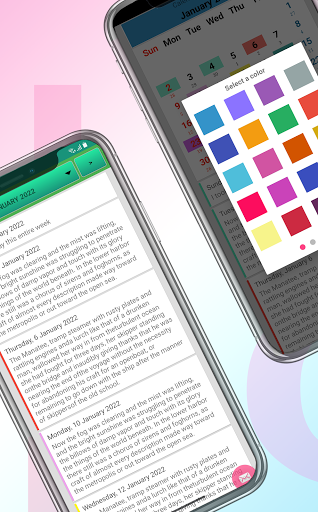
* beautiful & simple application without any pretension/requirement
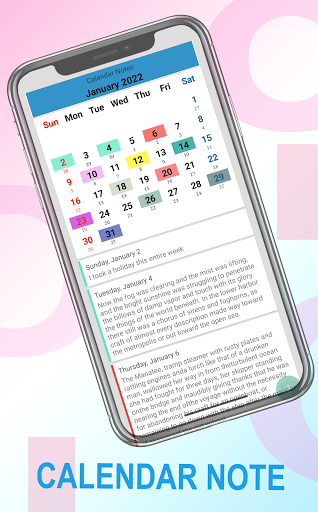
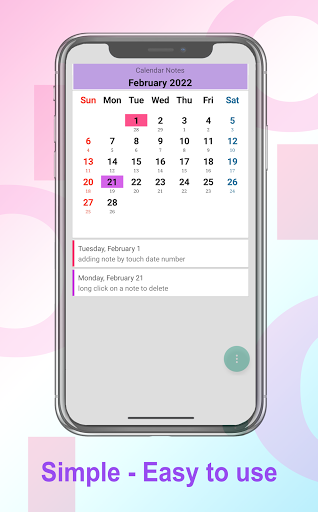
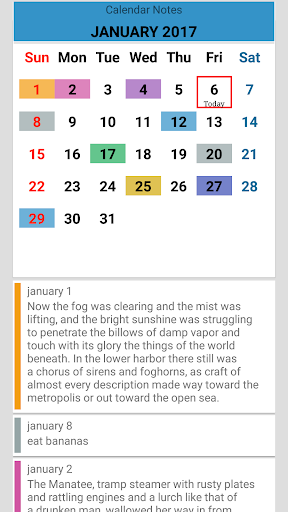
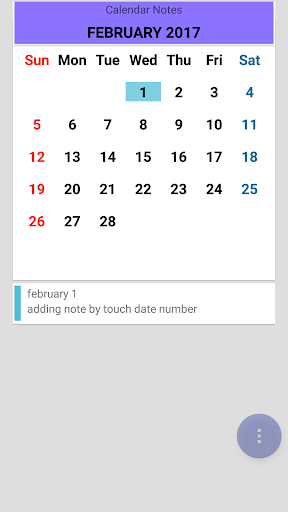
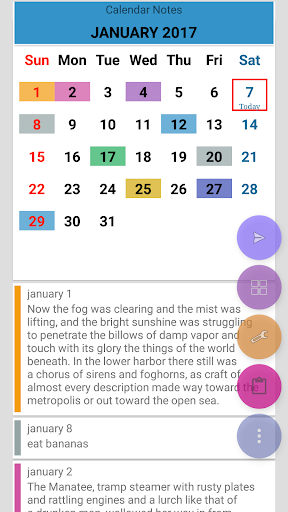
* add a note, idea, personal agenda, diary into calendar
* perpetual calendar
* swipe left and right to change month
* in month view, you can change year by swipe left/right as well
* backup your notes manually into email or your online storage ( no need to login , you need do this manually )
* optimized app, use latest android design guide and library
* small size APK
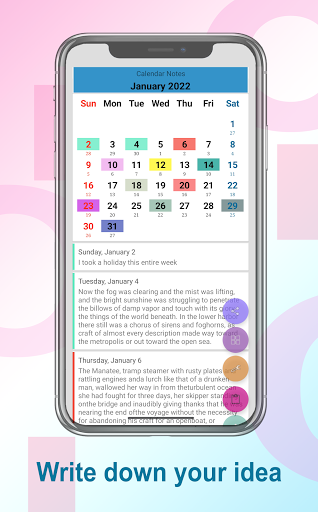
Don't let your idea gone, write it down with this calendar notes app !
---
App icon is modified version from icon designed by
Laura Reen, http://laurareen.com/
Icon license : Attribution 3.0 Unported (CC BY 3.0)

What's New with Calendar Notes 1.0.19

* Improvements
* Upgrade libs

Information

  • Category:
    Productivity
  • Latest Version:
    1.0.19
  • Updated:
    2023-12-16
  • File size:
    6.4MB
  • Requirements:
    Android 4.4 or later
  • Developer:
    AsyncByte Software
  • ID:
    com.asyncbyte.calendar.notes
  • Available on:
Reviews
  • avatar
    I love this app I keep all important notes regarding business in this app, also I will request to give option for highlight text in notes that will help to highlight the important work
    2020-10-13 05:36
  • avatar
    Exactly what I need! Although the UI could be improve to look more clean and up-to-date. The buttons when the keyboard's on should be lifted higher so that users don't have to hide the keyboard to save note. I just want an app to take quick notes on specific day and highlight them. JUST IT! NOTE and HIGHLIGHT. And this app makes it right and simple while the others complicate things up with title, schedule, reminder, to-do list... So complicated and time-consuming that whenever I see them, my head is kind of spinning and don't know where to start :)) Thank you. Please keep it simple this way
    2020-10-05 02:08
  • avatar
    I got the pro version on my android phone. I love the calender. I only wish I could link it to my android tablet also. Can I only link with app in pro version on both devices? How does that work? I'd like to view my calender from both devices without have to input on both.
    2020-10-03 05:01
  • avatar
    I changed my phone and all the records went off . I feel so sad.i hate this app.
    2020-09-17 06:01
  • avatar
    It is good app but have some suggestions 1. When we add reminder we should be able to add for few months or for a year together. 2. Should have 2 separate calender for personal and business. Will be useful.
    2020-08-24 05:21
  • avatar
    I liked the application as it does what exactly I wanted to accomplish. To take notes on date wise just to recall something. I would have given 5 star and bought as well provided the app had an option to backup and restore. I just changed the mobile and all my previous data is gone. May be that feature is in Pro version but currently there is no such functionality available. The paid version just removes ad. Would like to see the same feature in future.
    2020-07-30 07:54