


Features of Calculator Vault
For Hide Photo & Video
Files Lock
- Import photo and video from the library.
- Hide all installed files.
- Sort files or folder and change view to grid or list view you like most with a smart locker.
- Unlimited add contacts or SMS and e-mail.
- Hide you are any format files from built-in file explorer.
- Inbuilt image viewer and audio or video player.
-Save all your passwords in one place.
How to open?
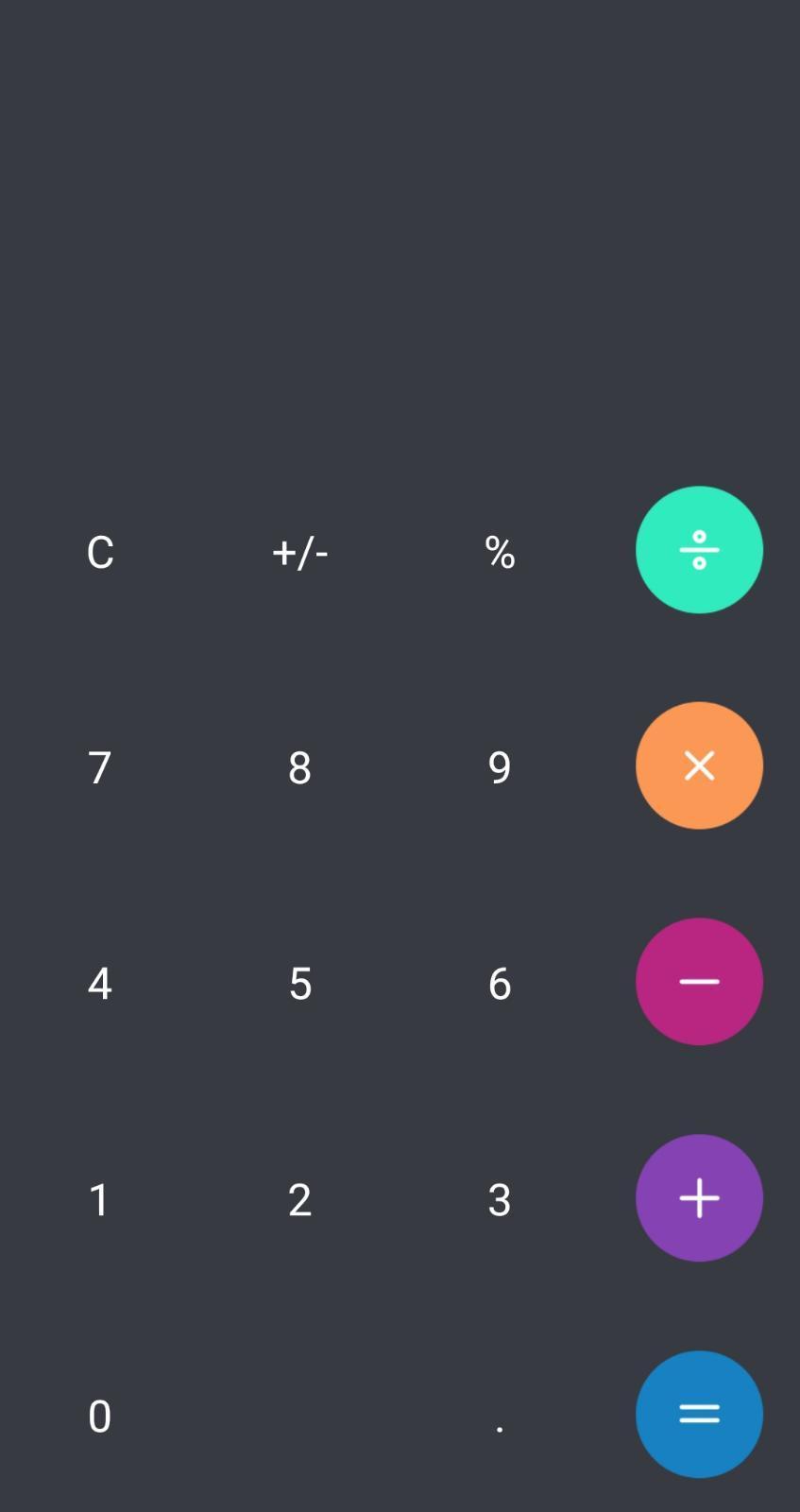
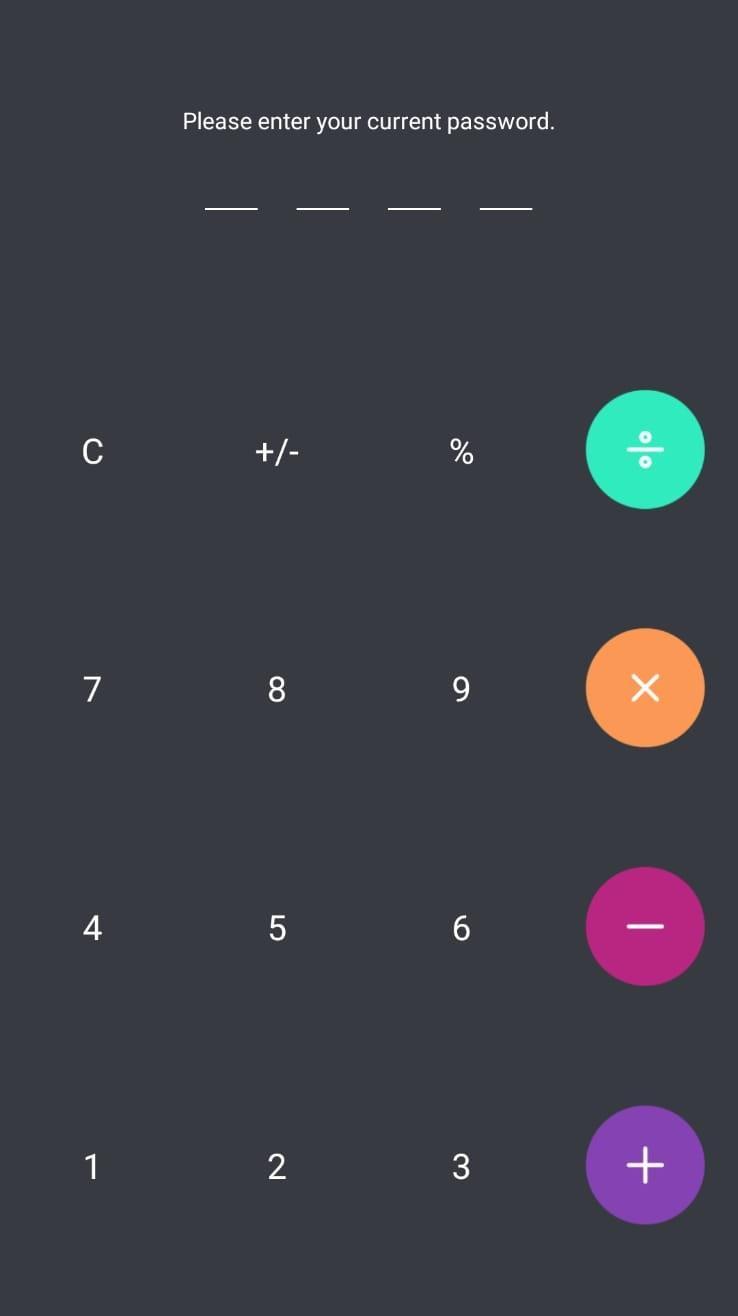
Enter your password and press '=' button to open.
What can I do if I forgot my password?
In case you forget your password, simply enter a number '11223344' into Calculator and press '=' button, then retrieve your password by entering answer of your security question.
How to restore encrypted file?
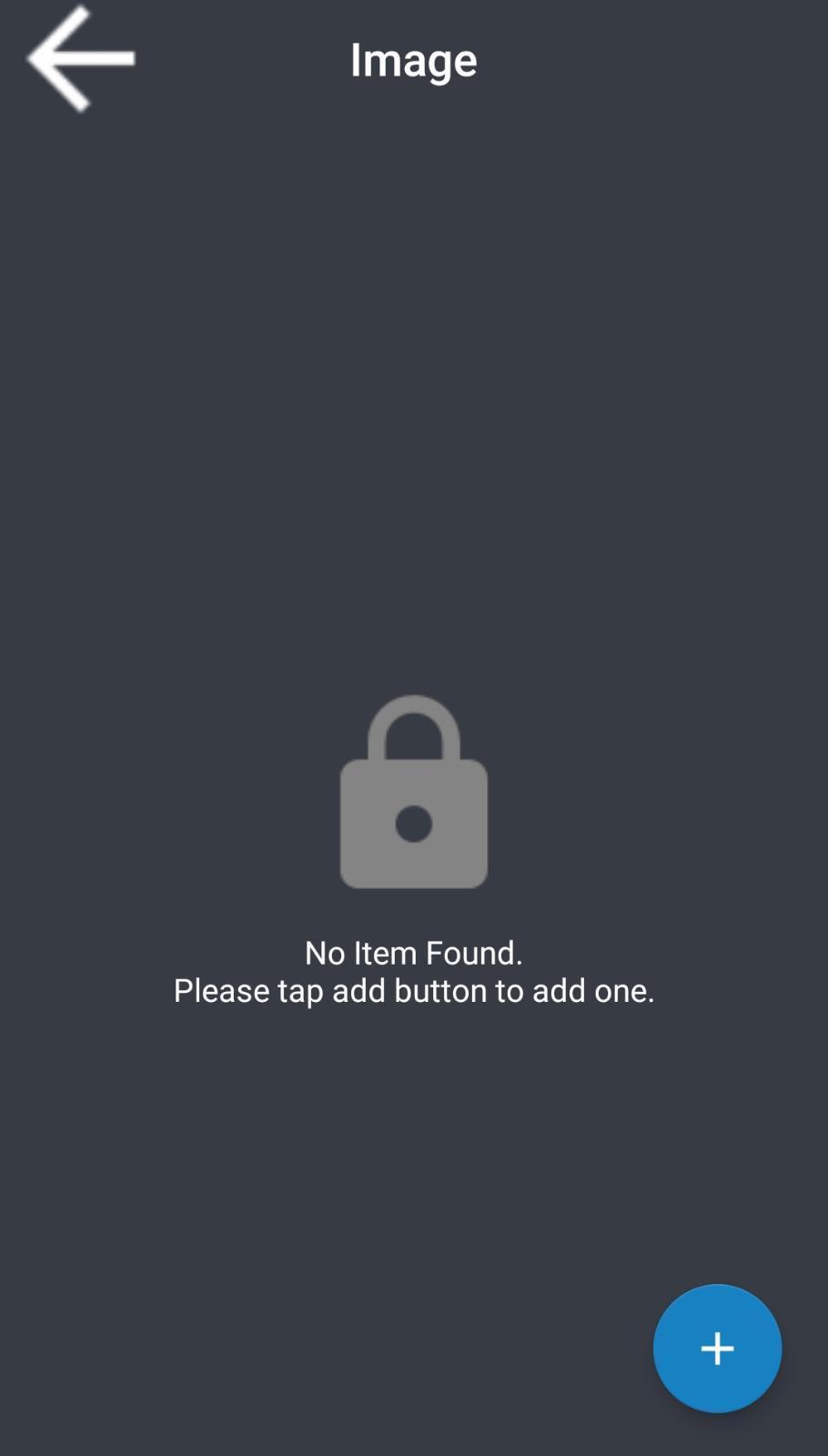
Long press on the encrypted file will enter the edit mode, you can restore it by using the restore button in the action bar.
Are my hidden files stored online?
Your files are stored only on your device, so please make sure to backup all your hidden files before transferring to new device or factory reset.
Change password?
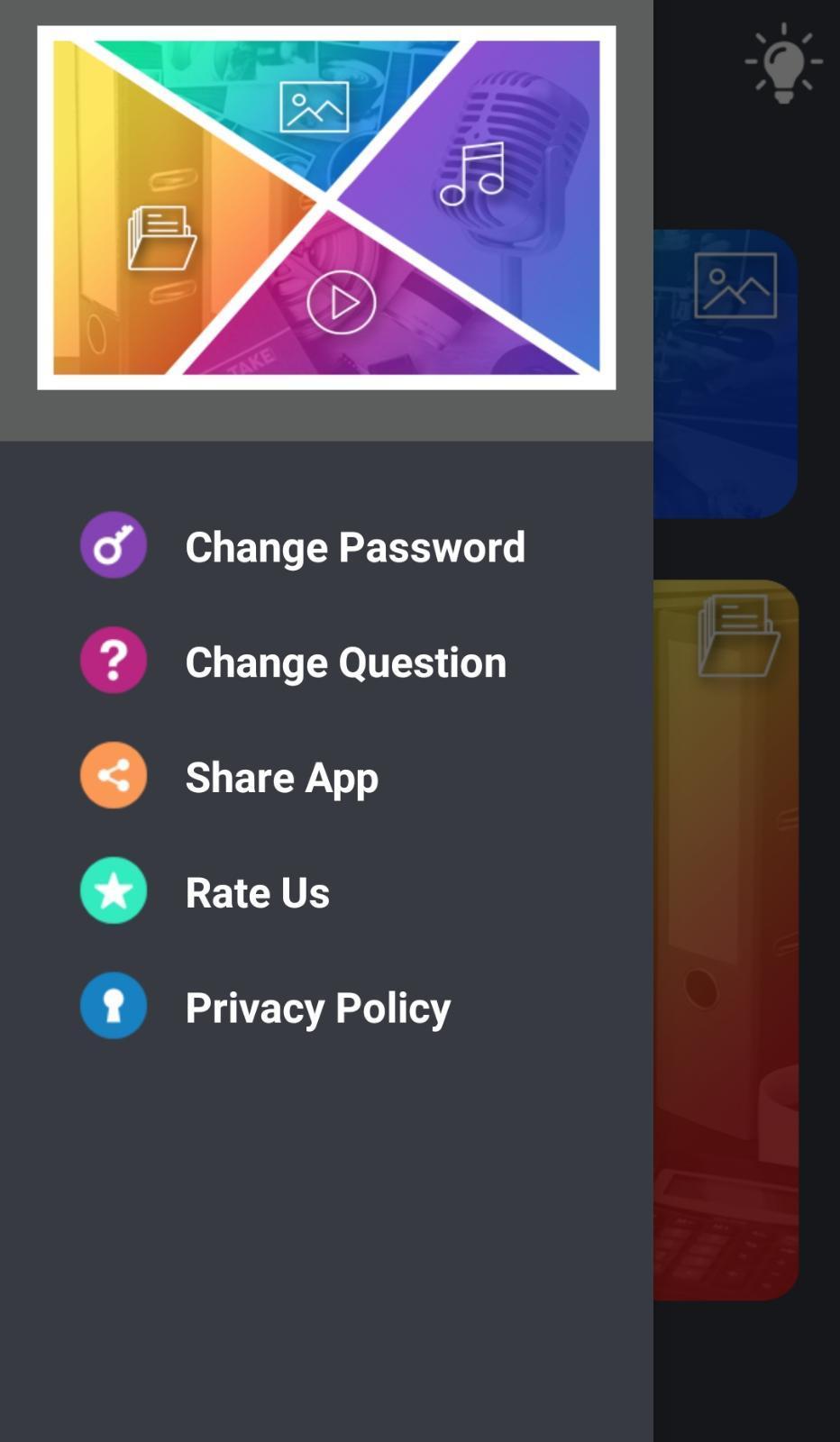
Please go to the app's "Settings > Safe > Lock Type" to change the unlock password.





9Apps 4.9














