
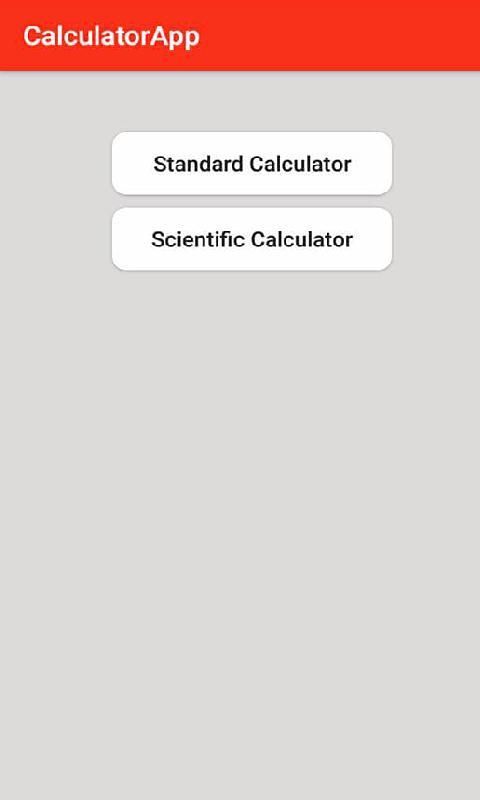
The No.1 store for free apps, games & videos. 20,000+ users downloaded Calculator latest version on 9Apps for free every week! And now, this app adds more functions. This hot app was released on 2017-11-29. 9Apps allows you to download more apps and updated daily!
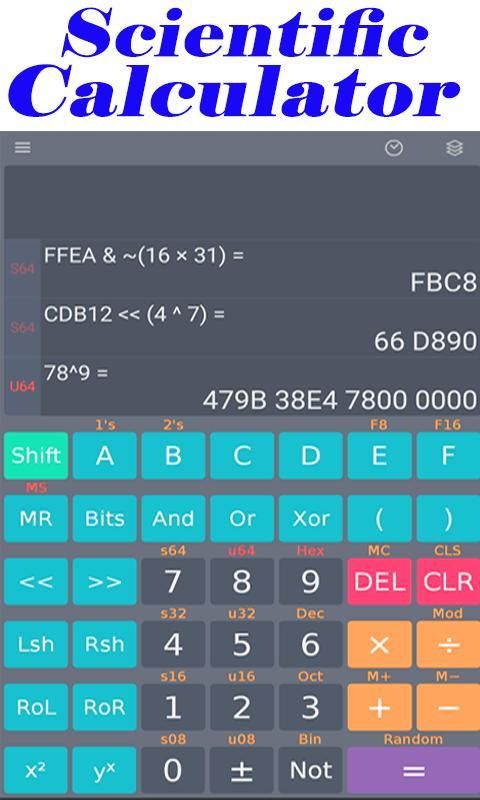
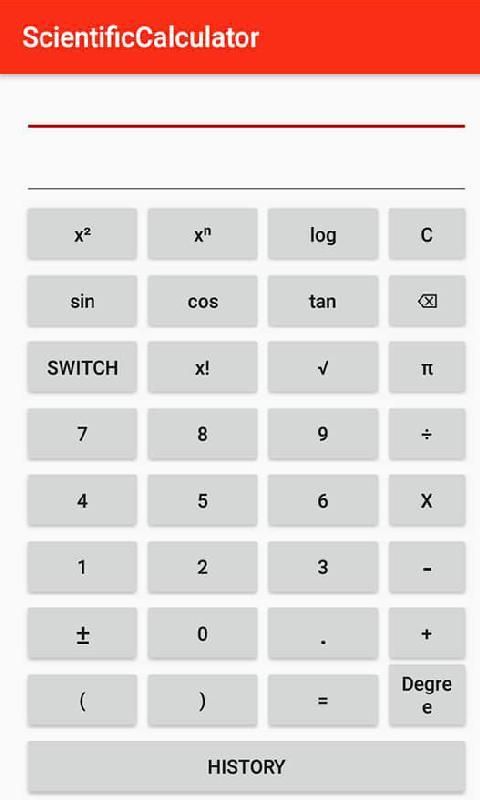
Scientific Calculator is the most popular calculator for Android.
The design of the computer is exactly like the real hand-held calculator.
It has all the standard scientific functions, including history, memory, unit conversion and constant.
It also supports binary, octal and hexadecimal calculations, and has an optional RPN mode.
Calculators are easy to use, but are included in the application for complete help.
The Professional Calculator Plus has many additional features, including scores, degrees / minutes / seconds, customizable conversions and higher internal precision.
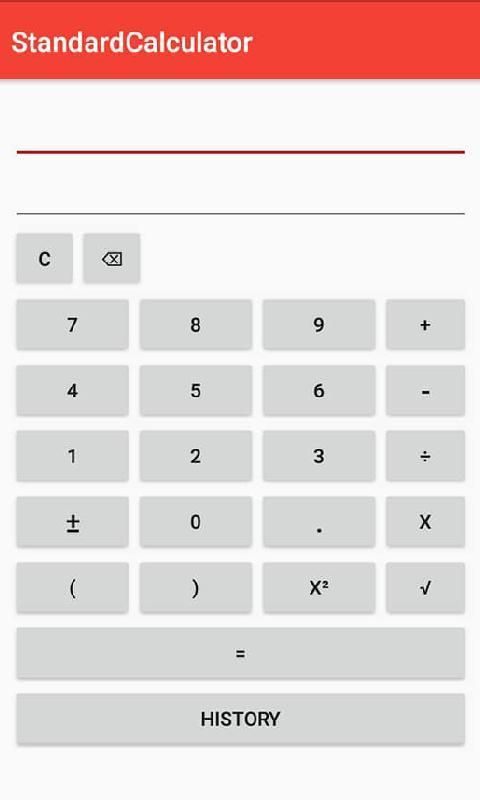
General calculator
• Supports four basic arithmetic operations, squares, formula brackets and simple engineering functions.
•fast and convenient.
• You can modify the formula during the input process.
• History is available.
Unit converter
• Support length, weight, width, volume, time, temperature, pressure, speed, fuel efficiency and data volume.
• Support for all unit conversions commonly used in daily life.
Discount calculator
• Get the discounted price by entering the original price and the discount rate.
Unit Price Calculator
• Enter the price and quantity you will get the unit price.
• You can compare the price of various items.
Sales tax calculator
• Get the total price by entering the original price and tax rate.
Loan Calculator
• You can calculate total interest and total payments by entering loan interest and interest rates.
Calculator Plus includes all of these features, plus:
* Score calculation and conversion to / from decimal.
* Degree / minute / second calculation and conversion.
* Landscape mode.
* Home screen widget (now supporting RPN).
* 12-bit display.
* Extended internal precision.
* User-defined unit conversions and constants.
* New RPN style (buffer entry, XYZT scroll stack).
The Scientific Calculator includes the following features:
* Traditional algebra or RPN operation.
* Unit conversion.
* Physical constant table.
* percentage.
* Result records.
* 10 memories.
* Binary, octal, and hexadecimal (enabled in "Settings").
* Trig is in degrees, radians, or gradients.
* Science, engineering and fixed-point display mode.
* 7 segments, dot matrix or standard font display.
* Configurable numeric grouping and decimal point.




9Apps 4.9













