
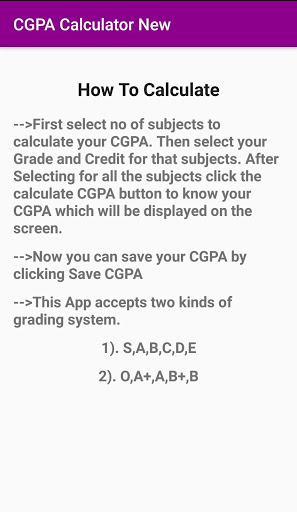
How to Calculate:
-->
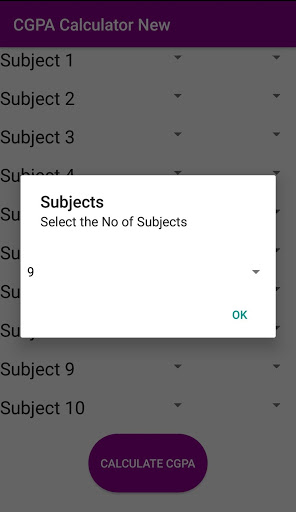
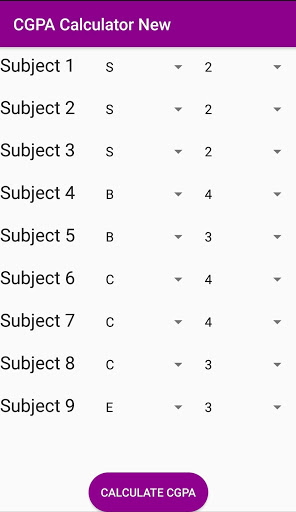
Select No of Subjects from drop down box and select grade and credit from drop down box after selecting all click calculate CGPA button to calculate CGPA.
-->
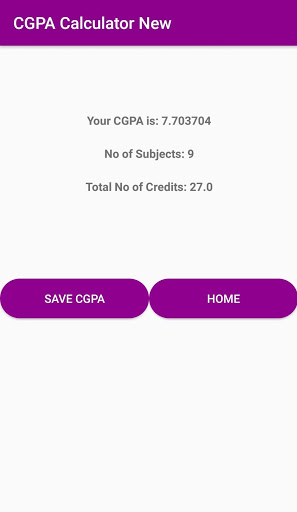
Then click the calculate CGPA button to know your CGPA which will be displayed on the screen.
You can save your CGPA
-->
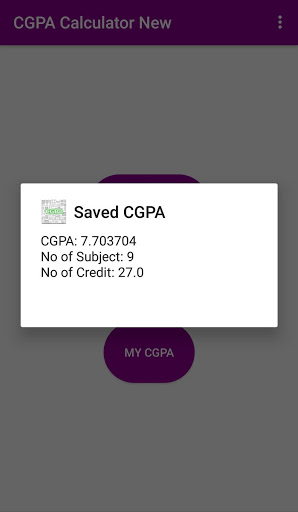
You can save your CGPA by clicking Save CGPA button.
-->
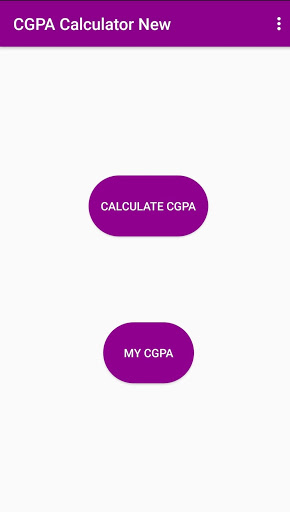
You can view your CGPA by clicking My CGPA button.
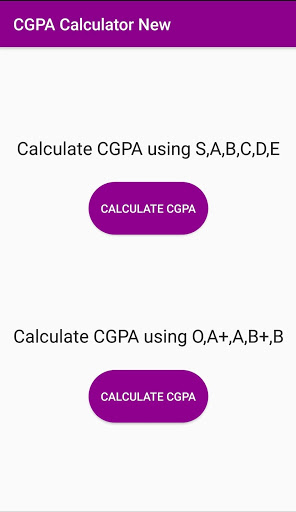
Accepts two types of Grades
This App accepts two kinds of grading system.
1).
S,A,B,C,D,E
2).
O,A ,A,B ,B
Like us on Facebook:
https://www.facebook.com/muthuselviapps/
Follow us on Twitter:
https://twitter.com/muthuselviapps
Follow us on Instagram:
https://www.instagram.com/muthuselviapps/
If you find any bug in my app send mail to:
muthuselviapps@gmail.com
Download , Rate it and Share with your friends.
Thanks for using our Application.


9Apps 4.9














