CFA Light icon

CFA Light

3.4 for Android
3.6 | 5,000+ Installs | Reviews

Chunfeng

Description of CFA Light

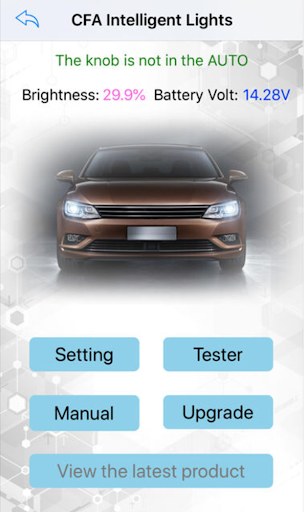
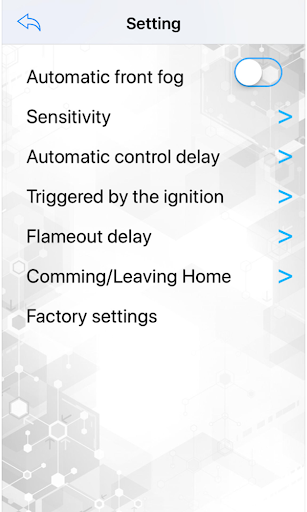
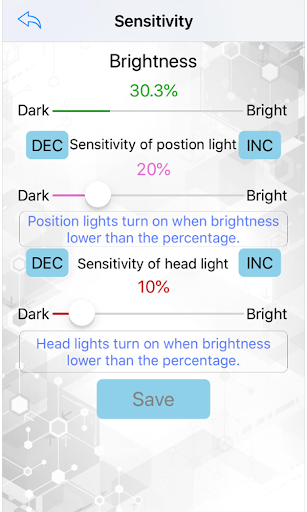
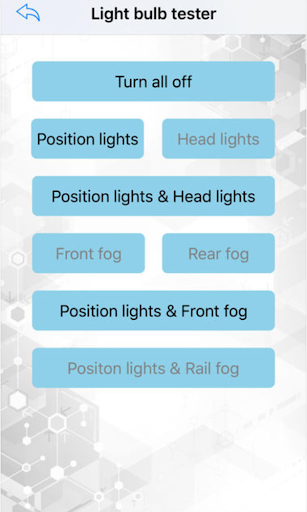
The app is the client of the intelligent light switch for Volkswagen / Skoda / Seat car models. it connect to the intelligent switch by Bluetooth. After connection, you can view the working state and set the parameters of the intelligent switch in app.

Information

  • Category:
    Auto & Vehicles
  • Latest Version:
    3.4
  • Updated:
    2018-09-30
  • File size:
    5.1MB
  • Requirements:
    Android 4.3 or later
  • Developer:
    Chunfeng
  • ID:
    chunfeng.andriod.ble.chunfengautoEN
  • Available on:
Reviews
  • avatar
    Doesn't work on android but ok with iphone. It needs to be fixed.
    2020-07-18 06:47
  • avatar
    Won't scan to connect to the headlight switch is there a update to get Android app to connect
    2019-10-23 08:27
  • avatar
    Scan does not work.
    2019-04-06 12:38
  • avatar
    scan will not work
    2019-03-25 01:00
  • avatar
    if You're having any issues with pairing with the switch, please DO FOLLOW below steps: 1. Make sure that the headlight switch is set to "OFF/0" position; 2. make sure, that your car ignition is in “OFF” position; 3. Turn the key to “ACC” position; 4. you will notice that the “AUTO” is Flashing, start your CFA Light APP and it will detect your switch. Tap "Connect" and customise settings as you wish. it worked for me.
    2019-03-04 03:45
  • avatar
    does not scan so it's useless. needs fixing
    2019-02-19 05:16