
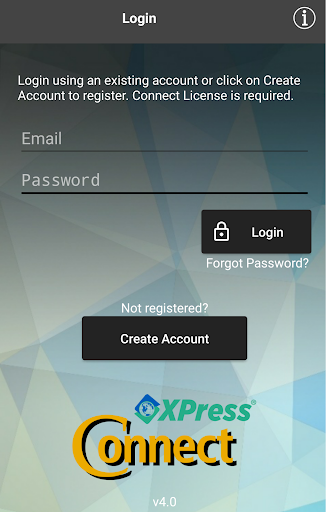
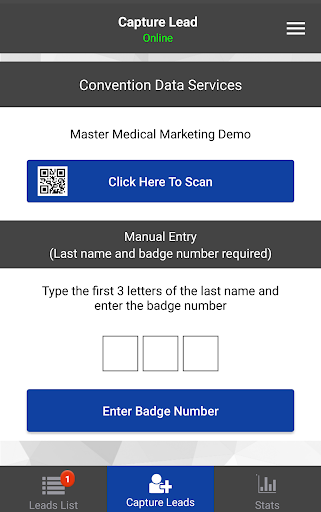
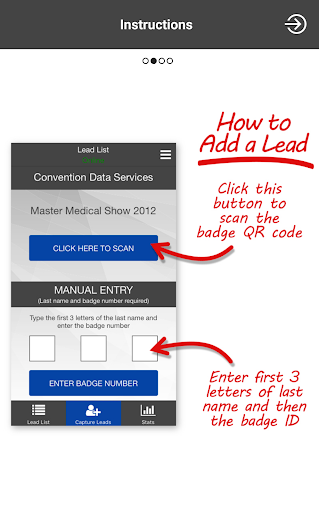
The CDS XPress Connect is a full-featured Android app that includes all of the standard features and functionality of traditional lead retrieval devices. Exhibitors can scan or type the badge ID to retrieve complete lead details in real-time. Add notes, answer qualifiers, conduct surveys, rate leads, schedule appointments and review all the leads captured at the event right on your device.
The XPress Connect is offered by the leader in event lead retrieval and registration—Convention Data Services.
Features:
- Scan or type leads to enter
- Complete lead contact details right on your device
- Add notes, answer qualifying questions and conduct surveys
- Send automatic email follow-ups
- Send text alerts to sales reps by territory
- Rate leads
- Schedule follow-up appointments
- Real-time connection to the event database
- Search and sort the complete leads list with access to details
- Review leads from previous events right on your phone
- Management website to download leads files and review additional lead details
- Offline mode with complete functionality for situations with no connectivity
- In-app purchases for custom qualifiers/surveys or additional licenses
- VIP emails and alerts
- Build email
templates online
There is a charge to activate the CDS XPress Connect for a tradeshow that offers the XPress Connect.
A separate activation license is required for each tradeshow at which the app is used.




9Apps 4.9















